

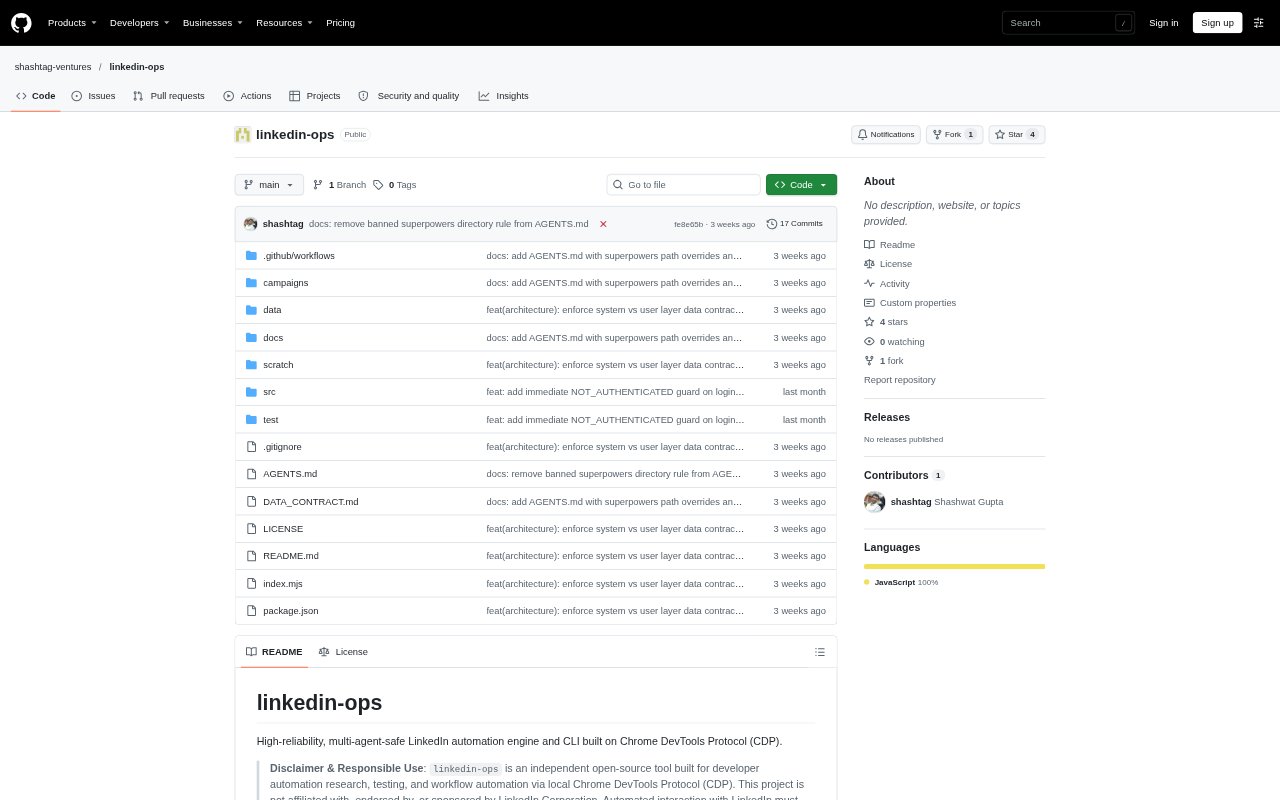
What is LinkedIn-ops?
LinkedIn-ops is an open-source command-line automation tool for LinkedIn, built to run through a local Chrome browser using the Chrome DevTools Protocol. It is aimed at developers automating research, testing, and repeatable LinkedIn workflows, including workflows run by multiple agents or processes. Commands cover connection invitations, direct messages, post comments, and company people searches; a programmatic library is also available for building these operations into scripts.
LinkedIn-ops Features:
Browser Setup: A setup wizard finds a Chrome installation, discovers existing browser profiles, saves the selected settings, and creates a launcher for starting Chrome.
Session Check: A doctor command checks the debugging connection, browser version, user agent, and whether the browser has an authenticated LinkedIn session.
Outreach Commands: The CLI can prepare connection invitations with personalized notes and send direct messages to first-degree connections.
Post Interaction: A comment command accepts a LinkedIn post URL and text, with sending controlled by an explicit command option.
People Search: Company people searches accept a company name, keywords, and a result limit, and can return results in JSON.
Operation Controls: A dry-run option can fill an invitation note without submitting it, while mutex locking serializes concurrent work and dedicated tabs are closed after operations.
LinkedIn-ops Benefits:
Less Repetition: Common LinkedIn tasks can be run from commands or scripts instead of being completed manually profile by profile.
Safer Testing: A dry run lets an operator check the invitation flow and note before choosing whether to submit the request.
Fewer Collisions: Locking and isolated tabs help concurrent agents or processes avoid competing for the same browser session.
Simpler Recovery: Automatic browser launch and profile-lock detection reduce the need to manually diagnose a missing or unsuitable Chrome session.
Cleaner Projects: Keeping campaign scripts and harvested datasets in gitignored locations helps prevent those working files from being committed with the project.
Use Cases:
Candidate Outreach: Prepare or send connection invitations with personalized notes to LinkedIn profiles as part of a recruiting workflow.
Connection Follow-Up: Send a direct message to a first-degree connection when continuing an existing conversation.
Post Engagement: Draft or submit a comment on a specific LinkedIn post from a command-line workflow.
Recruiter Search: Search people associated with a company using keywords such as recruiter, then set a result limit for the search.
Batch Invitations: Use the included campaign template as a starting point for connection outreach across multiple profiles.