

What is OpenProject Agent Engine?
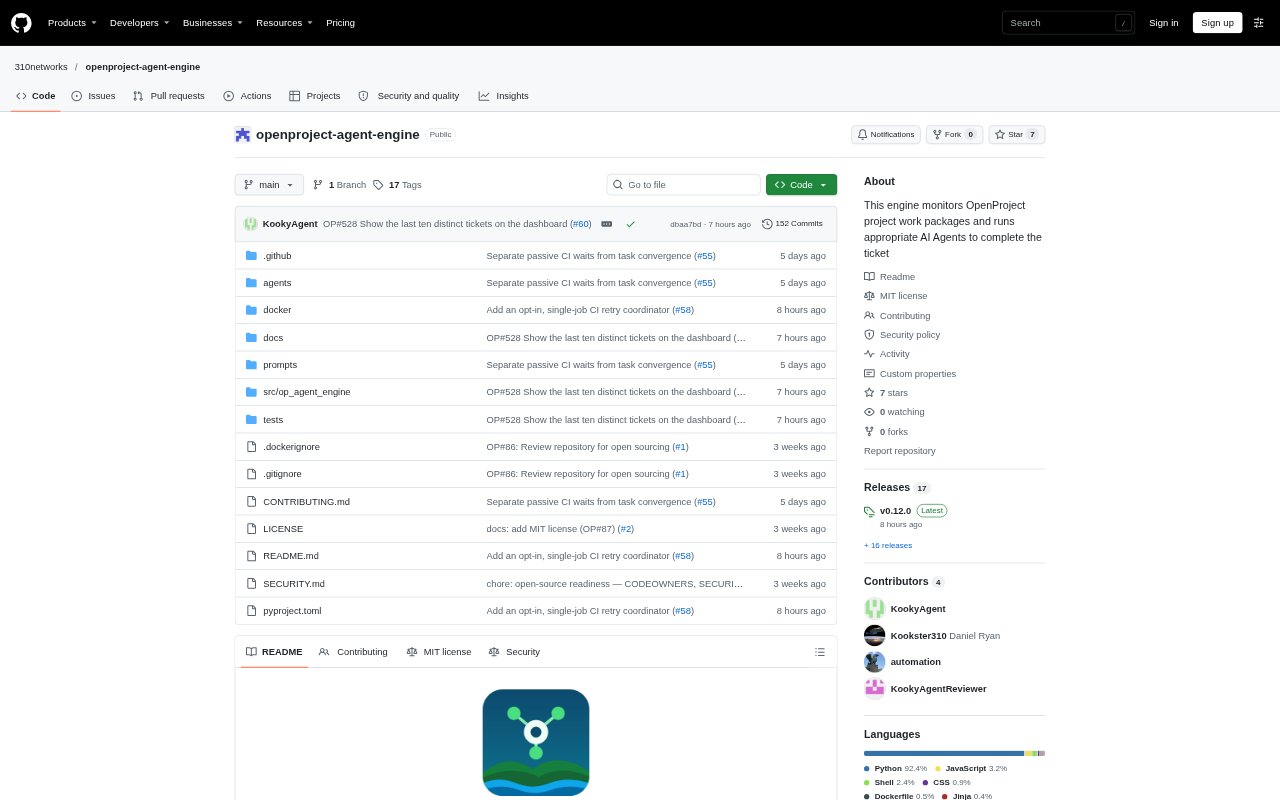
OpenProject Agent Engine connects OpenProject work packages to AI coding agents and GitHub or GitLab repositories. It claims eligible tickets, prepares a working copy, runs an agent to implement or review changes, and checks the result before updating the ticket. Teams configure project and agent details in OpenProject, then run the engine with Docker. It is aimed at teams that want software work to move from project tickets through code review and merge within a defined workflow.
OpenProject Agent Engine Features:
Work Package Polling: The engine polls configured OpenProject projects for eligible work packages and uses the AGENT field to select an implementer or reviewer.
Status Management: It claims tickets, applies workflow transitions, and adds comments, while keeping status changes under engine control rather than leaving them to agents.
Agent Roles: The bundled team includes frontend, backend, design, visual effects, audio, and code review roles, with model settings configurable per agent.
Repository Workflow: For GitHub or GitLab projects, the engine prepares a clone and branch, runs the agent, and manages pull or merge request review and merging.
CI Checkpoint Resume: When an agent reports that it is waiting for CI, the engine polls for check results and can resume the work after they settle.
Local Dashboard: A dashboard is served locally at port 8765, and the engine runs as a Docker stack.
OpenProject Agent Engine Benefits:
Less Manual Handoff: Connecting ticket selection, implementation, review, and status updates reduces the need for people to move each task between tools by hand.
Clearer Ownership: Keeping status transitions in the engine gives teams a consistent record of where work stands in OpenProject.
Reviewable Changes: Routing completed implementation work through a pull or merge request gives reviewers a focused place to inspect changes before they are merged.
Preserved CI Context: Resuming from settled checks lets work continue with its existing branch and checkpoint instead of treating a CI wait as a failed run.
Flexible Model Setup: Teams can choose different models for individual roles, including hosted providers or a local llama.cpp router, to fit their setup.
Use Cases:
Ticket Implementation: Assign a new OpenProject work package to a frontend, backend, design, visual effects, or audio agent and have it prepare a code change.
Dependency Blocking: Use the workflow when a ticket has unfinished blockers, so the engine can mark it blocked and reconsider it after those blockers close.
Pull Request Review: Move a ticket with an existing pull request into the review flow, where a reviewer agent checks it and the engine verifies the outcome.
Rejected Change Fixes: Send an eligible rejected ticket back through implementation so an agent can address review feedback and update the same task branch.
Long CI Runs: Use checkpoints for tasks whose pull request checks are still running, allowing the engine to wait for results before continuing.