

What is Shotstack Workflows?
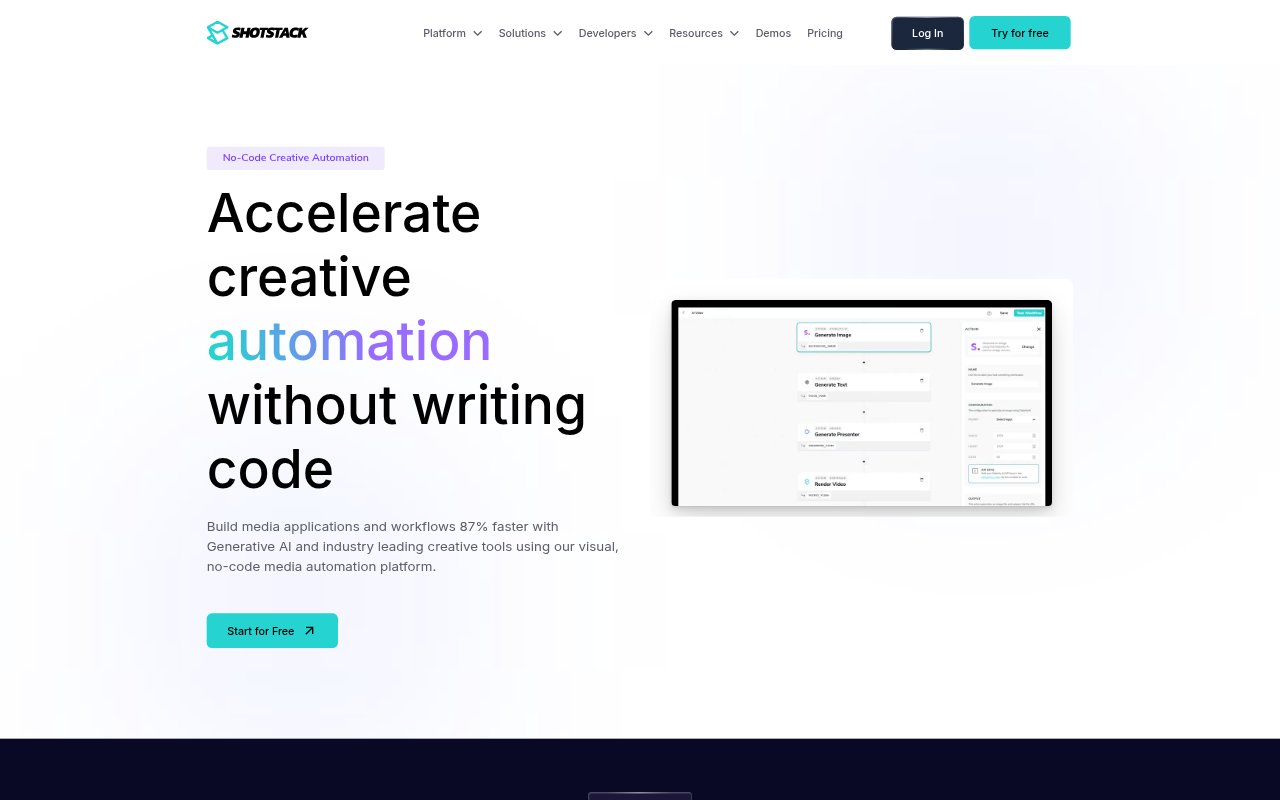
Shotstack Workflows is a visual, no-code platform for building media automation workflows and applications, with tools for video editing, media processing, and generative AI. It is aimed at marketers, developers, and operations teams that need to create media at scale without building every workflow from code. Workflows can combine generated or supplied assets, turn data into videos, and deliver finished files through cloud storage or hosting services.
Shotstack Workflows Features:
Visual Workflow Builder: Connect media processing and creative steps in a visual builder, from straightforward file conversions and watermarks to AI-assisted video editing.
Batch Processing: Use CSV files to trigger workflows in batches, applying a template and its data to produce videos for multiple records.
Webhook Triggers: Start workflows through webhooks, or connect them to hundreds of tools and platforms to fit them into existing processes.
AI Provider Connections: Combine providers including OpenAI, Stability AI, HeyGen, ElevenLabs, and D-ID without installing SDKs or writing code.
Built-In Generation: Generate text-to-image assets, text-to-speech audio, and GPT-4 text within the platform without signing up for separate services.
Media Delivery: Send generated assets to AWS, Google Cloud, Mux, or Shotstack's CDN for hosting and distribution.
Shotstack Workflows Benefits:
Less Integration Work: A visual workflow can reduce the engineering effort involved in connecting media APIs and generative AI services for a creative task.
Repeatable Production: Reusable templates and data-driven batches make it practical to produce consistent videos for many products, listings, or customers.
Faster Experimentation: Teams can try combinations of media processing and AI generation without first building and maintaining custom API connections.
Room to Scale: Batch and webhook triggers support production that grows from a one-off workflow to recurring media output across large datasets.
Simpler Distribution: Sending completed files to supported hosting and storage services helps teams move generated media into their delivery process.
Use Cases:
Real Estate Listings: Create a video for each property listing by combining listing details and supplied images with a reusable video template.
Social Highlights: Automate highlight reels from longer sports footage for teams that need short-form content for social media.
Personalized Campaigns: Generate customer-specific campaign videos by filling template merge fields with individual data from a batch file.
New Article Videos: Set up a recurring workflow to turn newly published articles into videos using supplied content and generated media.
Automated Product Media: Build a workflow that creates promotional videos for products or offers as new records enter a marketing dataset.