

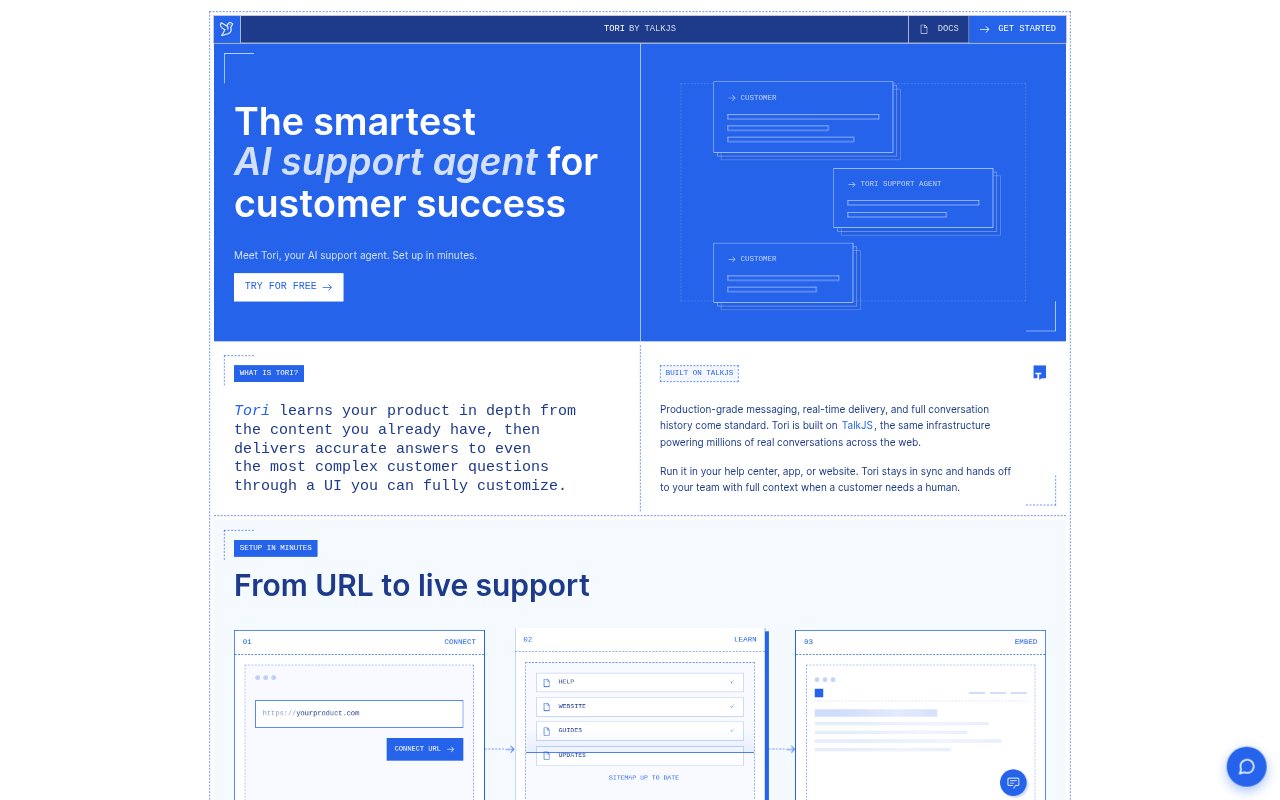
What is Tori?
Tori is an AI support agent for customer success teams, answering customer questions using help documentation, product pages, and other company knowledge. Teams can connect existing content, customize the chat experience, and place it in a help center, app, or website. When a question needs human attention, Tori hands the conversation to a support agent with its context intact.
Tori Features:
Product Content Learning: Connect a help center, documentation, product site, or other company content so Tori can use it as grounded knowledge in customer conversations.
Sourced Answers: Tori responds to customer questions with clear answers and sources, drawing on product context to address both simple and complex queries.
Tone And Rules: Set guidance, rules, and a preferred tone so Tori's responses follow the way your team communicates with customers.
Uncertainty Escalation: Tori flags uncertainty rather than filling gaps, and can bring in a human agent when its confidence is low or it lacks an answer.
Customizable Chat: Use a ready-made chat interface, customize its appearance and behavior, or connect Tori through an API for a tailored support experience.
Contextual Handoff: When a conversation moves to a human agent, Tori passes along the customer conversation and its sources so the agent can continue.
Security Controls: Tori includes data controls and encrypted conversations, and runs on TalkJS infrastructure that is ISO 27001 certified.
Tori Benefits:
Faster Customer Help: Customers can get answers in the moment instead of waiting in a support queue, including outside the hours when your team is available.
Less Repeated Work: Handling questions from existing support content can reduce the need for team members to repeatedly explain product information to customers.
Smoother Escalations: Passing conversation details to an agent helps customers continue from where they left off rather than restating their issue.
More Consistent Replies: Shared knowledge and team-defined guidance help keep customer answers aligned with your product information and support approach.
Control Over Experience: Customizable chat and response behavior let teams fit the support experience to their product rather than adopt a fixed interface.
Use Cases:
Help Center Support: Add Tori to a help center so customers can ask questions about documentation and receive answers drawn from the available support content.
In-App Assistance: Place the chat experience inside a product app to help customers find product guidance while they are using the software.
Website Questions: Use Tori on a company website to respond to visitors asking about product information covered by the connected pages.
Complex Product Queries: Give customers a place to ask detailed product questions that require context from several help documents or company knowledge sources.
Human Support Handoffs: Route a conversation to the support team when Tori is uncertain or a customer needs personal help, with context available to the agent.