

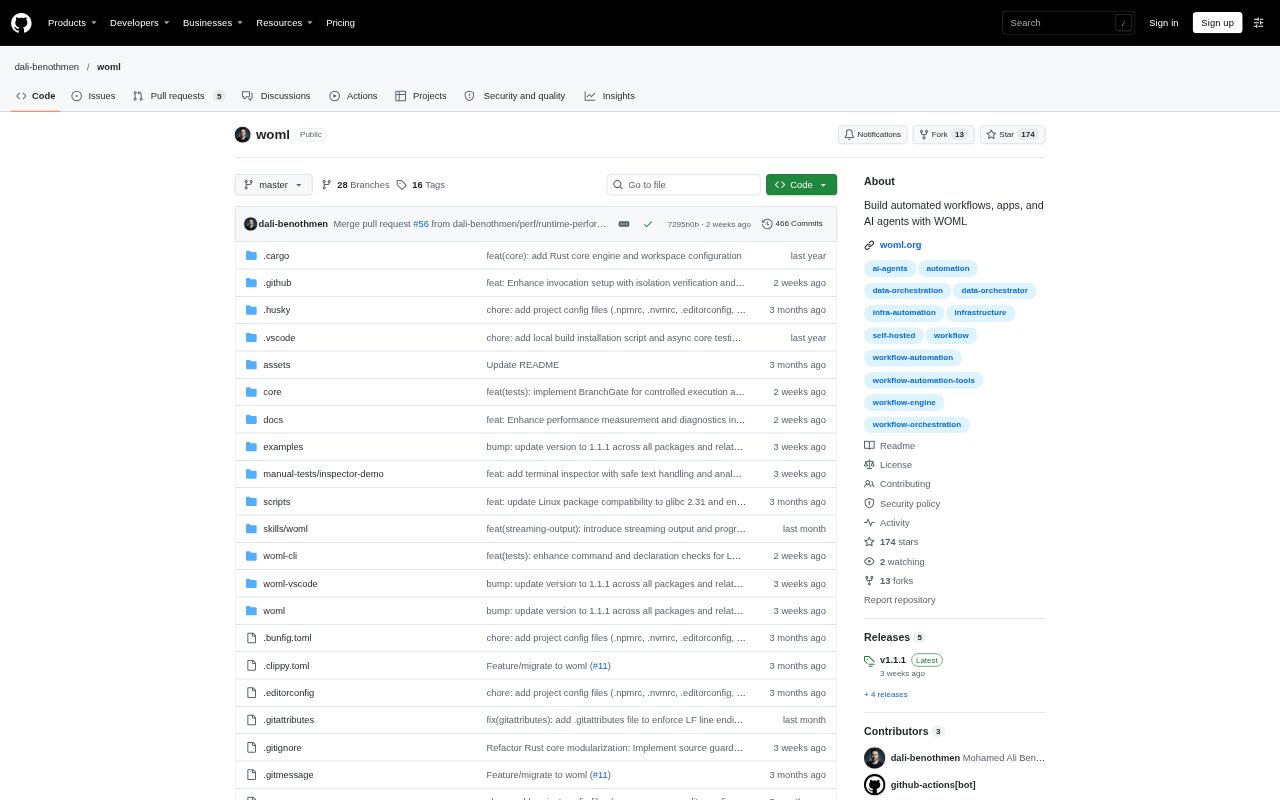
What is WOML?
WOML is an open-source, code-first language and runtime for building automated workflows, backend applications, and AI agents. Teams describe process structure in readable, HTML-inspired markup, add JavaScript or imported JavaScript and TypeScript modules for custom logic, and connect APIs, services, databases, local tools, and infrastructure. Workflows can run on a developer machine or infrastructure the team manages, with source files kept in the project repository. WOML is aimed at people comfortable building with code who want to orchestrate operational processes.
WOML Features:
Readable Workflow Definition: A .woml file expresses triggers, steps, branches, loops, parallel work, approvals, and policies in markup, with JavaScript for application-specific behavior.
Workflow Triggers: Start processes from schedules, webhooks, or events, then run steps in sequence or parallel with conditions, retries, and human approval points.
Durable Execution: The runtime records state, attempts, waits, results, and failures, and provides recovery, cancellation, logs, backups, and execution history.
Workflow Composition: Split large processes into reusable workflows that can be called synchronously, started as background jobs, or connected through published events.
API And Local Integrations: Use APIs, databases, approved local tools, and imported JavaScript or TypeScript modules instead of relying on a preset connector catalog.
Operational Controls: Set concurrency and rate limits, timeouts, authenticated webhook inputs, externalized secrets, and redacted run inspection for execution management.
WOML Benefits:
Code Reviewability: Keeping process logic visible in source makes it easier for developers to inspect changes, review them in Git, and move work through pull requests and CI.
Infrastructure Ownership: Running locally or on infrastructure the team manages gives developers control over where workflow code and its execution reside.
Failure Investigation: Execution records help operators identify where a run stopped and understand its prior attempts, decisions, and results.
Human Oversight: Explicit approval steps and code-defined boundaries help teams retain human judgment around sensitive or uncertain work.
Use Cases:
Order Processing: Receive order webhooks, check inventory and risk in parallel, then accept orders that meet the criteria or route them for review.
Payment Fulfillment: Handle a confirmed payment by updating records, starting fulfillment, and notifying other workflows, with paths for failed or duplicate events.
AI Data Triage: Classify and summarize incoming records with an LLM, validate the output in JavaScript, store accepted items, and send uncertain results for review.
Infrastructure Response: Coordinate monitoring responses or deployment checks, combine AI suggestions with code-enforced rules, and pause for human approval before infrastructure changes.