

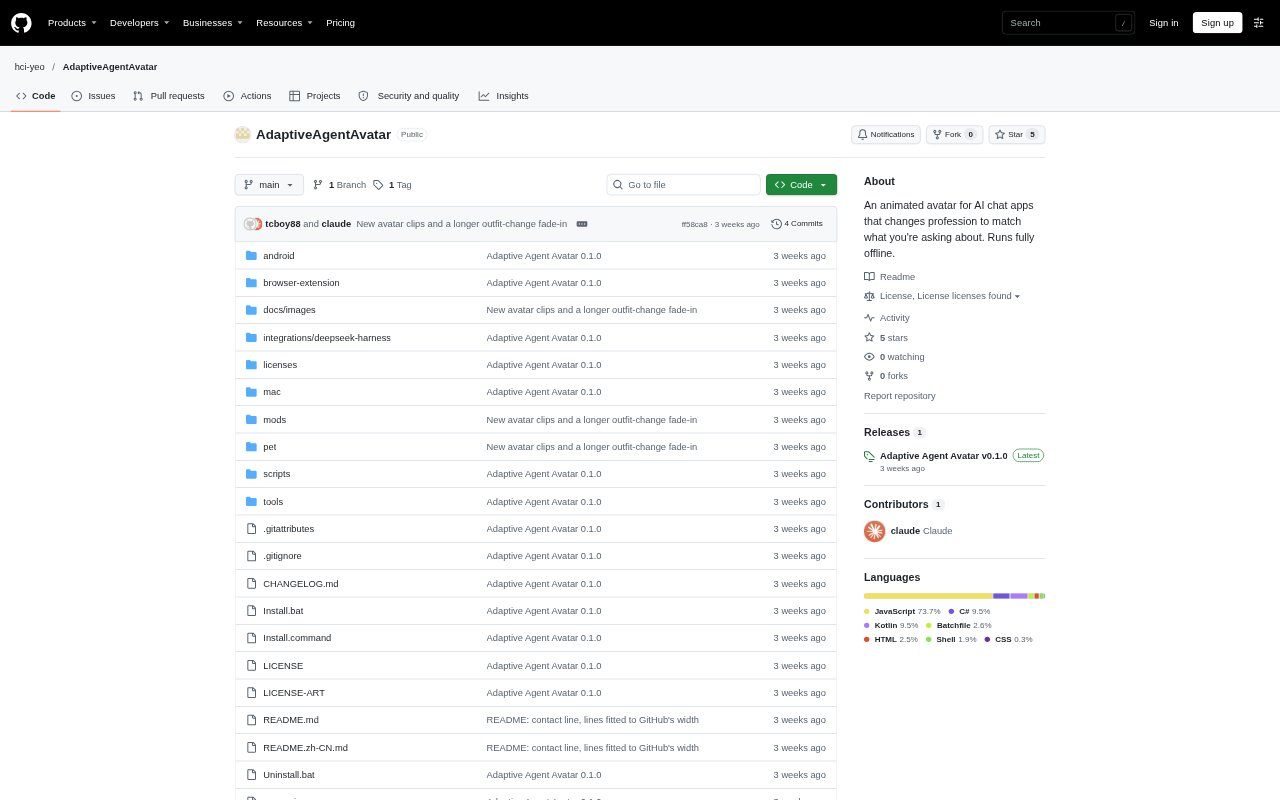
What is AdaptiveAgentAvatar?
Adaptive Agent Avatar adds an animated, profession-changing character to existing AI chat apps. It detects the topic of a question and changes the avatar to fit, so a cooking question can bring in a chef while a health question brings in a doctor. It is for people who want a more visual chat experience, rather than a replacement for the AI chat service itself. It runs on Windows, with experimental macOS and Android versions, and a Chrome or Edge extension.
AdaptiveAgentAvatar Features:
Topic Matching: The avatar switches among 16 topic roles, including coding, food, health, writing, business, fitness, music, games and gardening.
Follow-Up Recognition: It keeps the current role for follow-up questions, while new chats and small talk use the everyday look.
Avatar Styles: Choose different people for each topic, one person who changes outfits, or Whale Girl in the same set of outfits.
Chat Reactions: The avatar shows distinct animations while the AI is thinking, writing and finished, with bubbles that adapt to light or dark themes.
Offline Topic Detection: A small model identifies question topics on the user's processor, and questions are not saved or sent elsewhere.
App Coverage: It supports eight Windows desktop AI apps and works with listed chat sites in Chrome or Edge, with an option to add other sites.
Desktop Floating: Outside the browser version, the avatar can leave the app window and float on the desktop while continuing to change roles and react.
AdaptiveAgentAvatar Benefits:
Clearer Context: A role that reflects the subject gives the conversation a visual cue about the kind of help being discussed.
Consistent Identity: The changing-outfit style keeps one recognizable character across topics, avoiding the need to switch to a different assistant for each subject.
Private Processing: Local topic detection and unsaved questions let users add the avatar without sending their prompts to another service.
Natural Topic Shifts: Automatic role changes let people move from one subject to another without manually selecting an expert each time.
More Expressive Chats: Visual reactions give users feedback about the AI's progress without relying only on the text in the conversation.
Use Cases:
Everyday AI Chat: Use the avatar in a supported chat app when conversations move between recipes, health questions, travel planning and other topics.
Coding Sessions: Keep a programming-themed character alongside an AI chat used for coding questions, then let it change when the subject shifts.
Creative Work: Add a visual companion to AI sessions about writing or art, with the avatar reflecting the topic of each exchange.
Browser-Based Chat: Use the Chrome or Edge extension with supported chat sites, or add another AI chat site through the extension.
Desktop Multitasking: Float the character outside a desktop chat window when moving between the AI conversation and other work on the computer.