
What is D-ID?
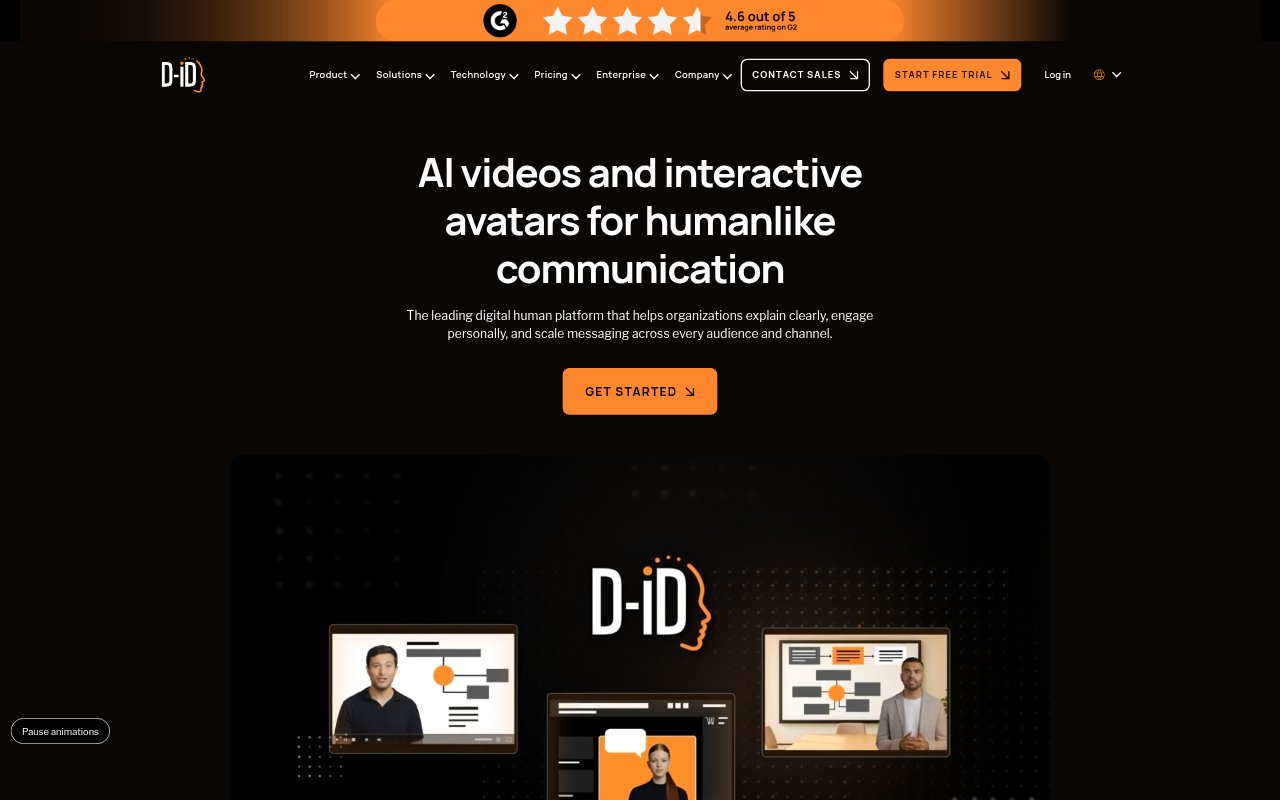
D-ID is a platform for creating AI avatar videos and interactive visual agents. Teams can turn scripts, briefs, presentations, or documents into presenter-led videos, then customize the avatar, voice, and presentation style. The platform also supports real-time conversational agents that can respond to users and carry out tasks. It is aimed at organizations, creators, and developers who need to produce or deploy human-presented communication across multiple languages and digital channels.
D-ID Features:
Scripted Avatar Videos: Create presenter-led videos from scripts, briefs, decks, or documents, using AI avatars without arranging a camera shoot or traditional video production.
Avatar Selection: Choose a ready-made presenter or create a reusable personal avatar from an image or a short video recording.
Voice Options: Give an avatar text-to-speech, recorded audio, or an AI-cloned voice, with options for maintaining a speaker identity across languages.
Video Localization: Translate existing videos into multiple languages while preserving the speaker’s voice and visual identity through voice cloning and lip-sync.
Interactive Agents: Build embeddable, multilingual visual agents that converse with users in real time, answer questions, personalize interactions, and trigger workflows.
Workflow Integrations: Use D-ID through its API or integrations with tools such as Canva, PowerPoint, and learning platforms to create or deploy avatar content.
D-ID Benefits:
Faster Production: Teams can prepare presenter-led material without coordinating cameras, actors, or the usual recording and production process.
Consistent Messaging: Reusable avatars and voices help keep a recognizable presenter and communication style across campaigns, teams, and markets.
Broader Reach: Localized versions let organizations adapt video communication for audiences who speak different languages without recording each version anew.
Lower Production Costs: Replacing conventional video shoots with generated avatar content can reduce the expense of producing repeat or high-volume communications.
More Responsive Support: Conversational agents can provide personalized, on-demand responses, including outside the hours when a staff member is available.
Use Cases:
Training Lessons: Create avatar-led lessons for employee training or online courses, and prepare localized versions for learners in different markets.
Product Presentations: Add a virtual presenter to a PowerPoint or Canva presentation to explain a product or deliver a sales message.
Marketing Campaigns: Produce personalized presenter videos for different audiences or languages without arranging a separate recording for every version.
Customer Service: Deploy a conversational avatar on a digital touchpoint to answer customer questions and provide personalized support in multiple languages.
Interactive Learning: Set up a custom-trained agent as an on-demand tutor that can engage learners using an organization’s knowledge base.