
What is Smalt?
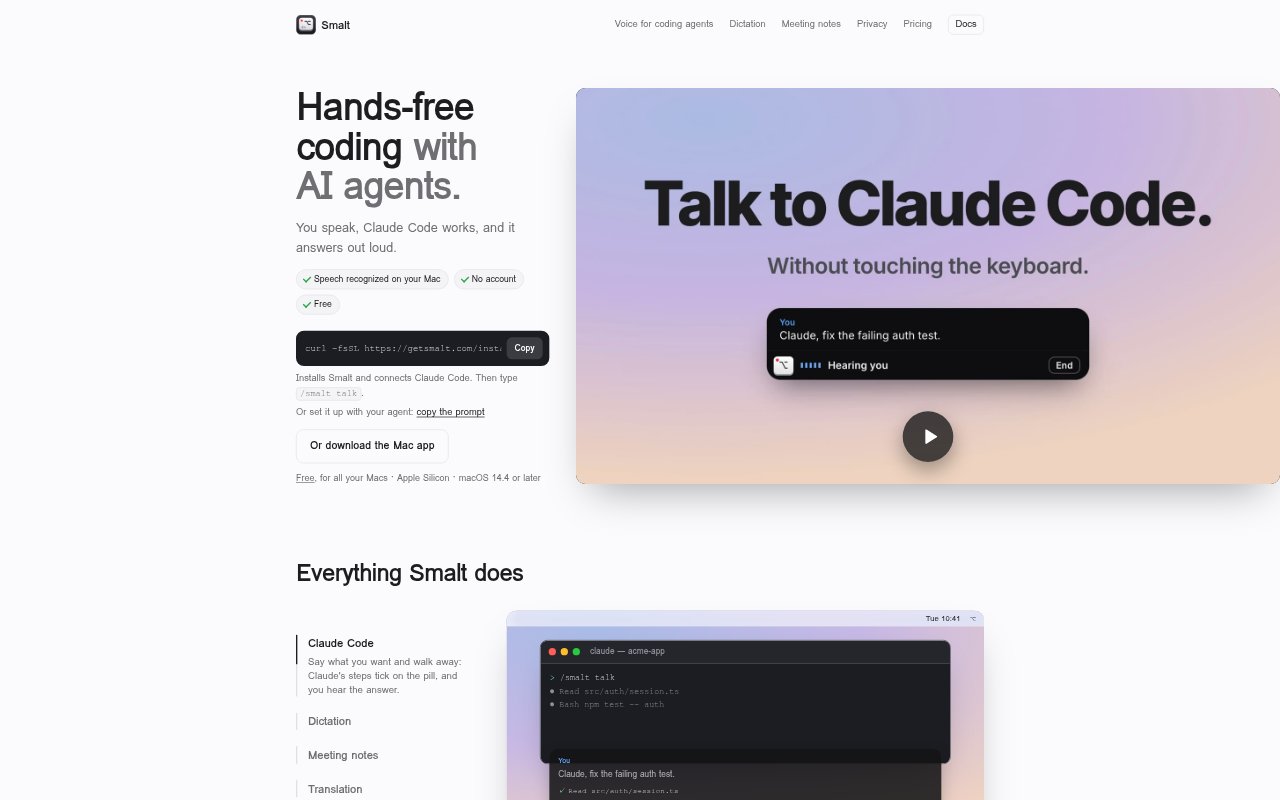
Smalt is a voice assistant for developers who use AI agents on an Apple Silicon Mac running macOS 14.4 or later. It lets users speak to Claude Code and hear its responses, dictate into apps, capture meeting notes, translate live conversations, and surface answers from personal files during calls. Speech recognition, dictation, and meeting notes run locally, and no account is required. The free Hobby plan supports one Claude Code session at a time; Pro adds several simultaneous sessions and live call answers.
Smalt Features:
Voice Coding: Speak to Claude Code, follow its progress on Smalt’s pill, hear its answer aloud, and interrupt by speaking over it.
App Dictation: Dictate into apps including Mail, Slack, Notion, and code editors, with the clipboard restored after each paste.
Meeting Notes: Transcribe participants live and save a Markdown summary with decisions and action items to your Mac.
On-Device Speech: Transcribe speech on the Mac’s Neural Engine without saving or uploading audio; dictation and meeting notes can work offline after setup.
Live Translation: Show translations beneath spoken lines, or display what you say in the other person’s language for a two-language call.
Call Answers: Show answers to questions asked on calls beneath the relevant question, using information from selected files.
Smalt Benefits:
Work Away: Keep a coding task moving when your hands are away from the keyboard, while still hearing what the agent has done.
Faster Capture: Get spoken notes and messages into the apps you already use without switching to a separate transcription or dictation workflow.
Clear Follow-Up: Leave a meeting with its decisions and action items captured in a local document, reducing the need to reconstruct them later.
More Private Speech: Keep audio and most transcription activity on your Mac rather than sending recordings to a Smalt server.
Easier Conversation: Follow speech across language differences and consult information from your own files without pausing a call to search manually.
Use Cases:
Hands-Free Coding: Ask Claude Code to inspect or edit a project while you step away from the keyboard, then listen to its response.
Writing in Apps: Dictate an email, Slack message, Notion page, or code-editor text directly into the app where it belongs.
Call Documentation: Capture a Zoom, Google Meet, Teams, FaceTime, or Slack call as live notes and a summary with decisions and action items.
Bilingual Calls: Use live translations to follow what another participant says and prepare your own replies in their language.
File-Based Answers: During a call, find an answer to a question using material in the folders you have selected for Smalt.