

What is buzon?
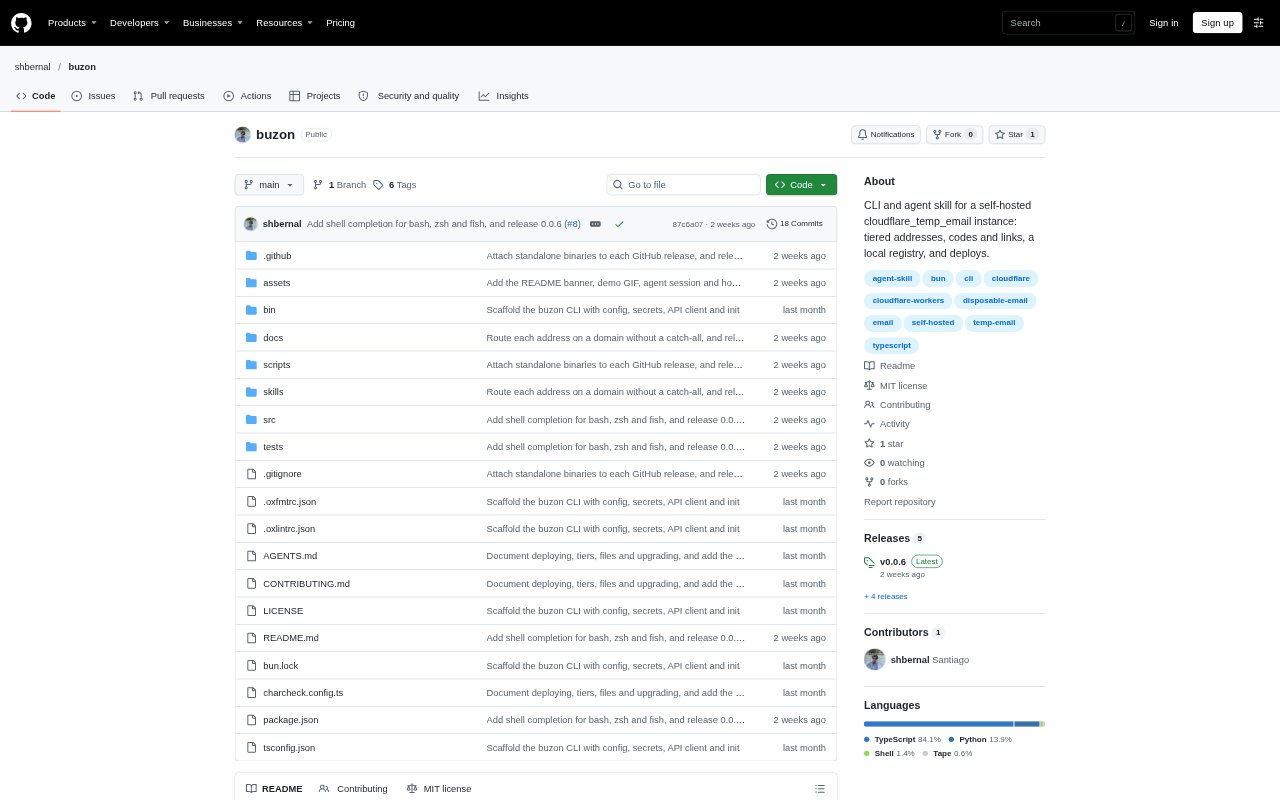
buzon is a command-line tool for managing email addresses on a self-hosted cloudflare_temp_email instance, which runs on Cloudflare Workers with D1. It creates addresses on your domain, retrieves verification codes or magic links, and keeps a local record of addresses, sites, and notes. The tool is for people who want disposable or persistent addresses for sign-ups, including developers and AI agents that can use its commands and agent skill.
buzon Features:
Tiered Address Creation: Create one-time ste addresses, mte addresses that last a few weeks, or lte addresses for ongoing accounts, with optional site and note details.
Verification Retrieval: Wait for new mail and print a verification code, a magic link, or message text, with options to filter by message age.
Local Address Registry: Keep a local record of addresses and their associated sites and notes, then list or filter entries by tier or site.
Message Reading: Read the latest message for an address, retrieve all messages, or select a specific message by its ID.
Address Controls: Create custom-named addresses, update notes, delete addresses, or adopt an address that was created elsewhere.
Instance Management: Initialize and deploy an instance, push secrets, upgrade releases, and export the database through CLI commands.
buzon Benefits:
Fewer Forgotten Addresses: Site and note records make it easier to identify which address belongs to an account when you need it again.
Cleaner Address Use: Short-lived tiers expire automatically, helping keep temporary sign-up addresses from becoming a permanent collection.
Scriptable Verification: Printing only a code or link gives scripts and agents a direct result to use without parsing a full message.
More Control: Using an instance on your own domain avoids relying on public temporary-mail inboxes that may be blocked or readable by others.
Repeatable Setup: A command-based deployment and upgrade workflow keeps installation and maintenance steps available from the same CLI.
Use Cases:
One-Time Sign-Ups: Create a ste address for a service registration, retrieve its verification code, and remove the address after use.
Trial Account Setup: Give an agent an mte address for a trial registration and have it wait for the confirmation code or link.
Ongoing Accounts: Create an lte address for a service you expect to revisit and attach a site name and note for later reference.
Automated Workflows: Use command output in a shell script or agent workflow that needs a verification code or magic link.
Address Housekeeping: Review registry entries by site or tier, update their notes, and delete addresses that are no longer needed.