

What is Ungate?
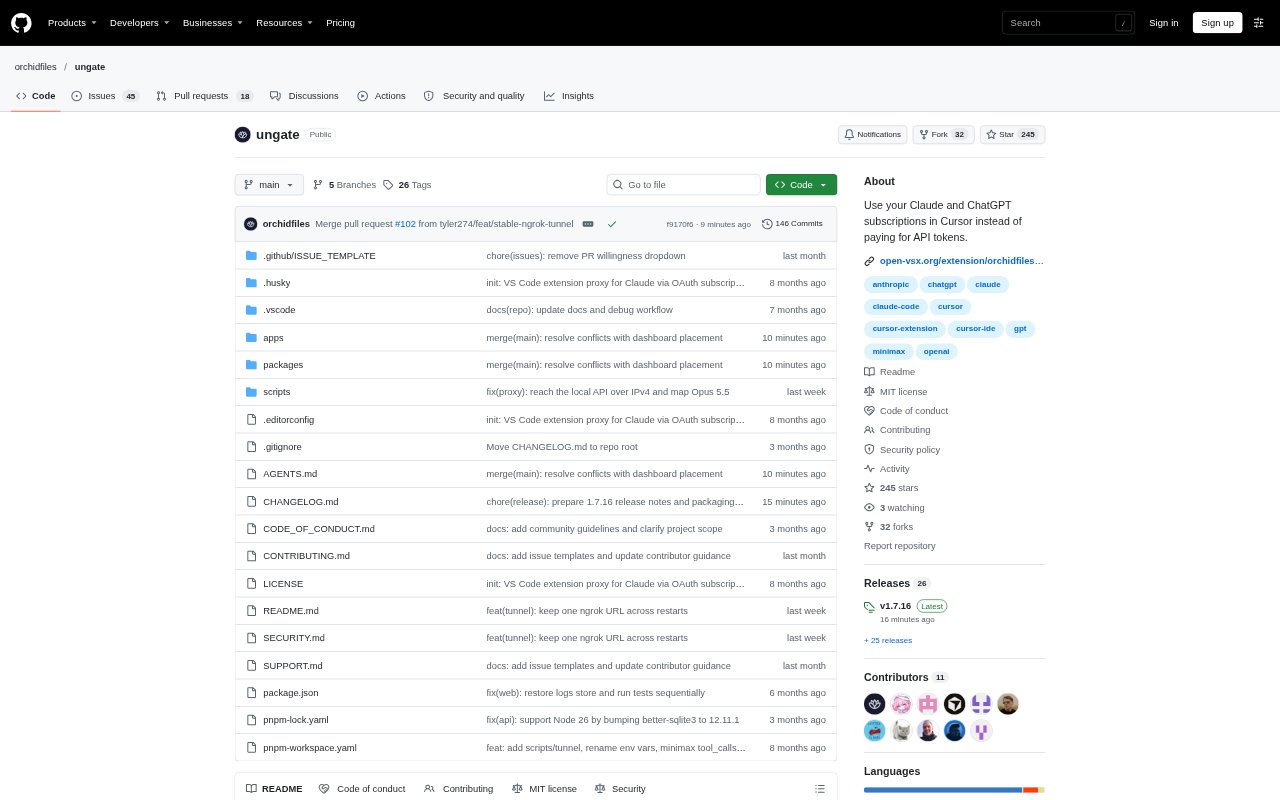
Ungate is an open-source Cursor extension for using Claude and ChatGPT subscriptions in Cursor’s native chat, with MiniMax also supported through an API key. It routes requests through a local proxy and a tunnel, so Cursor can reach the models while you work with Cursor’s context, tools, model picker, and diff review. You need Cursor Pro with custom OpenAI provider settings enabled and a compatible Node.js version. Ungate is unofficial, and using subscriptions through a third-party client may conflict with provider terms.
Ungate Features:
Provider Sign-In: Connect Claude and ChatGPT through browser-based OAuth, or configure MiniMax with an API key and a regional or custom endpoint.
Local Proxy Tunnel: A local proxy translates requests between Cursor’s OpenAI-compatible format and supported provider formats, while a Cloudflare tunnel gives Cursor’s backend a public endpoint.
Custom Model IDs: Choose model IDs in Ungate’s settings, add them to Cursor as custom models, and select them in the chat model picker.
Same Chat Switching: Switch between connected provider models in one Cursor conversation, or turn proxying off to use Cursor’s built-in models.
Tools and Images: The proxy supports streamed responses and tool calls across the listed providers, and passes images where the provider supports them; ChatGPT image requests are not supported.
Dashboard and Logs: A dashboard manages providers, models, the tunnel, and the proxy key, with request analytics and separate API and tunnel logs.
Ungate Benefits:
Avoid Extra API Billing: Use eligible provider subscriptions for requests instead of paying separately for API tokens, while remaining subject to each provider’s limits.
Keep Cursor Context: Work within Cursor’s existing context and history rather than moving prompts and project details into a separate provider panel.
Compare Provider Replies: Get another model’s perspective within the same conversation, making it easier to review a draft without transferring it between chats.
Stay in One Workflow: Keep model-assisted work and Cursor’s own tools and change review together in the editor instead of coordinating separate agent interfaces.
Inspect Proxy Activity: Use request records and logs to check whether traffic reached Ungate and to investigate proxy or tunnel problems.
Use Cases:
Draft and Review: Ask one model to draft a solution, then switch to another in the same chat to review the approach before implementing it.
Cursor-Based Coding: Use a Claude or ChatGPT subscription while working with project context, Cursor tools, and diff review in the native chat.
Model Comparison: Try different connected model IDs on a coding question without moving the conversation into separate provider extensions.
Built-In Model Work: Turn proxying off to use a Cursor built-in model such as Composer, then turn it back on to resume with a connected provider.
Proxy Troubleshooting: Check request analytics and API or tunnel logs when a custom model does not appear to be routing through Ungate.