

What is Aris?
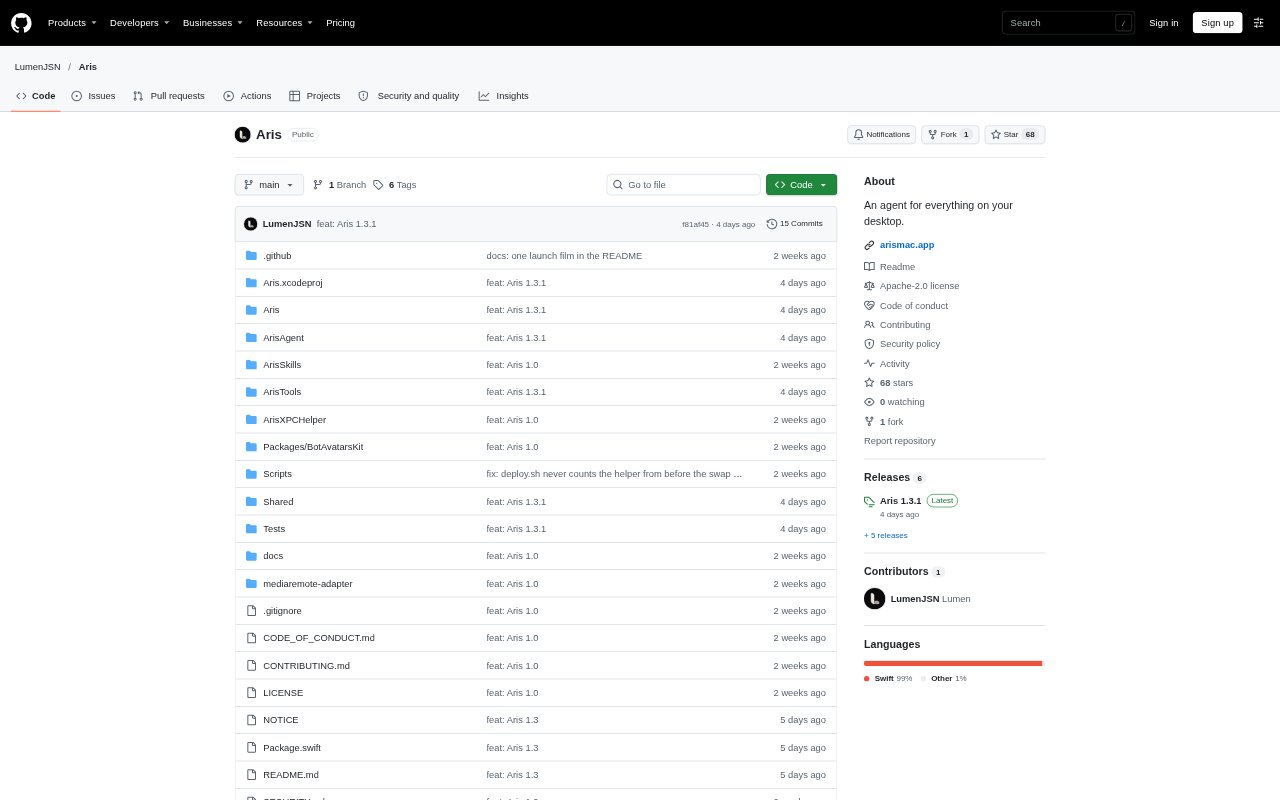
Aris is a desktop AI agent for people who want to talk to or type requests on their Mac and have an assistant work in their apps. It runs on Apple silicon Macs with macOS 14 or later and uses an AI service you choose, including a local model. You can ask it about your screen, dictate text, or hand longer jobs to background teammates. Aris is free and open source, but it is not notarized, so macOS requires an extra step to open it the first time.
Aris Features:
Voice and Text: Hold Option-Space to speak or type a request, then view answers and confirmation cards in the Mac’s notch.
Screen Questions: Ask about what is visible on screen, circle an area to point it out, or choose a window for Aris to inspect.
App Actions: Aris can read and operate apps on the Mac, including Messages, Mail, Notes, Calendar, Reminders, Finder, and other apps through its computer-use engine.
Background Teammates: Hand off longer tasks to background workers, including Claude Code in a terminal, and receive a report when the work is done.
Mac Dictation: Hold the right Option key to dictate into a text field in any app, with a learned dictionary and optional writing-style polishing.
AI Choices: Choose Claude Code, Codex, Antigravity, an API key, or a local model, and select a different AI for an individual request.
Aris Benefits:
Fewer App Switches: Getting answers and taking actions from the notch can keep quick requests from interrupting the work already open on your Mac.
Safer Actions: Reviewing a card before Aris sends, writes, or deletes something gives you a chance to catch mistakes before they affect your apps.
Long Work Continues: Delegating a lengthy job to a background teammate lets you return to other work while it runs.
Control Over AI: Choosing your AI service lets you use an account or model you already have rather than relying on an Aris account.
Text Where Needed: Dictating directly into the active field avoids having to speak into one app and copy the result into another.
Use Cases:
Screen Research: Circle a chart, image, or other item on screen and ask Aris to explain or identify what you are looking at.
Calendar Planning: Ask Aris to find an open time, add a calendar event, or create a reminder, then review its proposed change.
Message Drafting: Dictate or request a message while working in another app, and approve the recipient and text before it is sent.
Code Maintenance: Pass a coding task or failing test to Claude Code in the background and check its report when the job finishes.
Meeting Follow-Up: Turn decisions and follow-ups into notes or to-dos by asking Aris to work with Notes and Reminders.