

What is CleanSlop?
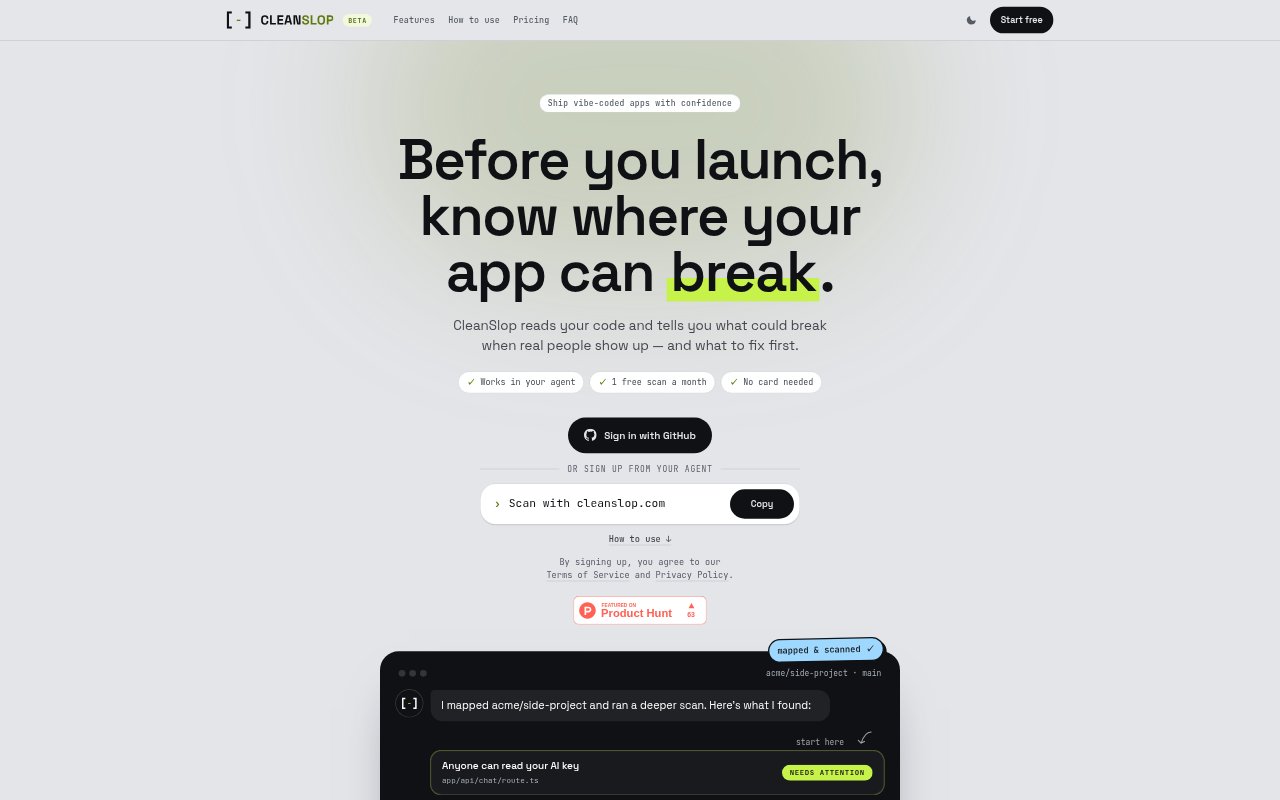
CleanSlop scans TypeScript and JavaScript app code for problems that could surface when real users arrive, then organizes its findings by priority. It is aimed at individuals and side-project builders preparing an app for launch, with its strongest results on Next.js apps using Supabase. You can start a scan from supported coding agents or connect selected GitHub repositories through its web flow.
CleanSlop Features:
System Mapping: CleanSlop maps routes, background jobs, data, and external services so findings can follow how parts of an app connect.
Risk Checks: Scans look for issues such as exposed keys, data one user could access from another, unbounded queries, and background jobs that fail silently.
Prioritized Findings: Reports group issues into needs attention, worth a look, and minor, with higher-priority items presented first.
Finding Evidence: Each finding points to where it appears in the code and explains what is wrong, why it matters, and what to do next.
Agent Workflow: You can start scans from Claude Code, Codex, Cursor, Grok Bot, or Muse, and pass web reports to an AI tool with Copy for LLM.
GitHub Access: The web flow connects through a GitHub app and lets you select which repositories CleanSlop may read.
CleanSlop Benefits:
Clear Priorities: A short, ordered list makes it easier to decide which problems deserve attention before launch.
Faster Diagnosis: Plain-language explanations and code locations help builders understand findings without having to interpret a list of unexplained warnings.
Focused Fixes: Findings tied to app call paths give you or your coding agent context for addressing the underlying issue rather than just the file where it appears.
Flexible Help: You can work through findings with an AI coding agent or book a short triage call with a CleanSlop engineer when you need another perspective.
Earlier Awareness: Checking for app weaknesses before users encounter them can help you address risks while preparing a release.
Use Cases:
Prelaunch Review: Scan a personal TypeScript or JavaScript app before releasing it to look for problems that may matter under real user activity.
Supabase Checks: Review a Next.js and Supabase side project for cases where one user might reach another user's data.
Key Exposure: Check whether an AI key or another sensitive value is readable from app code before making the project public.
Growth Readiness: Inspect list queries that may work with a small dataset but lack limits as the app's tables grow.
Ongoing Scans: Use paid-plan autoscan options to check a repository on every push, daily, or weekly as development continues.