

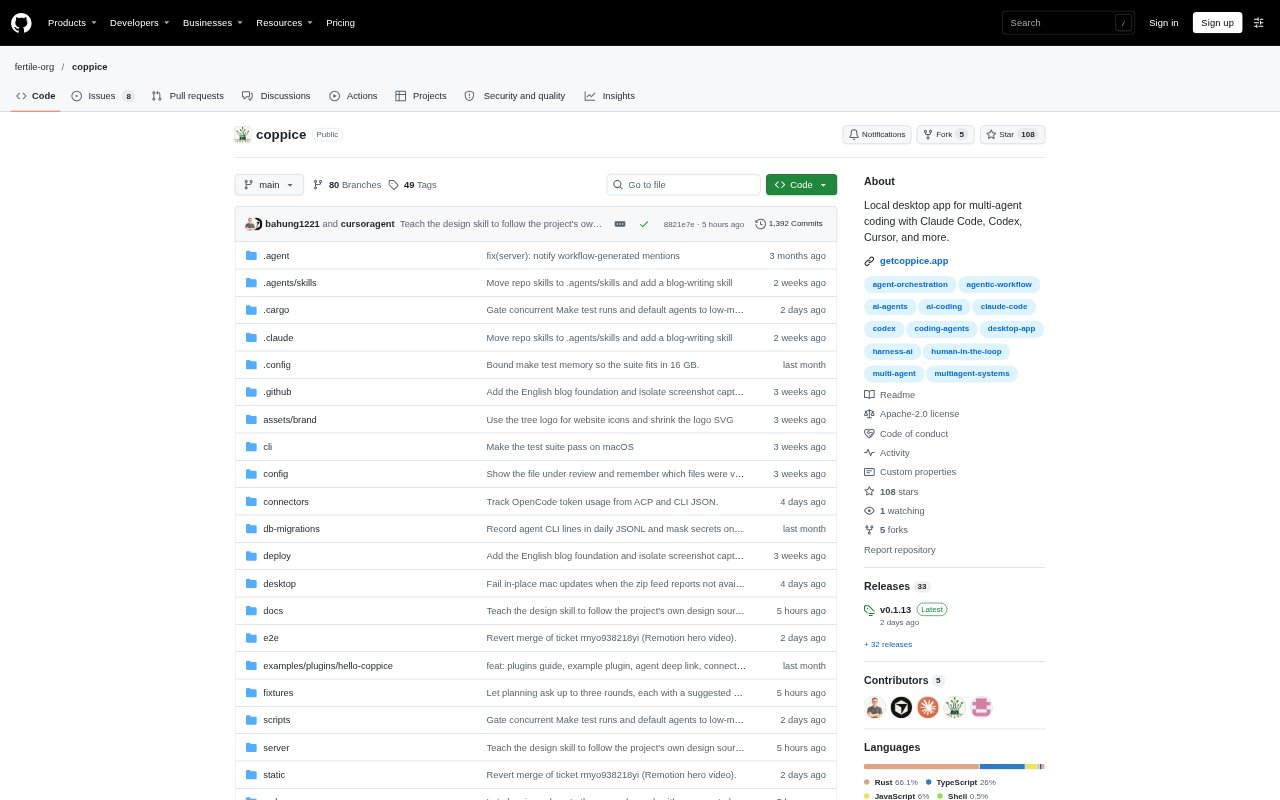
What is Coppice?
Coppice is a local desktop workspace for coordinating multiple coding agents through tickets on a shared board. A PM agent drafts an implementation plan for approval, then specialist agents can build, review, and test work in parallel using coding CLIs such as Claude Code, Codex, Cursor, and OpenCode. Each ticket has its own Git worktree, and developers inspect and accept the resulting changes in the app. It is for people who want coding-agent assistance while retaining control over planning, code review, and merging.
Coppice Features:
Ticket Planning: A PM agent reads a ticket and drafts the approach, steps, and checks for a developer to approve before code is written.
Parallel Agent Work: Specialist agents can build, review, and test tickets at the same time, with each ticket assigned its own Git worktree.
Design Approval: For tickets that change the interface, an agent presents layout options, recommends one, and uses the selected design in its plan.
In-App Diff Review: Developers can inspect code changes and comment on individual lines, then accept the work separately from merging it.
Shared Work Board: Tickets appear as cards with plans, comments, and agent runs, while blocked work and items awaiting review are highlighted.
CLI And Model Choice: Agents use their own coding CLI and model, with support for tools including Claude Code, Codex, Cursor, OpenCode, and GitHub Copilot.
Local Agent Setup: The app runs on the developer's machine, needs no Coppice account, and does not request or store provider API keys.
Coppice Benefits:
Less Context Switching: Keeping ticket status and agent activity on one board makes it easier to see what is progressing, blocked, or waiting for a decision.
More Controlled Changes: Reviewing and accepting the diff before merging gives developers a chance to catch unwanted changes before they reach the main branch.
Use Existing Tools: Driving coding CLIs developers already use avoids adding a separate Coppice subscription to their agent workflow.
Parallel Progress: Separate worktrees let agents handle different tickets without making their changes in the developer's main checkout.
Less Repeated Context: Project notes that agents can save for later tickets help carry useful information forward between coding tasks.
Use Cases:
Planning A Feature: Write a ticket for a product change, review the agent's proposed approach and checks, and approve the plan before implementation starts.
Building Interface Changes: Use the design options to choose a layout for a settings screen or another user-facing change before an agent builds it.
Working Through A Backlog: Assign separate tickets to specialist agents when several independent code changes can be developed and tested in parallel.
Reviewing Agent Code: Inspect a completed change in the app, leave comments on specific lines, and decide whether to accept it before merging.
Mixing Agent Models: Use a preferred CLI and model for planning or review while assigning implementation work to a different agent setup.