

What is Count Objects in Image?
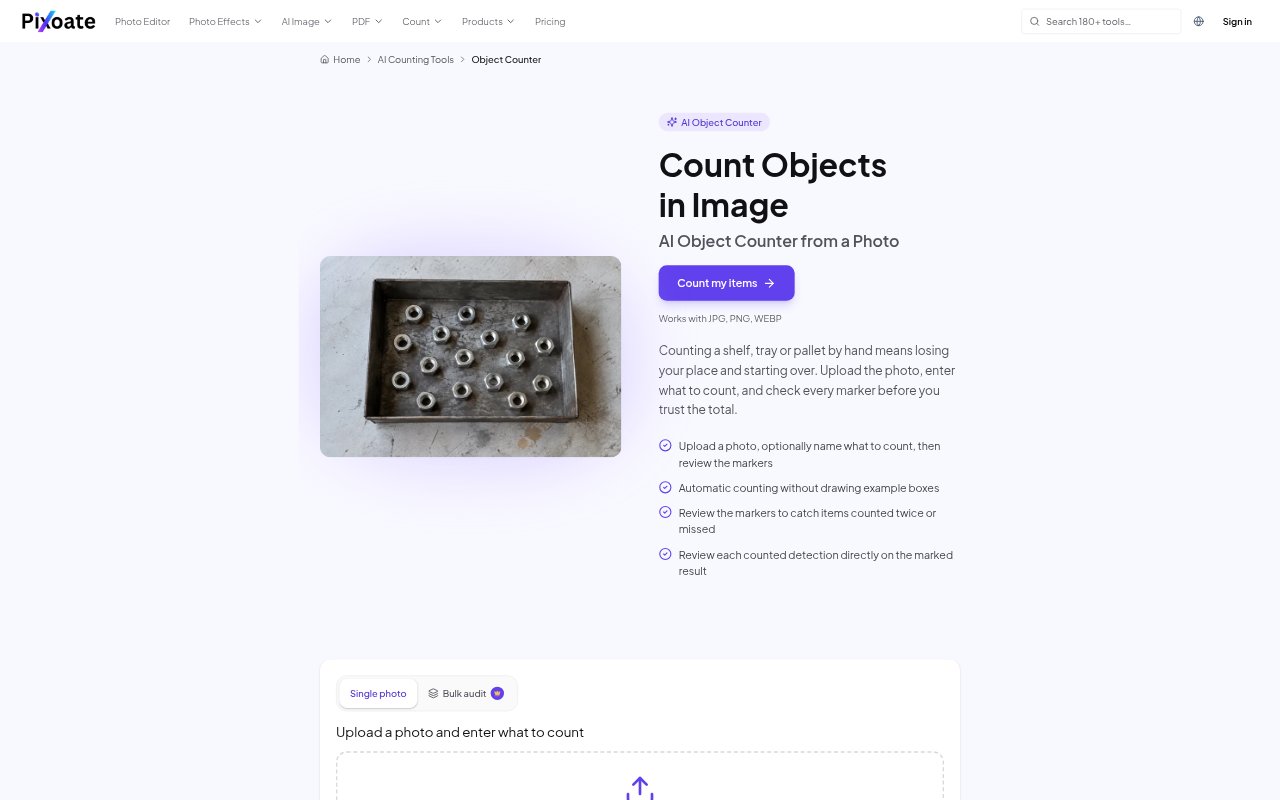
Count Objects in Image estimates how many visible items appear in a photo, then marks detected objects so you can check the result against the image. Upload a JPG, PNG or WebP file and optionally name the item to count; the count starts automatically. It is aimed at people handling inventory, stock-takes, lab work or quality checks who need to count repeatable items from photographs and keep a tally across more than one image.
Count Objects in Image Features:
Photo Counting: Upload an image of items to count, with support for JPG, PNG and WebP files, and counting begins automatically.
Item Naming: Optionally enter the item name, such as bottles or screws, to direct the count toward a particular object.
Detection Markers: Review detections shown as dots or a heatmap on the image, with controls to change the overlay style.
Count Adjustments: Check markers for missed or duplicate items, adjust the tally when needed, and change sensitivity to ignore tiny specks.
Tally Sheet: Add reviewed image counts as labeled rows in a tally sheet, with an editable count field and running total.
CSV Export: Export the tally sheet as a CSV for use in a spreadsheet, or use Premium bulk audit to count a queue of photos.
Count Objects in Image Benefits:
Fewer Lost Counts: A marked image gives you a visual reference while checking the total, reducing the chance of losing your place and starting a manual count over.
Reviewable Results: Seeing which objects contributed to the estimate makes it easier to spot questionable detections before relying on a count.
Organized Stock-Takes: Labeled tally rows keep counts from different photos together, making a multi-shelf stock-take easier to follow.
Spreadsheet Handoff: A CSV tally can be opened in spreadsheet software, so reviewed counts are ready for further handling outside the counter.
Use Cases:
Retail Stock: Photograph packets, boxes or bottles on a shelf, review their markers, and add the count to a stock-take tally.
Warehouse Inventory: Count visible goods across several shelves or bins by adding each reviewed photo as a separate tally row.
Small Parts: Estimate quantities of screws, beads, seeds or similar repeatable parts arranged visibly in a photo.
Lab Quality Checks: Use a marked photo as a second check when counting pills, cells or other items for lab or quality-control work.
Construction Materials: Count visible rods or building materials from a photo when preparing or checking a site or materials inventory.