
What is Iimos?
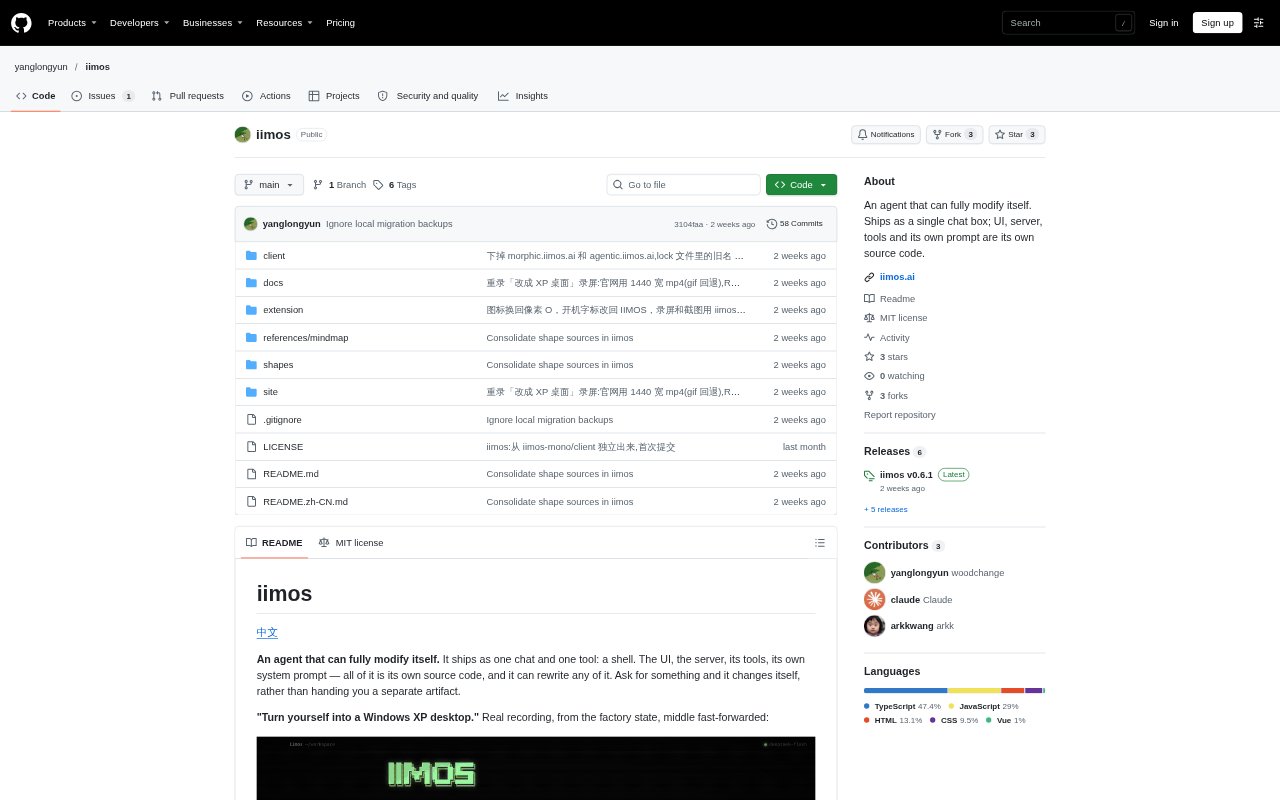
Iimos is a desktop AI agent that starts with a chat window and a shell tool, then can rewrite its own interface, services, tools and prompt in response to requests. It is for people who want to adapt an AI workspace to their own tasks rather than receive a separate generated artifact. The app and its data stay on the user's computer, and it works with a model endpoint compatible with the OpenAI Responses API.
Iimos Features:
Self-Modifying App: Ask Iimos to change its interface, services, tools or system prompt, and it edits its own source code before reloading.
Local Workspace: The agent, its code and user data run on the user's computer, with the API key stored in a local configuration file.
Model Configuration: Connect a model by entering a compatible Responses API endpoint, API key and model name.
Compacted Conversations: The chat automatically compresses its context so a conversation can continue without filling the context window.
Build Before Reload: Iimos compiles interface changes before reloading, and keeps the previous working window open if compilation fails.
Snapshots and Rollback: It takes a snapshot before startup and can return to the last working version if new code fails to launch.
Ready-Made Shapes: Switch to existing configurations such as a mind map, creative canvas, chat client or tabbed AI workbench.
Iimos Benefits:
A Fitted Workspace: You can shape the app around a particular workflow instead of being limited to a fixed interface or a separate generated file.
Local Data Control: Keeping code and data on your computer lets you work without placing the workspace on a hosted service.
Safer Experimentation: Snapshots and rollback make it easier to try substantial changes while preserving a route back to a working version.
Longer Working Chats: Automatic context compression helps keep an ongoing task in one conversation rather than requiring frequent restarts.
Choose Your Model: Using a compatible endpoint lets you configure the model service that fits your existing setup.
Keep Useful Variants: Creative branches can remain available in a tree, so you can develop one direction without losing the others.
Use Cases:
Custom Desktop Tool: Ask the agent to build a to-do list or expense tracker directly into its workspace for recurring personal tasks.
Visual Brainstorming: Use the mind map shape to develop a central topic into branches, then revise, move or annotate individual themes.
Creative Exploration: Generate several distinct webpage, document or SVG directions on a canvas, then branch from a promising option.
Tabbed AI Work: Use the workbench shape to keep conversations, files, terminal, browser and applications open in tabs or split panes.
Reviewing Agent Actions: Use the messages shape to follow an agent's commands and file operations, opening individual action details when needed.
Interface Prototyping: Describe a visual concept, such as a vintage instrument panel, and have the agent reshape its own interface around it.