

What is Scatter?
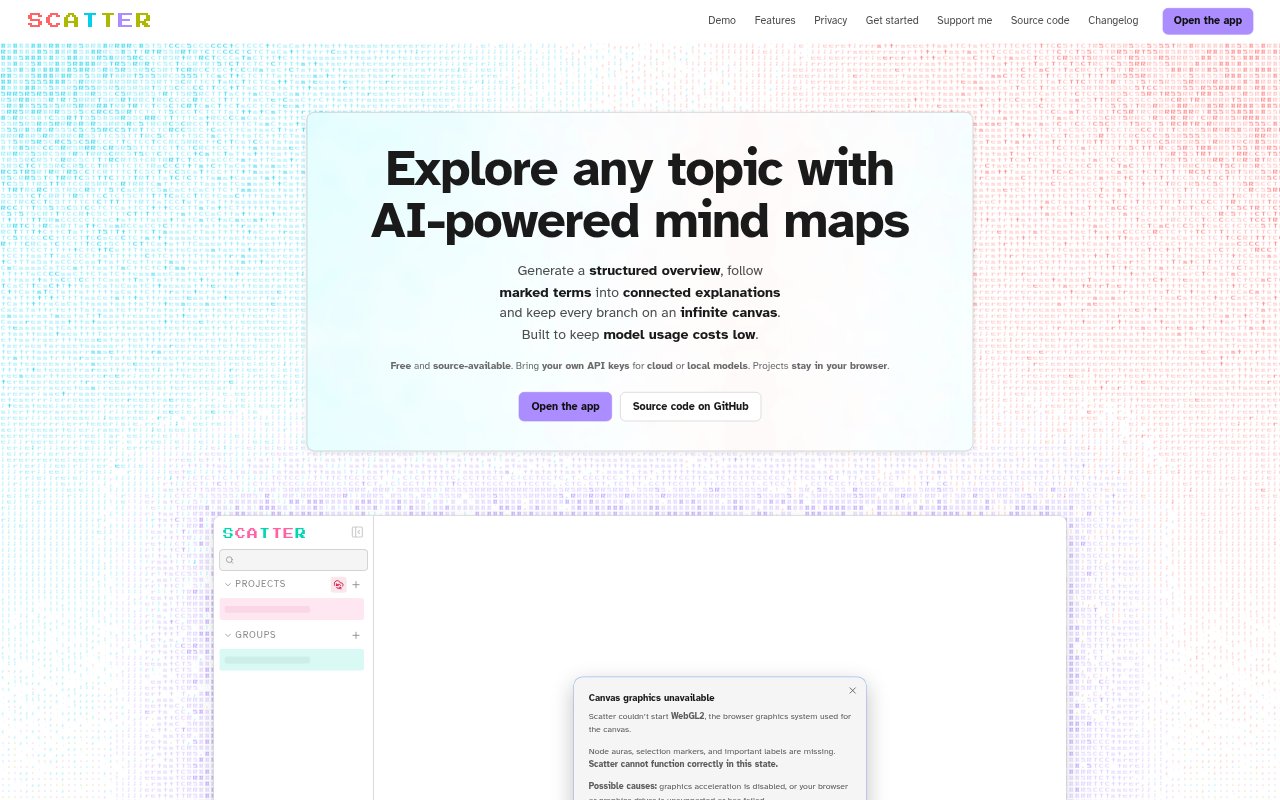
Scatter is a browser-based tool for exploring topics through AI-generated mind maps on an infinite canvas. It turns prompts, conversations, images and personal reference materials into connected explanations that users can expand by following marked terms. It is suited to learners and researchers who want to investigate a subject visually, organize their findings and keep the resulting project in their browser.
Scatter Features:
Connected Explanations: Generate a structured overview of a topic, then open marked terms to create linked explanations or revisit nodes already on the canvas.
Source-Based Answers: Add PDFs, documents, webpages, images or pasted text, and choose whether answers use only selected sources or also model knowledge and web search.
Media Questions: Upload, paste, drop or link images and GIFs, add video files or YouTube and Vimeo embeds, and ask about selected image regions.
Fact Checking: Check text sentence by sentence, review cited evidence where available, identify claims without support and rewrite text using the evidence.
Canvas Organization: Move, pin, group or delete selected nodes, while automatic spacing and hierarchical group colors help structure branches and related material.
Project Portability: Import or export projects, export to Obsidian Canvas with editable notes and connections, or sync through Google Drive and WebDAV.
Model Choices: Connect cloud providers or local model servers, assign models to different tasks, and set output limits and reasoning levels.
Scatter Benefits:
Follow Curiosity: Moving from an overview to connected explanations makes it easier to pursue useful questions without losing the thread of the original topic.
Ground Your Research: Working with chosen reference materials and inspectable citations helps readers assess where an answer comes from and which claims need checking.
Keep Projects Private: Projects, sources and saved media remain in the browser, and provider requests go directly from the browser rather than through an app server.
Manage Model Spend: Choosing models by task and limiting output or reasoning gives users ways to control provider usage and reserve stronger models for important answers.
Reuse Your Work: Export and sync options make it possible to carry project material into an Obsidian vault or keep copies across supported storage services.
Use Cases:
Learn a New Topic: Start with a subject overview, then open unfamiliar terms to build a visual trail of explanations and follow-up questions.
Review Reference Files: Add course readings, reports or other documents and ask questions with answers restricted to the sources selected for the project.
Investigate an Image: Upload an image, ask about a particular region and develop an atlas-like map with the image node at its center.
Check Written Claims: Review a draft or answer sentence by sentence, inspect available evidence and identify statements that lack cited support.
Build a Study Canvas: Arrange explanations, media and notes into grouped branches, then export the project as an editable Obsidian Canvas.