

What is Shpyrd?
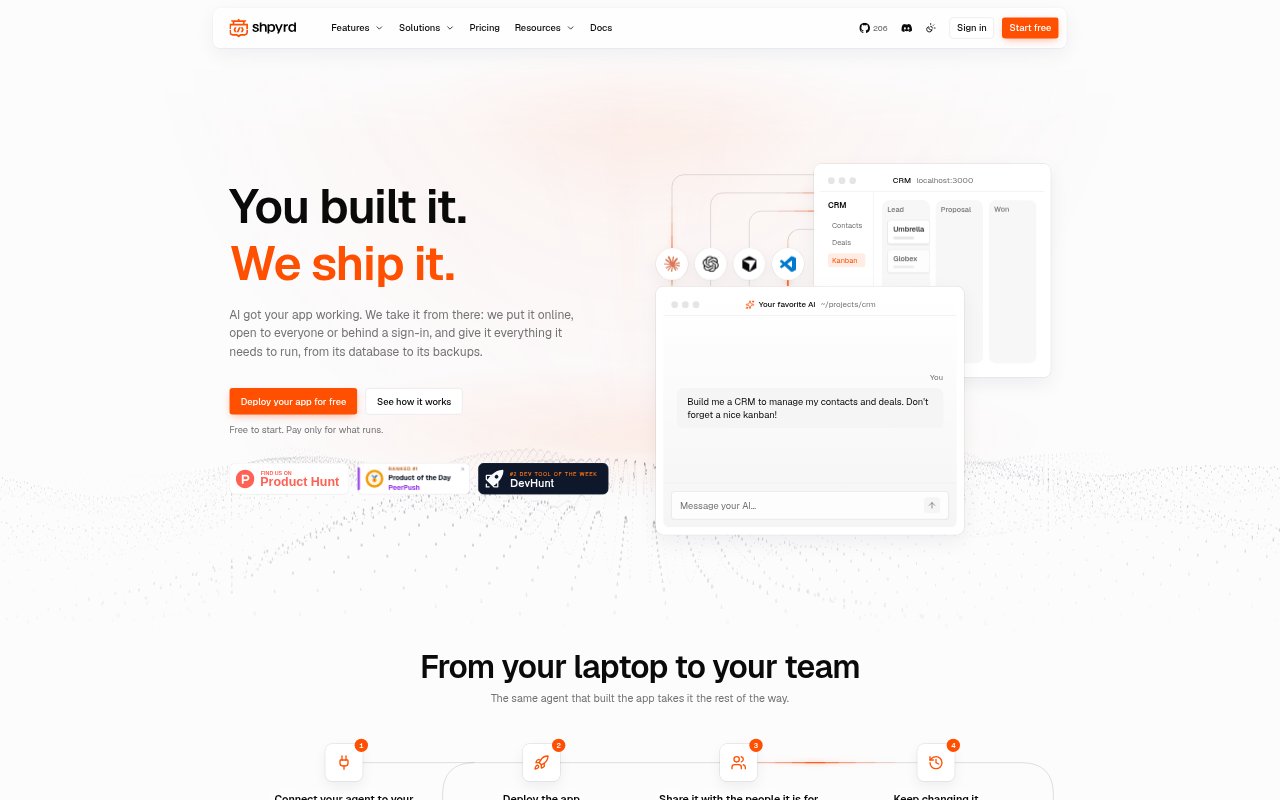
Shpyrd is a deployment and operations platform for apps built with AI or conventional development, aimed at developers, teams, and implementation partners. It takes a project from local code, GitHub, or a container image to a hosted app with connected resources and controlled access. Teams can publish updates, review releases, and roll back code and configuration in the same workflow. Apps can run on Shpyrd cloud or on infrastructure the user operates, with cloud costs based on usage.
Shpyrd Features:
Project Deployment: Publish a project from local code, a Git repository, or a container image, with GitHub pushes able to trigger updates automatically.
App Resources: Keep web processes, workers, PostgreSQL, Valkey, and file volumes together within a project.
Access Controls: Put sign-in in front of an app, assign who can use, publish, or manage it, and provide an app launcher for employees.
Release Rollbacks: Track releases and logs, then revert application code and configuration when an update causes trouble.
Operational Monitoring: View build and application logs alongside resource and traffic metrics, including visits, speed, and errors.
Sleep and Wake: Apps can sleep after an idle period and wake when someone visits, using no compute or memory while asleep.
Shpyrd Benefits:
Less Setup Work: Keeping deployment, databases, and operations in one workflow reduces the infrastructure setup developers must handle for each app.
Lower Idle Costs: Apps that sleep when unused avoid compute and memory charges while idle, helping keep occasional-use tools economical to run.
Safer Releases: A visible release history and rollback option make it easier to recover when an update disrupts an app.
Quicker Troubleshooting: Logs and performance metrics help teams investigate issues and connect them with a particular release.
Simpler Team Access: Company sign-in and an app launcher give employees a familiar route to the tools they are allowed to use.
Use Cases:
AI-Built Internal Tools: Deploy an app created with an AI coding agent and share it with the colleagues who need to use it.
Team Approval Apps: Put a purchase-request or approval tool online and restrict access to the relevant company team.
GitHub Web Projects: Publish a web app from a repository and send subsequent pushed changes online as the project evolves.
Client Deliveries: Use a consistent deployment workflow for client projects and provide a managed setup for the client to take over.
Company App Portals: Give employees one place to find internal dashboards, calculators, checklists, and other apps assigned to them.