

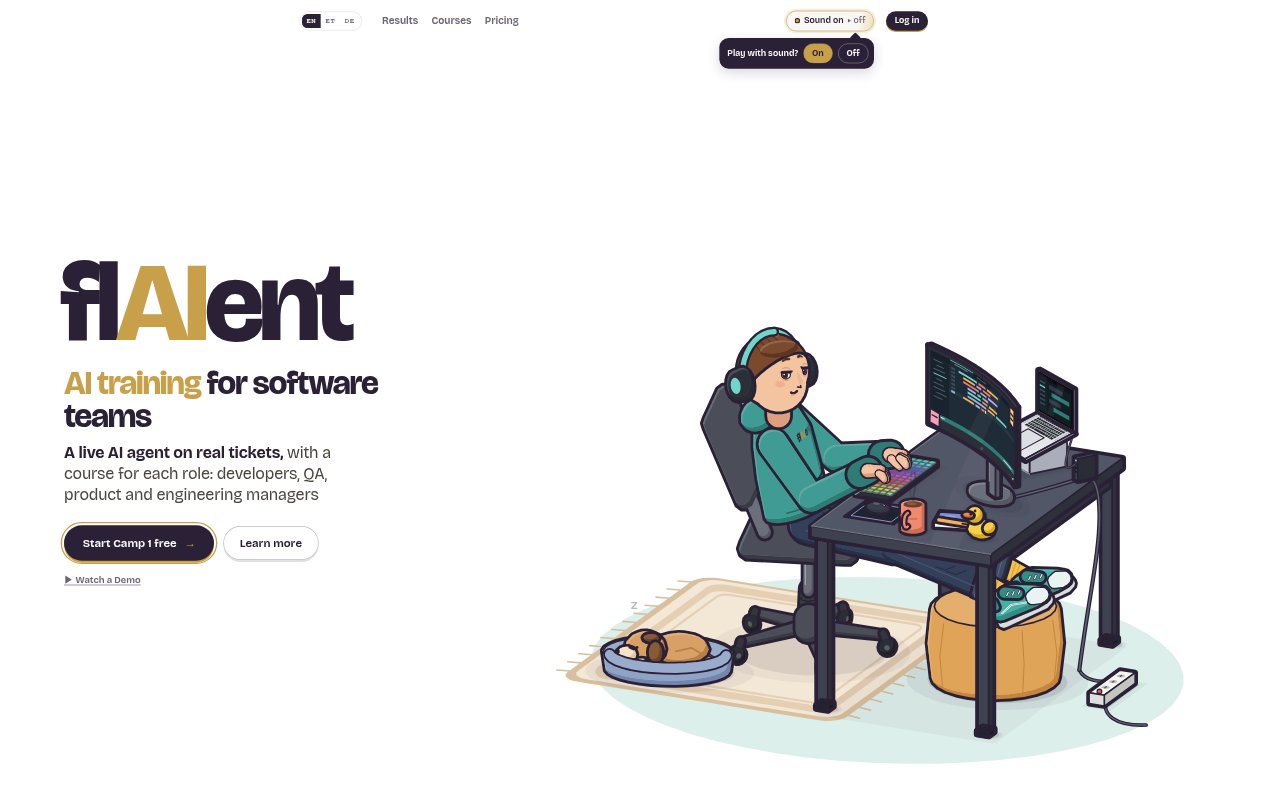
What is flAIent?
flAIent is hands-on AI training for software teams, with separate courses for developers, QA professionals, product managers and engineering managers. Learners work through practical tasks with a live AI agent in the browser, then receive feedback from a grader and can retry. The courses cover skills such as writing precise prompts, planning before asking an agent to act, choosing a model and handling data carefully. Camp 1 of each course is free to try.
flAIent Features:
Live AI Agent: Learners work with an AI agent in a browser-based session using Anthropic Claude models, without bringing an AI licence or installing software.
Role-Based Courses: Course tracks are tailored for developers, QA professionals, product managers and engineering managers, with different mixes of skills for each role.
Practical Tasks: Participants solve real tasks in work settings, including code repositories for developers and QA, and document workspaces for managers and product managers.
Graded Retries: A grader scores each attempt, and learners can retry the task to compare their first try with their best result.
AI Work Skills: Course topics include precise prompting, planning before an agent writes, model choice, cost management, privacy and checking AI claims against sources.
Team Reporting: Managers receive per-person and per-camp scores in a PDF and live dashboard, while course completers receive a certificate with a public check link.
flAIent Benefits:
Useful Practice: Working through job-related tasks lets team members practise AI skills in contexts closer to their everyday responsibilities than a slide-based course.
Visible Progress: Comparing first attempts with best scores gives learners and managers a concrete way to review progress during a course.
Cost Awareness: Guidance on searching rather than pasting and selecting suitable models helps teams make more considered choices about AI use and costs.
Role Relevance: Separate tracks give each participant practice aligned with their responsibilities, rather than asking the whole team to follow one generic course.
Flexible Learning: Browser access and self-paced camps let participants complete the training without installing tools or coordinating a shared class time.
Use Cases:
Developer Training: Use the developer course to practise briefing an AI agent on code tasks, planning its work and reviewing what it produces.
QA Practice: Use the QA track to build hands-on AI skills while working on tasks in a code repository relevant to testing work.
Product Planning: Product managers can practise using an AI agent in a documents workspace and learn to agree on a plan before it writes.
Manager Training: Engineering managers can take a role-specific course to practise AI use in document-based work and review their scored progress.
Team Progress Review: A manager can use the team report to check individual scores across camps and compare first attempts with each participant's best.