

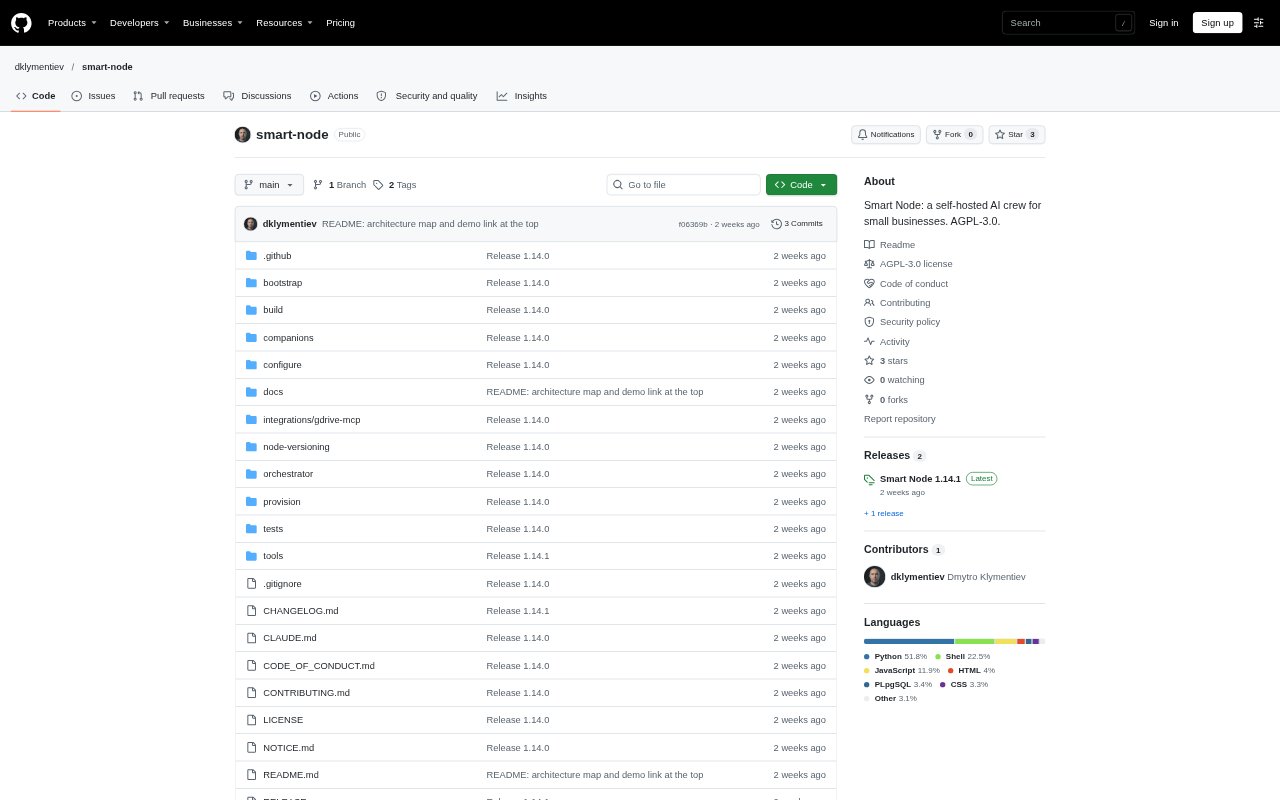
What is Smart Node?
Smart Node is a self-hosted AI assistant system aimed at small businesses and teams that want to configure their own agents and workflows. It brings task and objective tracking, documents, semantic memory, an operator panel, and communication channels into a node running on a machine you control. Documents and memory stay on that machine, but AI reasoning uses a cloud model provider, so this is not an offline or local-model product. Installation is testable software and requires technical setup rather than a polished one-click appliance.
Smart Node Features:
Self-Hosted Node: The installer can create a local LXC container on an Ubuntu host or configure an existing machine, such as a VPS, bare-metal server, or user-created container.
Model Gateway: A gateway connects the node to cloud model providers, including Anthropic, Google, OpenRouter, and OpenAI, or to a provider address you supply.
Assistant Channels: Agents can communicate through email, Telegram, Slack, web chat, and browser voice, with an operator panel available to manage the node.
Planning and Tracking: The system includes a planner and tools for tracking tasks and objectives, alongside a configurator agent that helps set up an assistant after first login.
Documents and Memory: A document store and semantic memory are included in the node, keeping these working materials on the machine where the application runs.
Guided Installation: Installation can run from a terminal or browser, with selectable Simple, Full, and Custom setups and progress shown alongside installer output.
Smart Node Benefits:
Data Control: Keeping documents and memory on a machine you manage gives you a clearer boundary around stored working information, while model requests still go to a cloud provider.
Flexible Deployment: You can try a self-contained local node or point the installer at infrastructure you already operate, rather than needing to create a new server environment.
Clearer Diagnosis: More than 200 installation checks help expose setup problems before the node is reported as ready, reducing uncertainty during initial configuration.
Channel Choice: Teams can choose among several familiar ways to reach an assistant, which can make it easier to fit the system into existing communication habits.
Adaptable Workflows: Starting with a configurator rather than prebuilt business workflows leaves room to shape agents around the processes and permissions your organization actually uses.
Use Cases:
Internal Assistant Setup: A small business can install a node, connect a cloud model, and use the configurator to begin defining an assistant for its own operations.
Team Messaging: A team that wants to reach an assistant from its existing channels can set it up for Telegram, Slack, or web chat.
Voice Conversations: An operator can offer browser-based voice as another way for people to interact with an assistant, alongside text-based channels.
Task Coordination: A team can use the planner and task and objective tracking when it needs an assistant to organize ongoing work.
Document-Based Work: An organization can keep documents and semantic memory with its self-hosted node when configuring an assistant around internal reference material.