

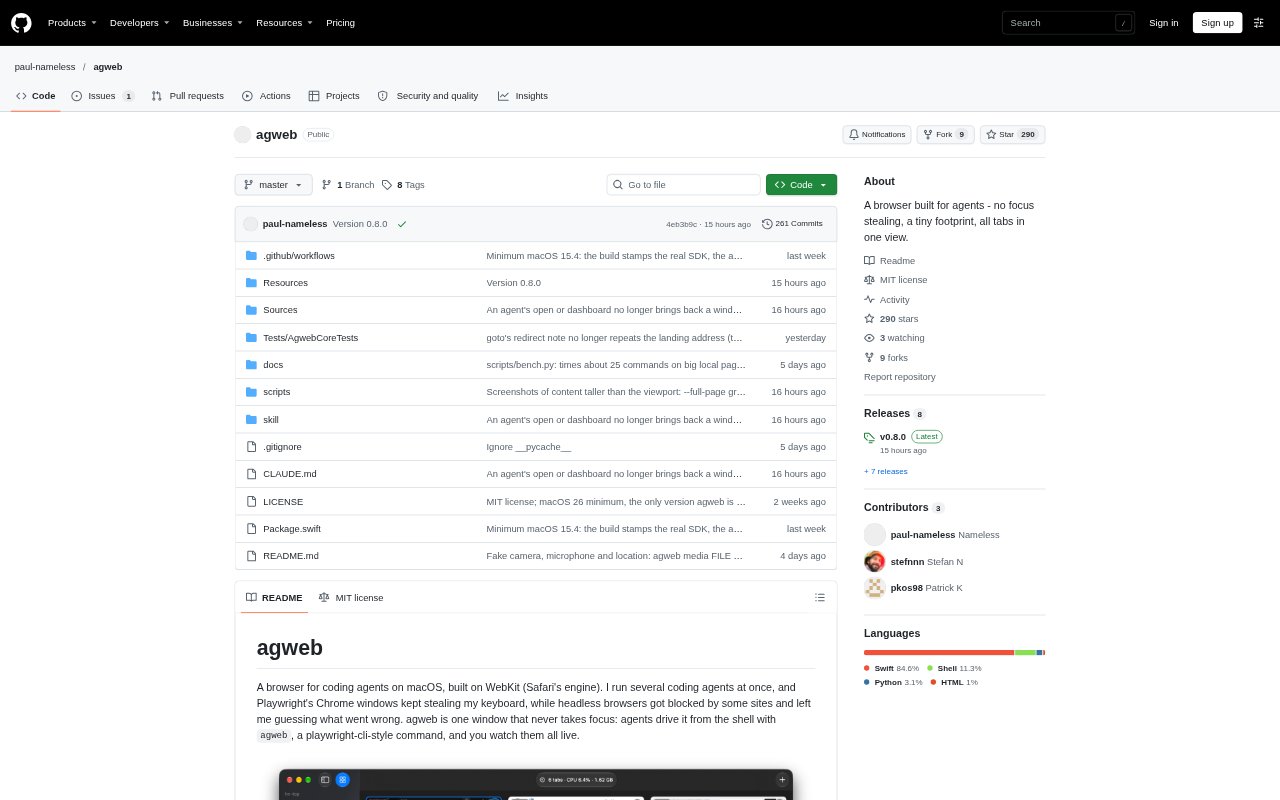
What is Agweb?
Agweb is a macOS browser that lets coding agents operate web pages from the command line while people watch their activity in a live dashboard. It gives each agent a separate workspace and can share named login profiles among agents. Agweb uses WebKit, so Chrome-only sites may not work as expected, and Playwright or Chrome extensions cannot attach to it; it requires macOS 15.4 or later.
Agweb Features:
Live Dashboard: View every agent's tabs together, along with each agent's most recent command, in a dashboard that stays visible without taking focus.
Agent Workspaces: Give each agent its own workspace and tabs, with workspaces grouped by agent in the sidebar.
Shared Profiles: Save logins in named profiles that multiple agents can use at the same time.
Page Snapshots: Read pages as element trees with persistent references, or use a diff to see what changed since the previous snapshot.
Change Reports: Get replies describing action results, including page changes, downloads, dialogs, popups and console errors.
Secret Entry: Fill password fields using a secret command so credentials are typed without appearing in the agent's replies.
Media and Recording: Provide video files as simulated camera and microphone input, set a test location, or record a tab to MP4 with pointer activity shown.
Agweb Benefits:
Keep Working: Agents can browse without bringing a window forward or interrupting someone who is using the Mac.
Lower Context Use: Page summaries omit inline image data and snapshots have a line limit, helping agents focus on relevant page content.
Faster Inspection: Action reports and waits for resulting page activity can reduce the need to request a fresh snapshot or pause between steps.
Reduce Idle Load: Suspending unused tabs helps keep several open pages from consuming resources while agents are inactive.
Protect Credentials: Secret entry keeps passwords out of command replies, while saved profiles spare agents from repeated sign-ins.
Use Cases:
Parallel Web Tasks: Run several coding agents on separate browser tasks while monitoring their pages and recent commands in one view.
Website Debugging: Have an agent inspect a web page, interact with controls and review the changes returned after each action.
Authenticated Testing: Use a saved profile for agent tasks that require an existing login, or hand a tab to a person for MFA or CAPTCHA.
Media Input Checks: Test a website's camera, microphone or location behavior with supplied media and a configured position instead of real devices.
Demo Capture: Record a browser tab to create an MP4 walkthrough that includes visible pointer movement and clicks.