

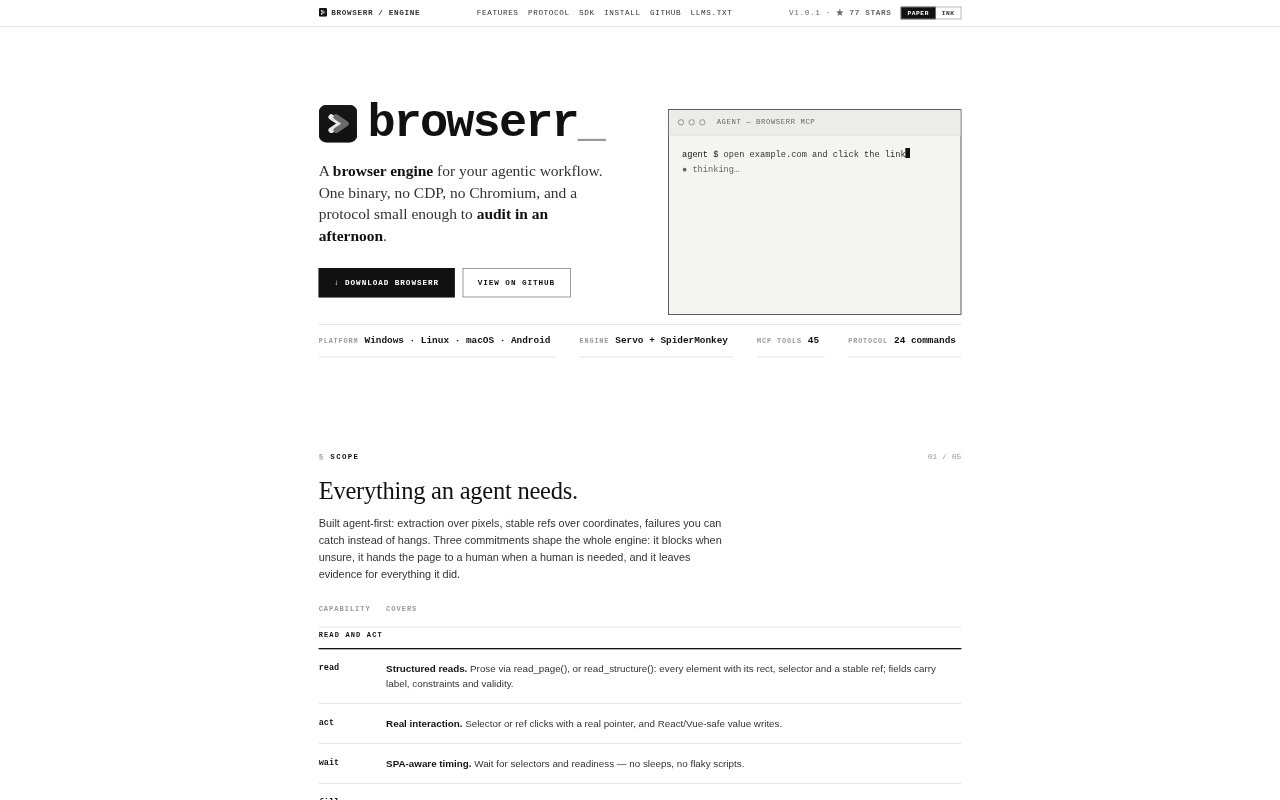
What is Browserr?
Browserr is a Servo-based browser engine for AI agents that need to read and interact with web pages. It runs as a single binary without Chromium or CDP, and can be driven through an MCP server, a Python driver, or a JSON-lines protocol. Its trust-focused design blocks undecided network requests, records browser activity, and lets a person take over through a native window when a task needs human input.
Browserr Features:
Structured Page Reads: Read page prose or inspect elements with selectors, rectangles, stable references, and form fields that include labels, constraints, and validity.
Ref-Based Actions: Click elements by selector or stable reference using a real pointer, and write values in ways designed to work with React and Vue.
Form Submission: Fill a whole form in one call with type-aware values, then submit it using the page's own validation.
Network Decisions: Hold intercepted requests for an allow, deny, or response decision, with unanswered requests denied after five seconds.
Run Evidence: Capture console messages, network and TLS failures, fetch and XHR records, evidence screenshots, and an append-only action log.
Human Handoff: Open a native browser window for mouse and keyboard input while pausing agent mutations, and use shared references to identify page elements.
Browserr Benefits:
Fewer Brittle Runs: Stable element references and selector-based actions reduce reliance on screen coordinates that can become unreliable when a page layout changes.
Clearer Troubleshooting: Recorded actions and browser errors give operators a trail to examine when an agent's navigation or page interaction does not go as expected.
Safer Automation: Fail-closed request handling and a confirmation gate for payment submissions help prevent uncertain actions from proceeding unattended.
Cleaner Test Sessions: Ephemeral profiles give each run a fresh browser state, making it easier to distinguish current behavior from data left by an earlier session.
More Useful Oversight: A person can inspect the actual page and take control when an agent reaches a step that calls for human judgment or input.
Use Cases:
Web Research: Have an agent read article or documentation pages as structured text and inspect page elements without relying only on screenshots.
Form Workflows: Automate data entry and submission on web forms where fields have different input types and the site's own validation needs to run.
SPA Interaction: Drive a React or Vue application by waiting for page readiness and acting on elements after the interface has rendered.
Portal Downloads: Retrieve files from a logged-in portal, choosing whether downloads use the tab's session or remain cookieless by default.
Payment Review: Let an agent prepare a payment workflow, then require confirmation at submission and hand the page to a person when needed.