

What is OpenCyclone?
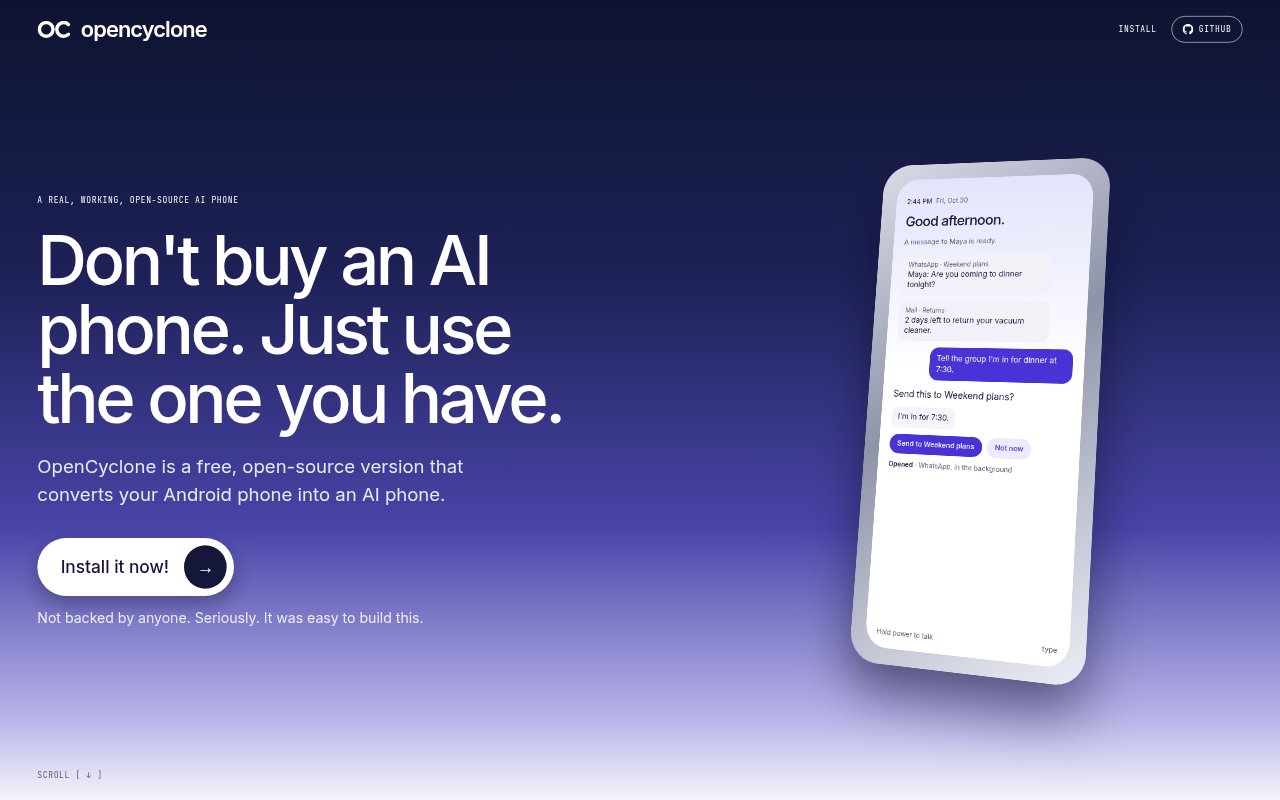
OpenCyclone is an open-source AI agent that lets people use an existing Android phone to carry out tasks in their apps. It reads app screens on a hidden display and decides what to tap, pausing for approval before actions such as sending, paying, or deleting. Users can connect a model provider or a model on their own network, then ask the agent to perform tasks or create small apps. It requires Android 12 or later and a computer for initial setup.
OpenCyclone Features:
Hidden Screen Control: The agent reads screens in your apps and chooses what to tap on a hidden display while you continue using your phone.
Action Approval: Before it sends, pays, or deletes, OpenCyclone shows what it intends to do and waits for your approval.
Custom App Creation: Describe a tool you need, and the phone can write a small app, test it, fix it, and add it to your home page.
Model Connections: Connect with a ChatGPT account, OpenRouter, an API key, or a model running on your own network.
MCP Tools: Add tools through the Model Context Protocol to extend what the agent can use.
App Rules: Set rules for the agent, including a protected list of apps it must not open.
Editable Safety Gate: The approval gate is code that users can read, test, and change rather than a safeguard described only in a prompt.
OpenCyclone Benefits:
Keep Your Phone: You can try AI-driven phone tasks without buying a new device or replacing your Android operating system.
Review Risky Actions: A pause before consequential actions gives you a chance to check what will happen before the agent proceeds.
Retain Your Apps: Working with the apps and accounts you already use avoids moving your routines to a separate phone platform.
Shape Your Tools: Small apps created from requests can give you a way to tailor phone tools to the jobs you need done.
Inspect the Safeguard: Readable and changeable approval code lets technically minded users examine how the safety gate works.
Use Cases:
Single-App Tasks: Ask the agent to handle a short task inside one Android app, a workflow the project says works well.
Personal Phone Tools: Request a small app for a particular need, then have it tested and placed on your home page.
Existing Account Work: Delegate actions in apps where you already have accounts while keeping those apps and setting rules for the agent.
Protected App Setup: Keep selected apps off limits by putting them on the protected list before delegating other phone tasks.
Model Choice: Use a connected provider or a model on your own network when setting up an agent for Android tasks.