

What is aiPDF?
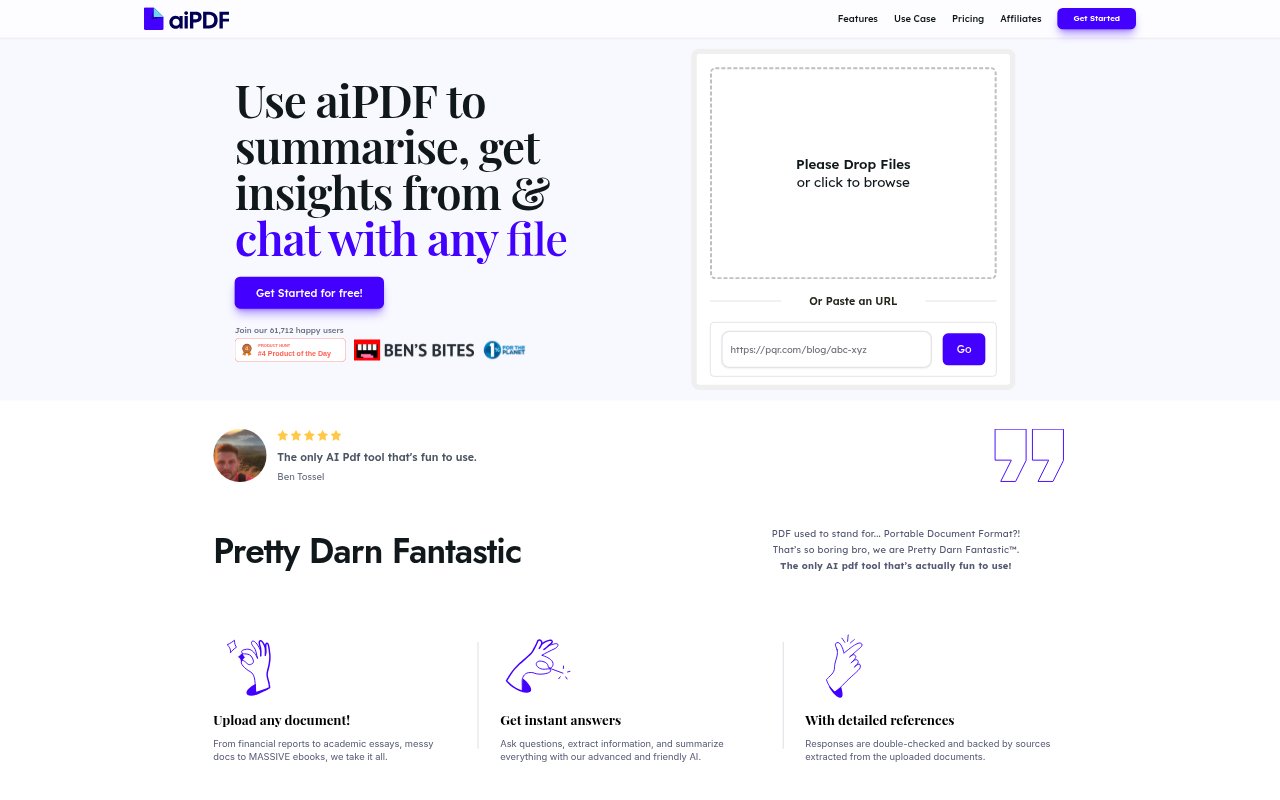
aiPDF is an AI-powered app for summarizing, extracting insights from, and chatting with PDFs, web articles, YouTube videos, and podcasts. It lets people ask questions about these materials and use AI to explore their contents. Plans include options for chatting across multiple documents, with limits on uploads, saved duration, questions, file size, OCR pages, and multi-document joins that vary by plan. It is suited to people who need to review or investigate information across these formats.
aiPDF Features:
Document Chat: Ask questions and chat with PDFs, web articles, YouTube videos, or podcasts to explore the material through an AI-powered interface.
Summaries and Insights: Generate summaries and extract insights from supported materials, including PDFs, articles, videos, and podcasts.
Supported Sources: Work with uploaded PDFs as well as web articles, YouTube videos, and podcasts, bringing several types of content into one app.
Multi-Document Chat: Use multi-document chat to work with more than one document in a conversation, with availability and limits depending on the plan.
OCR Processing: Plans include OCR page allowances, enabling document processing through OCR within the page limits for the selected plan.
Saved Duration: Documents have a set save duration that varies by plan, with options ranging from one month to unlimited retention.
aiPDF Benefits:
Faster First Pass: Summaries provide a way to get an initial overview of source material without starting by reading or listening to every part.
Direct Information Search: Asking questions about a document or other source gives users a focused way to look for relevant information.
Broader Review: Chatting across multiple documents can help users consider several sources together instead of treating each as a separate conversation.
Flexible Research Inputs: Support for documents, articles, videos, and podcasts lets users explore different kinds of material in the same app.
Retention Choice: Different document save durations let users choose a plan whose retention period better fits how long they need to keep materials available.
Use Cases:
PDF Review: Ask questions about a PDF and request a summary when reviewing a report, guide, or other document whose contents need closer inspection.
Article Research: Summarize a web article or ask about its contents while gathering information from online reading material.
Video Review: Use chat or summaries to explore a YouTube video when you need to investigate its content without relying only on watching it from beginning to end.
Podcast Review: Explore a podcast by asking questions or requesting a summary when looking for information in spoken audio content.
Multi-Source Review: Bring multiple documents into a multi-document chat when a task involves reviewing related materials together.