

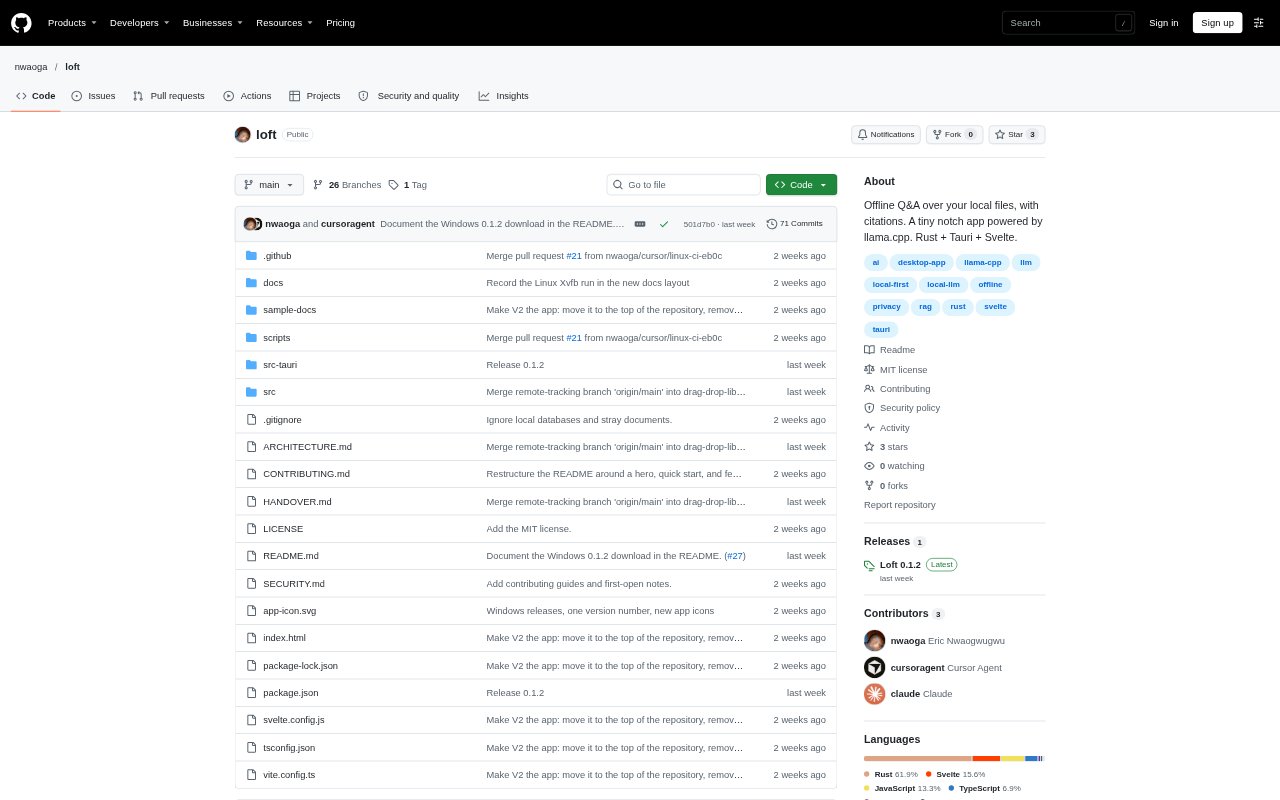
What is Loft?
Loft is a desktop app for asking questions about files in folders you choose. It builds a local search index and uses language models running on your computer to answer questions, with excerpts from the files available as sources. It is aimed at people who want to explore their documents without sending questions to a cloud API; Windows has a downloadable x64 release, while macOS and Linux require building from source.
Loft Features:
File Indexing: Loft indexes text and code files, PDFs, Word and PowerPoint documents, spreadsheets, and pictures, then updates the index as files change.
Local Answers: It runs separate local models for chat and embeddings through llama.cpp, and searches indexed folders to answer questions without a cloud API or API key.
Source Excerpts: Answers include a drawer of the excerpts used to generate them, and selecting an excerpt opens its document or picture in the default app.
File Import: Users can add folders through the app or drag files onto its window; dropped files are copied into a Loft library before indexing.
Model Choices: Settings offers a built-in catalog of chat and embedding models, with optional picture-description models available as a separate download.
Device Selection: Users can choose CPU, Vulkan, Metal on Mac, or optional CUDA and OpenVINO engines, with different choices available for mains and battery power.
Saved Chats: Conversation history, including answers and their source excerpts, is stored locally in a database separate from the file index.
Loft Benefits:
Private Research: Keeping inference and conversation history on the computer helps people work with sensitive material without sending questions to a cloud service.
Grounded Responses: Seeing the excerpts behind an answer makes it easier to check where information came from and judge whether it fits the question.
Less Repeated Searching: A maintained index lets users ask follow-up questions across chosen folders instead of reopening and searching each file individually.
Flexible Hardware: A choice of processing engines lets users select a suitable device and adjust how the app runs on battery or mains power.
Persistent Context: Locally saved conversations make it possible to return to earlier questions and review the answers and excerpts that were kept.
Use Cases:
Document Research: Ask questions across a folder of reports, PDFs, and office documents, then open the excerpts to verify details in context.
Codebase Questions: Index a folder of code and scripts to look up project details through questions, while keeping the files as references rather than running them.
Scanned Documents: On Windows, index pictures and scanned PDF pages with built-in OCR to make text in those materials available for questions.
Personal Archives: Drop individual files into Loft's library when you want them indexed and kept there even if the originals are moved or deleted.
Ongoing Projects: Keep a conversation about a project and return to its saved answers and cited excerpts while continuing to ask about the indexed files.