

What is AutoEditor?
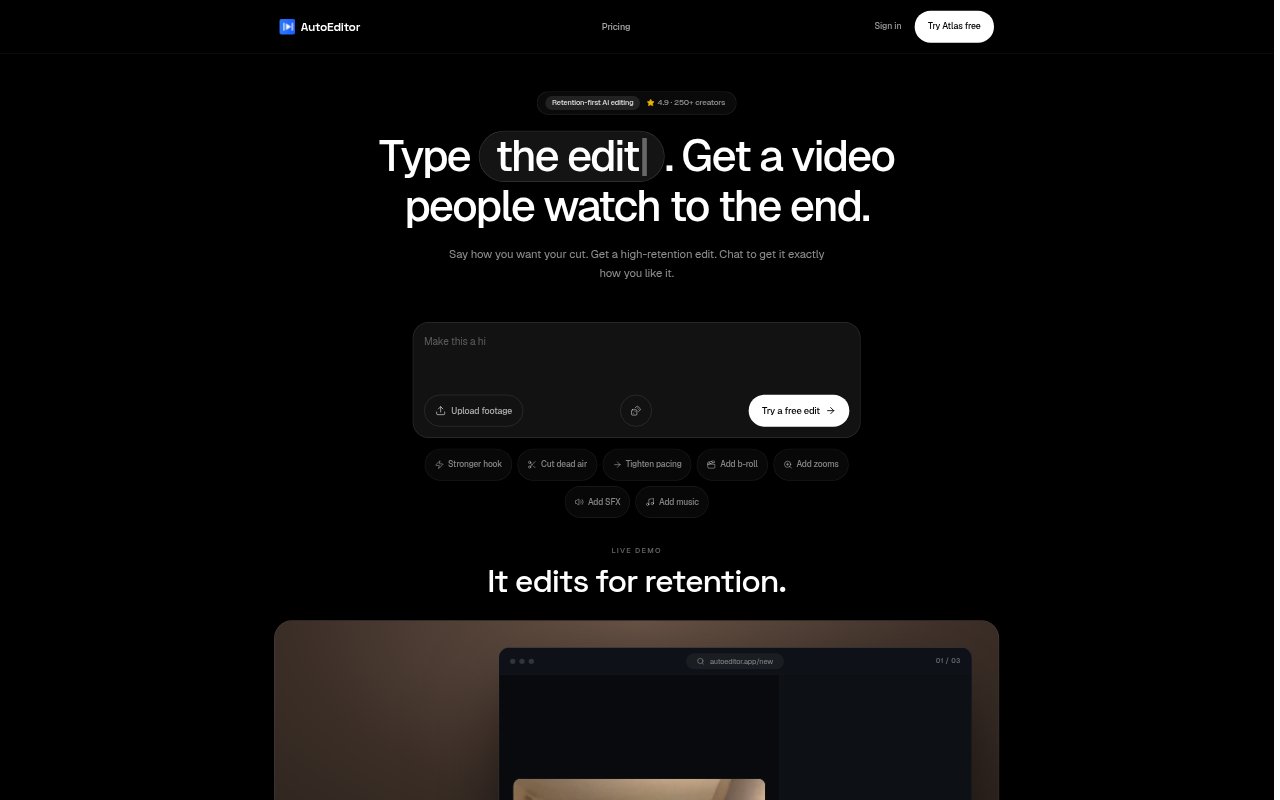
AutoEditor is an AI video editor for creators who want to turn raw footage into a cut shaped around viewer retention. Users can describe the edit they want, and Atlas works on the footage by removing dead air, finding a hook, and pacing the video for watch time. It is suited to creators who want help with the editing decisions that affect how a video opens and moves, rather than only a tool for manually trimming clips.
AutoEditor Features:
Retention-Based Editing: AutoEditor shapes video cuts around viewer retention, with pacing intended to keep people watching rather than simply remove unwanted footage.
Dead-Air Removal: The editor removes silence and dead air from raw footage, addressing pauses that can interrupt the flow of a video.
Hook Finding: Atlas searches the footage for a hook, helping identify an opening moment to use in the edit.
Retention Pacing: AutoEditor paces edits for watch time, giving creators a way to shape how quickly a video moves through its content.
Edit by Description: Creators can describe the edit they want, giving Atlas direction for working with the footage instead of specifying every cut themselves.
AutoEditor Benefits:
Less Manual Trimming: Having silence removal handled in the editing process can reduce the time creators spend reviewing footage for pauses and cutting them out by hand.
A Stronger Opening: Finding a hook can help creators start with a moment that gives viewers a reason to continue into the rest of the video.
More Focused Viewing: Retention-oriented pacing can help keep a video moving, making it easier for creators to avoid edits that feel slow or interrupted.
Directed Editing: Describing an intended edit gives creators a way to communicate their preferences without having to make every editing decision themselves.
Use Cases:
Raw Footage Cleanup: A creator can drop in raw footage and use AutoEditor to remove dead air while shaping the material into a retention-focused cut.
Opening Moment Selection: When preparing a video, a creator can use hook finding to locate an opening moment within the footage for the edit.
Watch-Time Editing: Creators focused on keeping viewers watching can use retention pacing to shape the flow of a video around watch time.
Described Edit Direction: A creator with a clear idea of the edit can describe what they want and let Atlas apply that direction to the footage.