

What is YVD?
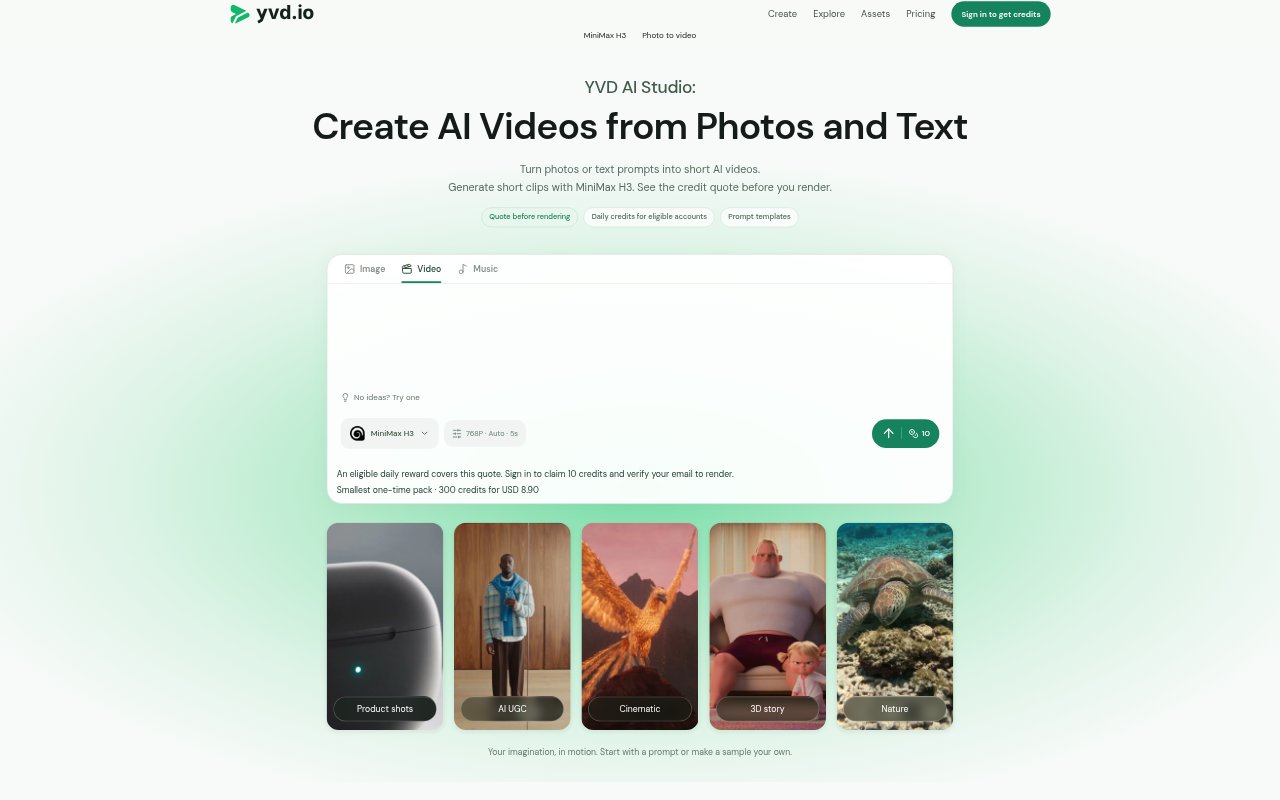
YVD is an online studio for generating short AI videos from text prompts, photos and compatible reference media, with additional tools for creating images and music. Users can choose a model and its available settings, then review the credit cost before generating a clip. It is aimed at creators and businesses developing visual ideas for social posts, product campaigns, stories and other short-form content.
YVD Features:
Text to Video: Describe a subject, action and camera move to generate a short video, with duration and output options determined by the selected model.
Image to Video: Start with a reference photo or image, describe the motion you want, and check the model’s supported inputs and settings.
Reference Media: Combine photos, prompts and compatible reference media to guide a MiniMax H3 video, including movement based on a reference clip.
Video Settings: Choose available framing, duration and resolution options, then see the credit quote before submitting a generation.
Image and Music: Generate supporting images and music in the studio, then download the pieces to use in an edit.
Photo Effects: Use dedicated photo-based setups for scenes such as desk concerts, dances, rap concepts and basketball dunks.
YVD Benefits:
Cost Visibility: Seeing the credit quote before rendering helps you decide whether a scene and its settings fit your available credits.
Faster Exploration: Prompt ideas and editable scene templates give you a starting point when you want to explore a visual direction without beginning from a blank page.
Fewer Hand-Offs: Creating video, images and music in one studio can keep early creative work together before you move the pieces into an edit.
More Visual Control: Choosing framing, duration and resolution lets you shape a clip around the needs of a particular concept.
Lower-Cost Trials: Eligible accounts can claim daily credits, providing a way to try generations before choosing a paid plan or credit pack.
Use Cases:
Product Concepts: Turn a product image and a camera-movement prompt into a short concept clip for exploring a campaign or product presentation.
Social Shorts: Develop a vertical story around a nature scene, original character or cinematic opening using an editable video template.
Lookbook Videos: Use a portrait and clothing reference to make a short outfit video and compare the resulting silhouette and movement.
Music Concepts: Build a desk-concert scene from performer photos, choosing a solo, duo or band setup before generating the session.
Photo Effects: Create a themed dance, rap or basketball scene from a photo when you want to explore a specific effect.