

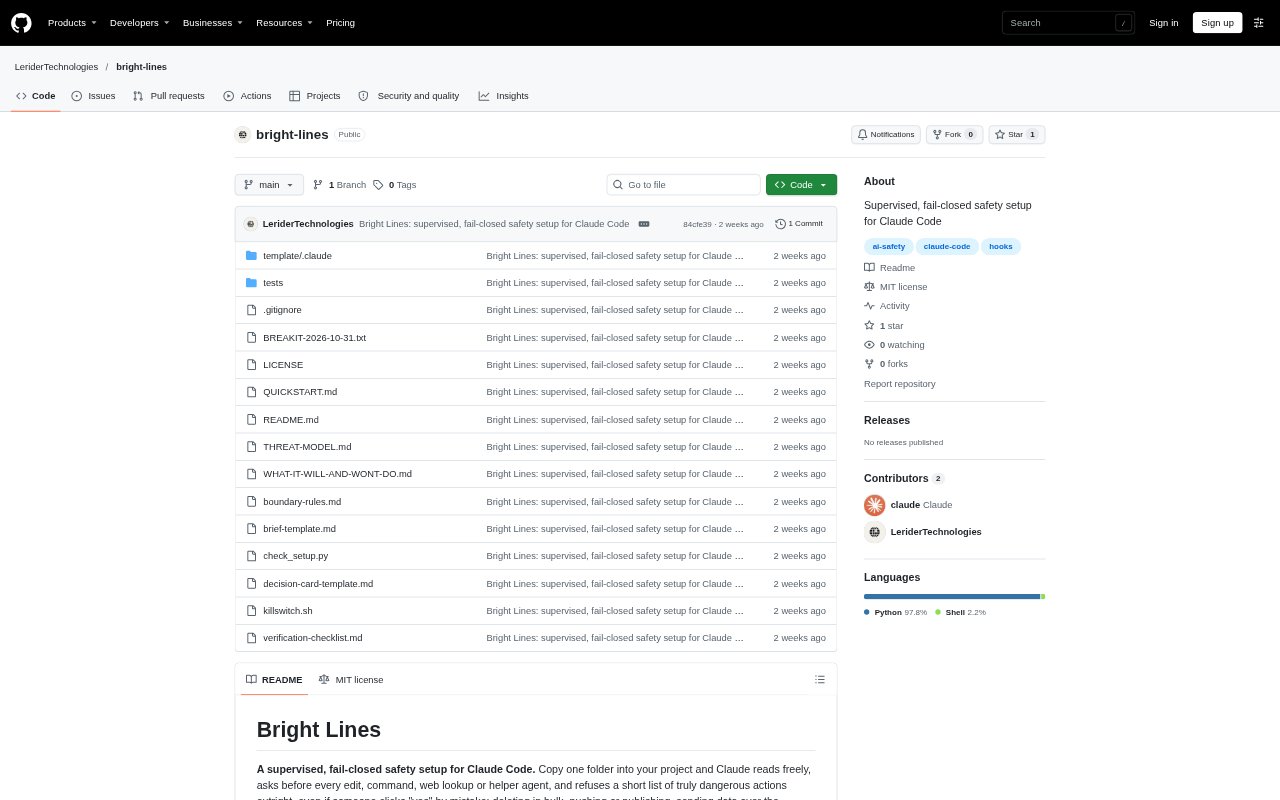
What is Bright Lines?
Bright Lines is a local safety setup for Claude Code, intended for people who want an AI coding agent to help with project work while keeping control over consequential actions. Add its .claude folder to a project to allow reading without approval while edits, shell commands, web lookups, and helper-agent calls require approval. A guard hook can refuse selected high-risk actions even after approval and fails closed on errors. Its pattern-based checks are guardrails, not a guarantee, so human review remains necessary.
Bright Lines Features:
Approval Settings: The Claude Code settings allow reading by default, require approval for edits, commands, web lookups, and agents, and turn off automatic permission modes.
Action Blocking: A guard hook can refuse selected actions outright, including bulk deletion, publishing, network transfers, secret-file reads, software installation, and changes to its own rules.
Session Controls: Configurable activity caps limit session use, while a project-level kill switch stops Claude sessions and helper agents running in that project.
Setup Checker: A checker verifies the installation and tests whether the guard blocks actions, helping confirm the setup before it is used on project work.
Web Safeguard: After a web fetch, the guard reminds Claude that fetched content is data rather than instructions, helping address prompt injection from web pages.
Guided Workflow: A supervised-session skill guides Claude to plan work, complete steps with approval, verify results against project files, and summarize what it did.
Bright Lines Benefits:
Visible Decisions: Keeping approvals in the workflow lets you review consequential actions before they affect project files, run commands, or send information elsewhere.
Reduced Exposure: Refusing selected high-risk actions can reduce the chance that a mistaken approval leads to publishing, bulk deletion, or exposure of key files.
Faster Intervention: The kill switch offers a direct way to halt project sessions when activity looks unexpected, rather than letting an agent continue unchecked.
Clearer Verification: Checking the installation and testing the guard gives you a way to spot setup problems before relying on the approval workflow.
More Informed Review: The web-content reminder and workflow templates encourage closer review of outside material and agent claims against real project files.
Use Cases:
Supervised Coding: Use Claude Code on a real project when you want help drafting changes but prefer to approve each edit and command yourself.
Web Research: Let Claude consult web sources during a coding task while reviewing search requests and fetched material rather than treating page text as instructions.
Helper Agents: Delegate a bounded project task to Claude's helper agents while keeping their tool calls subject to the same approval and guard rules.
Risky Repositories: Add an approval-first setup to a project where accidental publishing, broad deletion, secret-file access, or software installation would be unwelcome.
Scoped Workflows: Use the supervised-session process for a defined coding task that benefits from a plan, approved steps, checks against project files, and a final summary.