

What is agent-plan?
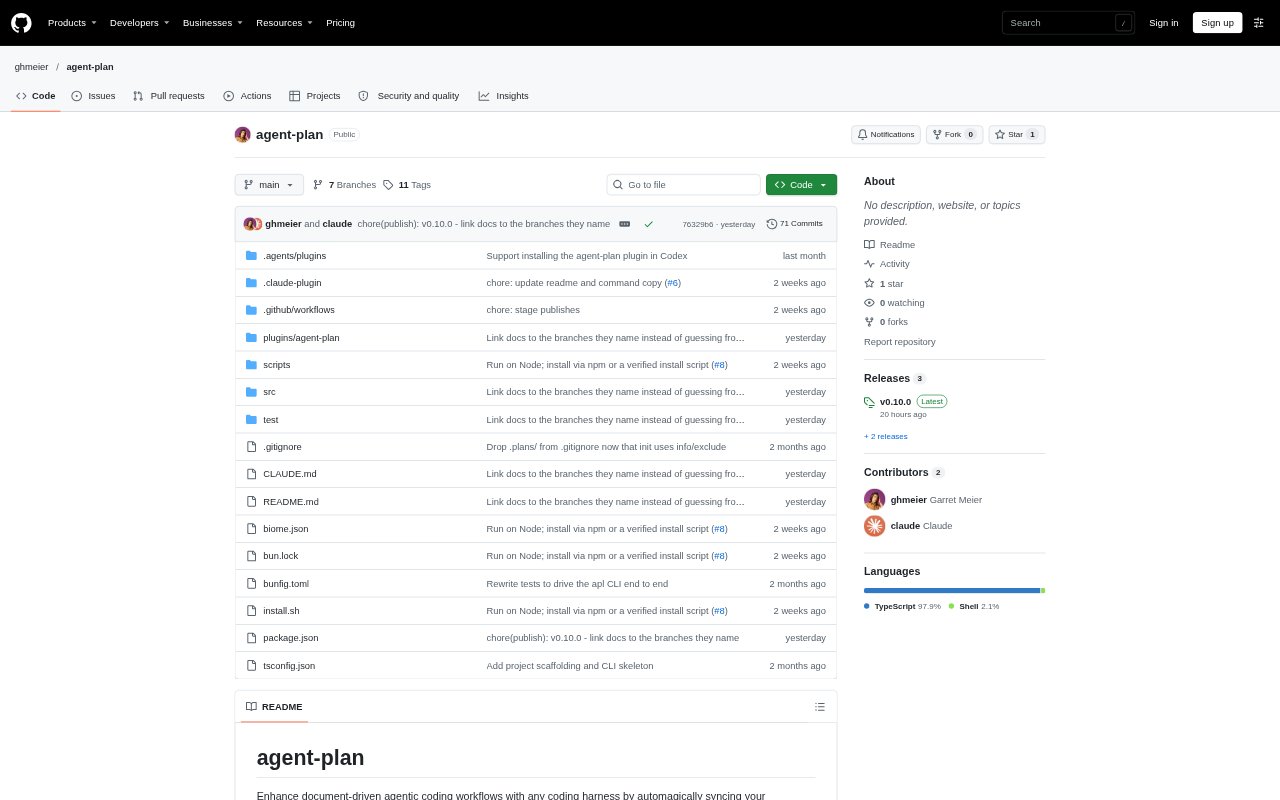
agent-plan is a command-line tool for developers and teams who keep plans, research, and handoff notes alongside AI-assisted coding work. It stores Markdown documents on a separate Git branch and makes them available through symlinks across worktrees and checkouts. Its commands support creating, organizing, searching, and syncing documents, while configurable templates and document types help teams shape their own workflows. Plugins are available for Claude Code and Codex.
agent-plan Features:
Worktree Sync: Store documents on a separate Git branch, access them through symlinks across worktrees and checkouts, and sync them with a remote.
Document Commands: Create documents from templates, add existing Markdown files, and list, view, or search the documents managed by agent-plan.
Document Types: Group documents by type, configure allowed statuses, and assign each type a default template.
Frontmatter Fields: Use YAML metadata for titles, statuses, tags, and dates, with created and updated dates set automatically in supported workflows.
Branch Links: Link documents to implementation branches, then list the documents associated with a branch or the branches associated with a document.
Agent Plugins: Use Claude Code and Codex plugins that can pull documents at session start and sync changes after a turn.
JSON Command Output: Get structured JSON output from commands including show, list, search, links, log, diff, status, types, and new.
agent-plan Benefits:
Cleaner Codebase: Keeping project notes on a separate branch helps prevent planning documents from adding clutter to the codebase.
Less Coordination: Automatic syncing reduces the need for teammates to decide where documentation belongs and when to commit updates.
Shared Context: Keeping documents accessible across worktrees and checkouts makes it easier for teammates and coding agents to work from the same project notes.
Easier Retrieval: Organized types, metadata, and search help teams find prior plans and research without hunting through scattered folders.
Traceable Decisions: Document links and Git history make it easier to connect planning changes with the branches and commits that implement them.
Use Cases:
Feature Planning: Create and maintain an implementation plan while work on a feature moves between coding sessions or worktrees.
Research Notes: Collect research in project documents that teammates or agents can find and use during later sessions.
Team Handoffs: Write handoff notes for work that another teammate or coding agent will pick up, and track whether each handoff is open or closed.
Branch Tracking: Associate a plan with a feature branch or ticket-keyed branch name to keep implementation context connected to the document.
Decision Records: Configure a document type for architecture decision records, with statuses such as proposed, accepted, and superseded.