

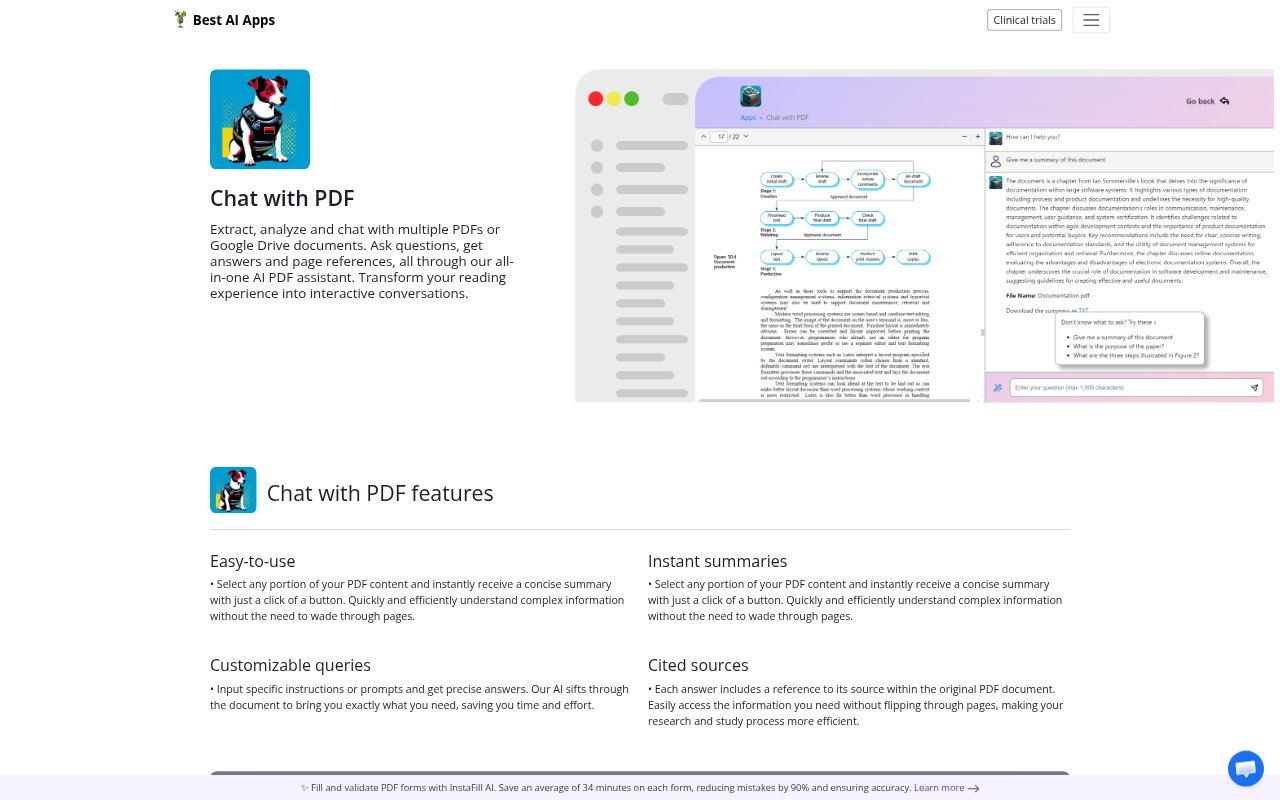
What is Chat With PDF by Copilot.us?
Chat With PDF is an AI assistant for asking questions about PDFs and Google Drive documents. It can work with multiple documents, provide answers with page references, and summarize selected passages. The tool is suited to people who need to extract or analyze information from documents without reading every page in sequence, including for research, study, and everyday business tasks.
Chat With PDF by Copilot.us Features:
Multiple Documents: Work with multiple PDFs or Google Drive documents and ask questions about the material in them.
Document Questions: Enter a question or a specific instruction to get an answer drawn from the document content.
Page References: Answers include page references so you can locate the relevant passage in the original PDF.
Passage Summaries: Select a portion of PDF text and request a concise summary with a button.
Document Analysis: Use the assistant to extract and analyze information from PDFs and Google Drive documents.
Custom Prompts: Provide specific prompts or instructions to guide the assistant toward the information you need.
PDF Conversations: Interact with PDF content through questions and answers rather than relying only on page-by-page reading.
Chat With PDF by Copilot.us Benefits:
Faster Review: Concise summaries help you get the main points from selected passages without working through every line.
Easier Verification: Page references make it simpler to check an answer against the relevant part of a PDF.
Focused Reading: Specific prompts help keep document review centered on the questions or details that matter to you.
Less Page Searching: Answers tied to document sources reduce the need to flip through pages looking for supporting information.
Clearer Understanding: Summaries and question-based responses can make complex information easier to process and review.
One Place to Ask: Working with multiple documents lets you bring questions about a collection into a single assistant.
Use Cases:
Research Review: Ask targeted questions while reviewing PDFs for relevant details, then use page references to return to the source.
Study Sessions: Select a passage from course material, summarize it, and ask follow-up questions about its contents.
Drive Document Search: Ask questions about information held in Google Drive documents instead of opening each document to search manually.
Document Comparison: Ask questions across multiple PDFs when reviewing a collection of documents on a shared subject.
Passage Review: Summarize a selected section of a PDF when you need a quick explanation of its main points.
Business Document Review: Use custom prompts to find and analyze specific information in PDFs or Google Drive documents for business work.