

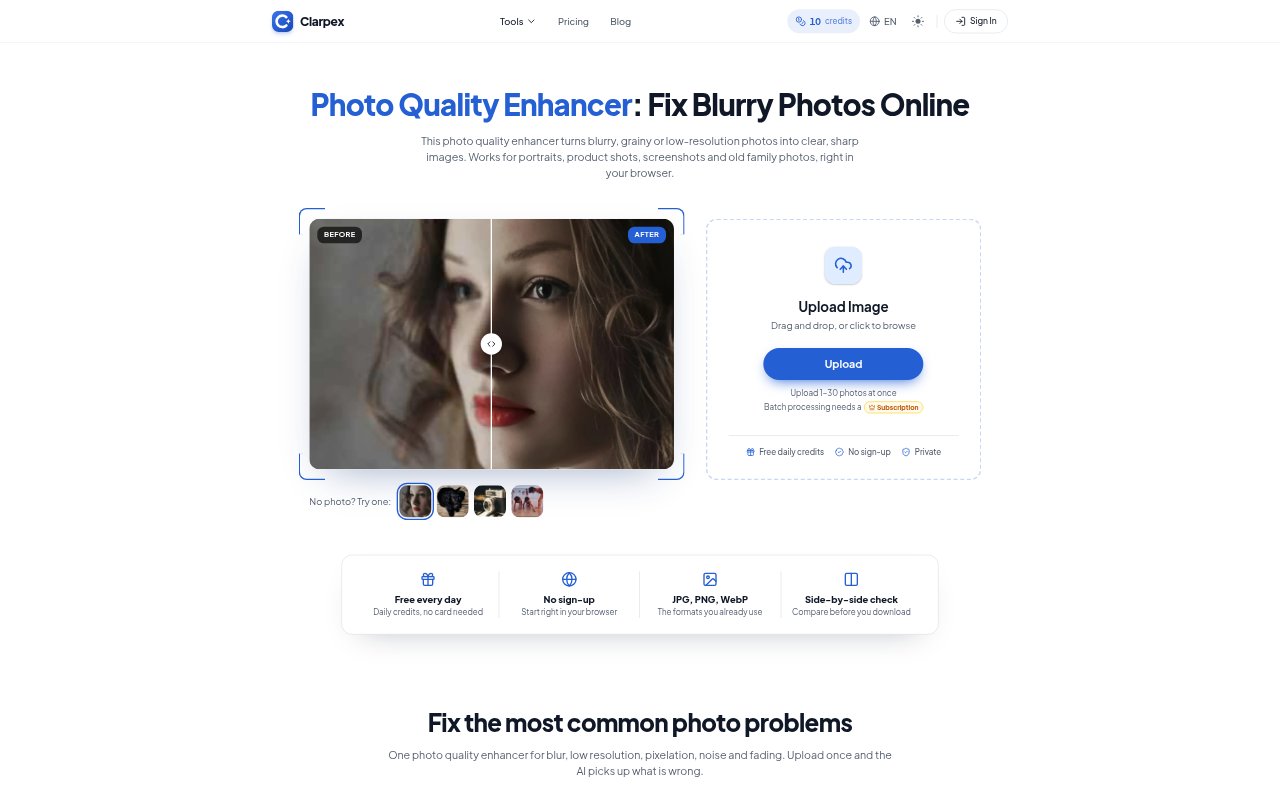
What is Clarpex?
Clarpex is a browser-based photo enhancer for people who want to improve blurry, grainy, pixelated, faded, or low-resolution images without installing editing software. It accepts JPG, PNG, and WebP files, then uses AI to rebuild detail and clean up image problems. Users can start without signing up, with free daily credits, and choose between Standard and Pro processing options.
Clarpex Features:
Image Repair: The enhancer addresses blur, low resolution, pixelation, noise, and fading, rebuilding detail and cleaning up edges in a single workflow.
Photo Upscaling: Clarpex can enlarge small or compressed images while generating detail, with separate upscaling options available up to 4K or 8K.
Old Photo Restoration: Its restoration tools remove scratches, cracks, stains, dust, and fading from old prints and scanned photographs.
Browser Uploads: Users upload JPG, PNG, or WebP images up to 20 MB and 40 megapixels, with larger photos scaled down automatically.
Result Comparison: A before-and-after slider lets users inspect the enhanced image alongside the original before downloading it.
Batch Processing: Paid subscription plans include batch processing for up to 30 photos at once, alongside Standard and Pro versions of the tools.
Clarpex Benefits:
Less Manual Editing: Common image fixes can be handled without desktop editing software or the experience needed to make adjustments by hand.
Clearer Small Images: Rebuilt detail can help thumbnails and compressed pictures hold up better on larger screens and in prints.
More Natural Cleanup: Cleaning grain while retaining details and skin tones helps avoid the overly smooth appearance that heavy noise reduction can create.
Review Before Saving: Comparing the result with the original makes it easier to judge whether the changes suit the image before keeping the file.
Flexible Spending: Daily free credits let people try routine enhancements, while purchased credit packs do not expire and subscriptions add monthly credits.
Use Cases:
Product Listings: Online sellers can clean up soft or pixelated product shots before using them in store listings or other sales materials.
Old Family Photos: People digitizing family prints can remove visible scratches, cracks, and stains while keeping black-and-white photos monochrome.
Nighttime Photos: Photographers can reduce grain in low-light pictures while aiming to preserve detail and skin tones.
Small Screenshots: Users can improve blocky screenshots and make small details more readable before sharing or displaying them.
Soft Portraits: Someone working with a slightly out-of-focus portrait can restore some edges and fine detail before saving a clearer version.