
What is claude-show-your-work?
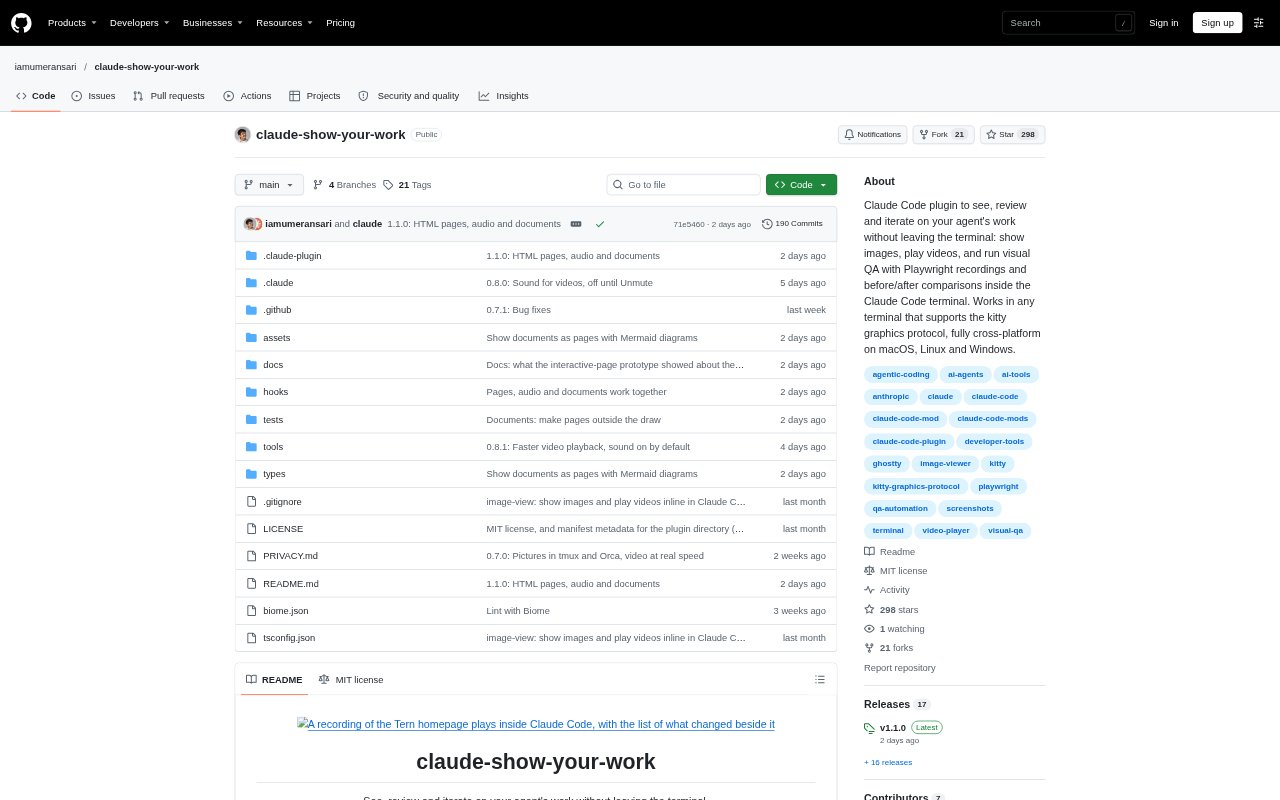
claude-show-your-work is a plugin for Claude Code that displays images and plays videos in the terminal, so developers can review visual work without leaving their coding conversation. It also helps Claude run Playwright tests and present recordings of app changes for visual quality checks. The plugin supports Ghostty and kitty on macOS and Linux. It is free and open source under the MIT license.
claude-show-your-work Features:
Inline Visuals: View screenshots, landing pages, app screens, design concepts, slides, charts and generated images directly in the Claude Code chat.
Playwright Recordings: Claude can test a feature with Playwright, record the run and show the video alongside its results in the chat.
Synced Comparisons: For a change or fix, compare recordings of the same steps on the old and new versions side by side in sync.
Timestamped Changes: A sidebar lists changes beside the recording, and selecting a timestamp jumps to the moment that change appears.
Live Test Checks: Test checks turn green or red as the recording plays, showing where a result passes or fails.
Video History: Review earlier drafts in History, scrub through a video, use skip controls, or save it to the Downloads folder.
claude-show-your-work Benefits:
Fewer Context Switches: Reviewing a visual result in the coding conversation avoids opening a separate browser or hunting through files to find it.
Faster Bug Review: Seeing the old and new behavior together makes it easier to judge whether a fix addresses the issue.
Clearer Test Results: Recorded steps and visible pass or fail states make it easier to understand what a test actually covered.
Easier Design Decisions: Viewing several concepts together helps teams choose a direction without opening each draft individually.
More Useful Feedback: Timestamped changes let reviewers point to a specific moment instead of describing where an issue occurs.
Use Cases:
Landing Page Review: Ask Claude to produce several homepage directions, then compare the concepts in the chat before choosing one to develop.
Bug Fix Verification: Have Claude record the same Playwright steps before and after fixing a billing toggle or another interface bug.
Form Testing: Review a recording of Claude testing a new sign-up form and check the results as each step plays.
Responsive Design: Inspect a homepage at desktop, tablet and phone sizes while iterating on the layout with Claude.
Video Draft Review: Watch and compare cuts of an ad, animation or launch video, using timestamps to revisit particular moments.