

What is turbo-browser-mcp?
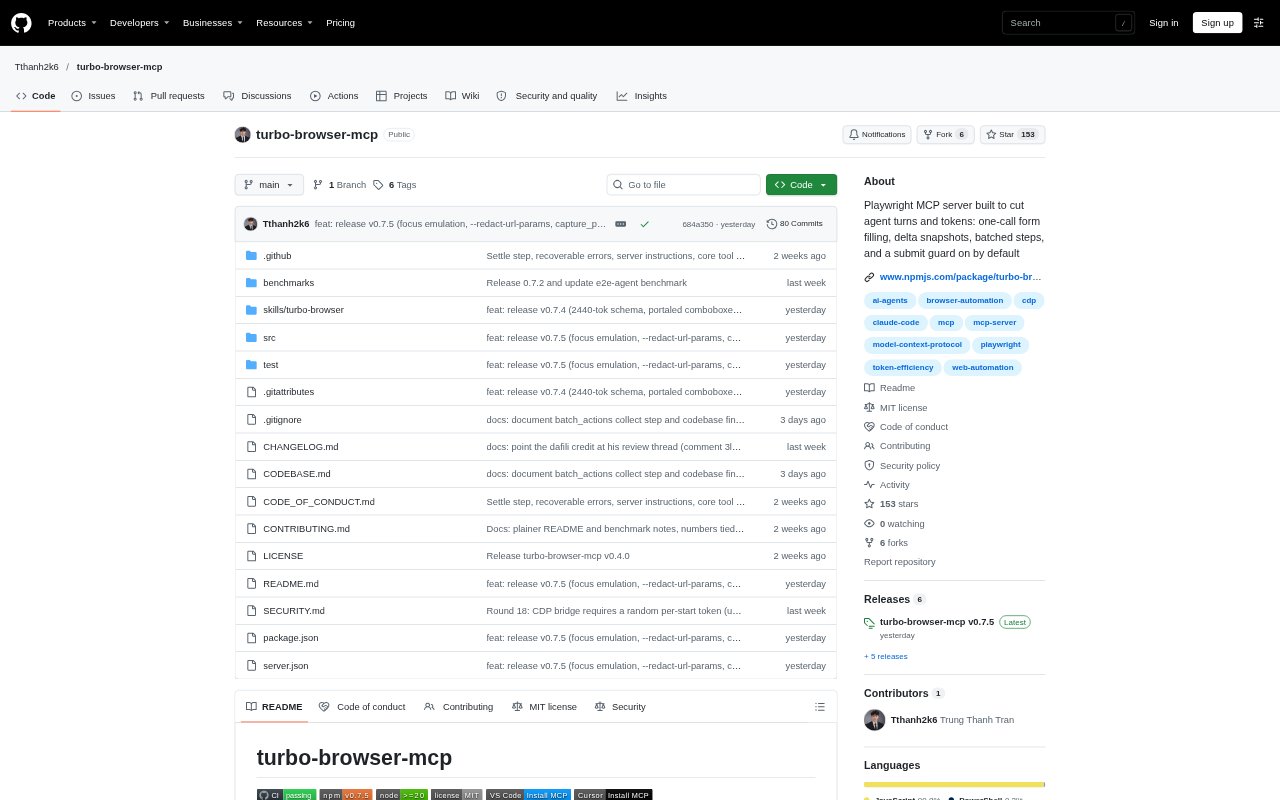
turbo-browser-mcp is a Playwright-based MCP server that lets AI agents inspect and control a Chromium browser through a compact set of tools. It is for developers and teams connecting browser automation to MCP-compatible clients, including VS Code, Cursor and Claude Code. The server can attach to a running Chrome session or launch Chromium, and supports tasks such as reading pages, completing forms and running sequences of browser actions.
turbo-browser-mcp Features:
Compact Page Inspection: Inspect interactive elements, forms or article text with size-capped snapshots, then request only the DOM changes since the previous snapshot.
Batched Browser Actions: Run ordered actions and multi-page navigation or extraction in one call, with options to continue after errors and check expected page results.
Form Filling: Fill text fields, selects, checkboxes, radio groups and file inputs together, including attaching files from disk.
Browser Sessions: Open and manage tabs, connect to an existing browser or launch Chromium, and use isolated contexts with separate cookies and storage.
Submit Safeguards: Block final Submit-like actions by default, redact URL parameters, and support secret values through named variables.
Human Handoff: Pause an automation for a person to handle a step, such as a site’s bot check, and resume in the same browser session.
turbo-browser-mcp Benefits:
Fewer Agent Turns: Combining form entry or a sequence of actions into a call cuts down on the repeated inspect-and-act cycles that otherwise slow browser tasks.
Less Page Context: Compact and changed-only snapshots give the agent a smaller view of the page to work with instead of repeatedly returning the full DOM.
Safer Submissions: Default blocking and explicit submission controls help reduce accidental sends, purchases or duplicate actions during automation.
Controlled File Access: Setting a save root limits which folder the server can use for screenshots, PDFs and storage files.
Human Oversight: A person can take over a step that automation cannot complete, while preserving the session for the work that follows.
Use Cases:
Web Form Entry: Complete applications or intake forms with multiple fields, dropdowns, checkboxes and a document attachment, then inspect the result before submitting.
Multi-Page Research: Navigate through pages of a catalog or website and collect selected text or Markdown from each page in a single action sequence.
Page Change Checks: Inspect a page after opening a modal or changing a view, focusing on newly added or removed elements rather than the unchanged interface.
Browser Workflow Testing: Run a sequence of clicks and form steps, then check for expected text, a matching URL or a particular page element.
Manual Verification Steps: Hand control to a person when a site presents a bot check, then continue the browser workflow after the person completes that step.