

What is KeepTalking?
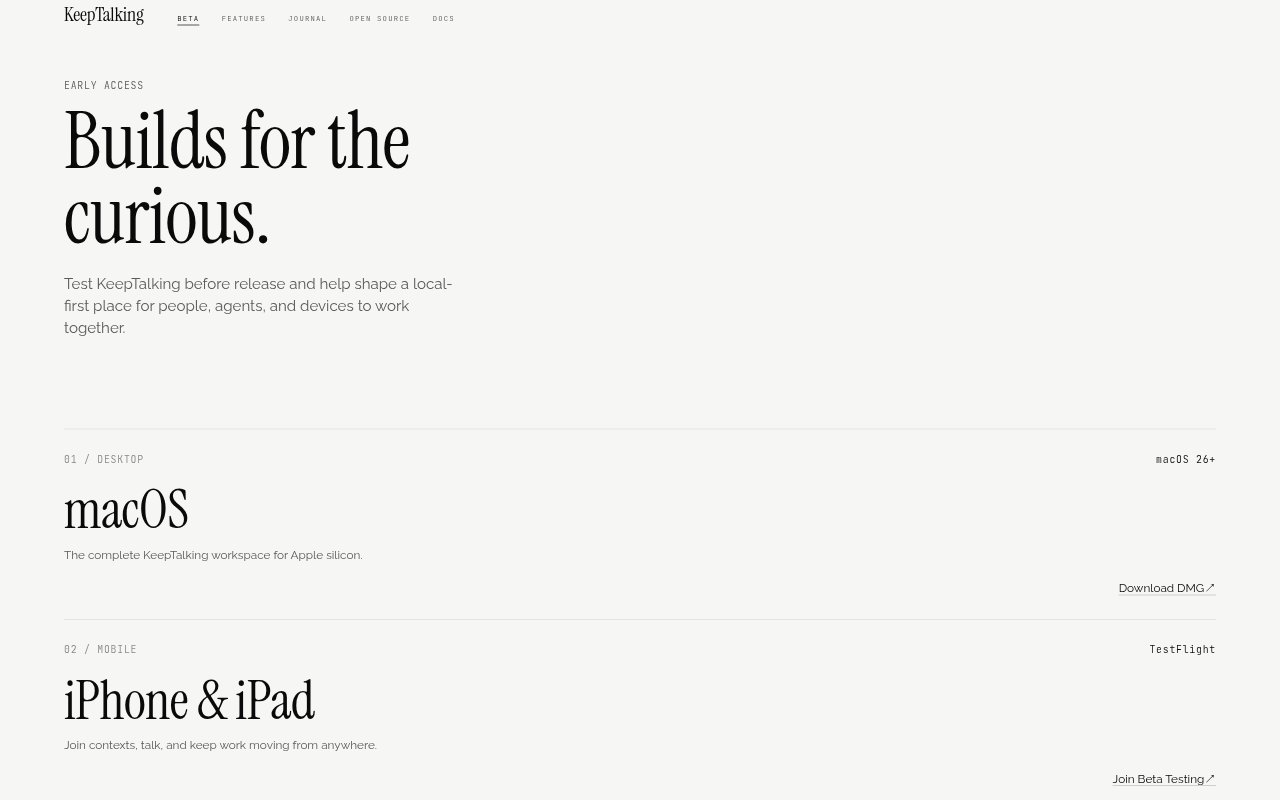
KeepTalking is a local-first collaboration workspace and infrastructure for people, AI agents, and devices. Teams can create shared contexts, connect trusted peers, and let agents carry out capabilities that have been explicitly granted. It is aimed at individuals, open-source groups, and businesses that want collaboration to run on their own devices or inside their own operational perimeter, with builds available for macOS, iPhone, and iPad and Linux work in progress.
KeepTalking Features:
Local Contexts: Start conversations on your own node, with contexts that retain threads, decisions, and actions as work progresses.
Peer Connections: Connect teammates, devices, or agents directly where possible, with relay or Bluetooth fallback and end-to-end encryption.
MCP Servers: Connect Model Context Protocol servers through local stdio or HTTP transports, with authorization handled in-protocol.
Coding Agents: Bring in agents such as Claude Code, Codex, OpenCode, or Gemini CLI for trusted peers to assign work without moving the agent off its machine.
Sandboxed Skills: Package instructions, scripts, and needed files as capabilities that run within declared filesystem and network boundaries.
Device Primitives: Grant scoped access to device actions such as checking a calendar, setting a reminder, playing music, or running a Shortcut.
Semantic Retrieval: Automatically thread and index contexts using on-device embeddings so agents can retrieve earlier decisions.
KeepTalking Benefits:
Work Continuity: Threads and decisions remain available as teammates or agents change, reducing the need to reconstruct context from scratch.
Visible Permissions: Explicit grants help teams keep control over which capabilities an agent or peer can use.
Local Control: Keeping work on users’ own nodes or within a business perimeter supports greater control over where collaboration happens.
Less Rebriefing: Agents can look up decisions in the context rather than relying on teammates to repeat them.
Flexible Models: Teams can use a model they already have, run one locally, or let a plan provide it instead of choosing a house model.
Use Cases:
Distributed Teamwork: Coordinate a project among teammates working from different places and devices, with shared context and peer connections.
Agent-Assisted Coding: Let a trusted teammate send work to a coding agent that stays on the machine where it is running.
Connected Tools: Make an MCP server’s tools available as capabilities an agent can call during collaborative work.
Scoped Automation: Bundle a script and its required files into a sandboxed skill for an agent to run within defined boundaries.
Mobile Collaboration: Join a context and continue a conversation from an iPhone or iPad while away from a desktop.