

What is Lensa?
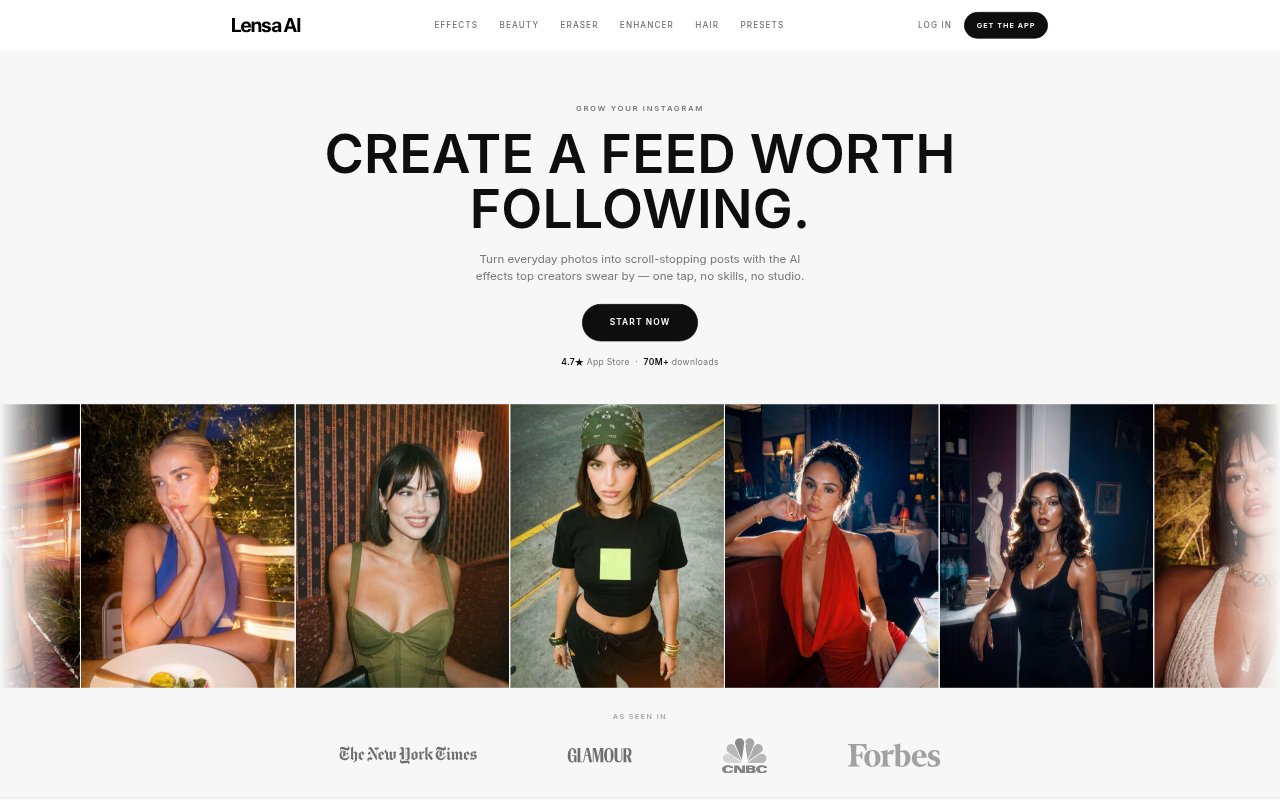
Lensa is an AI photo editor for creators and anyone who wants to adjust personal photos without advanced editing skills. It offers one-tap effects and presets, tools for removing unwanted objects and improving image quality, and a way to preview different hairstyles on a selfie. The app is geared toward preparing photos for social feeds as well as making individual images look more polished.
Lensa Features:
Trending Effects: Apply looks such as Golden Hour, Halo Flash, and Y2K Digicam to give everyday photos a distinct visual style.
Beauty Toolkit: Use a dedicated beauty toolkit to refine the appearance of photos, with individual controls not detailed in the available product information.
Object Removal: Brush over distractions such as photobombers, signs, crowds, power lines, or large objects, and AI rebuilds the background.
Photo Restoration: Upscale photos and improve lighting, clarity, color, and detail in images affected by low resolution, heavy crops, or dark conditions.
Hair Restyling: Upload a selfie to preview different haircuts while keeping the same face, letting you compare possible styles before a real cut.
Photo Presets: Choose a preset to grade color, light, and mood across a photo in one tap, rather than adjusting each element separately.
Lensa Benefits:
Lower Editing Barrier: One-tap effects and presets make it possible to create a styled image without learning a complex editing workflow.
Cleaner Photos: Removing distracting people or objects can help keep attention on the subject and setting you intended to show.
More Usable Images: Restoration tools can help recover photos that might otherwise be set aside because they are dark, cropped, or lacking detail.
Consistent Feed: Applying a chosen preset across posts can give a creator’s feed a more cohesive look in color, lighting, and mood.
Style Confidence: Previewing a haircut on a selfie gives you a visual reference before deciding whether to make a change to your hair.
Use Cases:
Social Post Editing: Give a casual photo a Golden Hour, Halo Flash, or Y2K Digicam look before sharing it on a creator or personal feed.
Travel Photo Cleanup: Remove a photobomber, crowd, sign, or power line from a vacation image when it distracts from the place or people in the shot.
Low-Light Recovery: Improve a dark indoor photo or a low-resolution image when you want to retain it for sharing instead of leaving it unused.
Haircut Preview: Upload a selfie to see how a shorter cut or another hairstyle might look before booking a haircut or visiting a salon.
Feed Styling: Use the same photo preset on a set of posts when you want their color, lighting, and mood to feel like they belong together.