

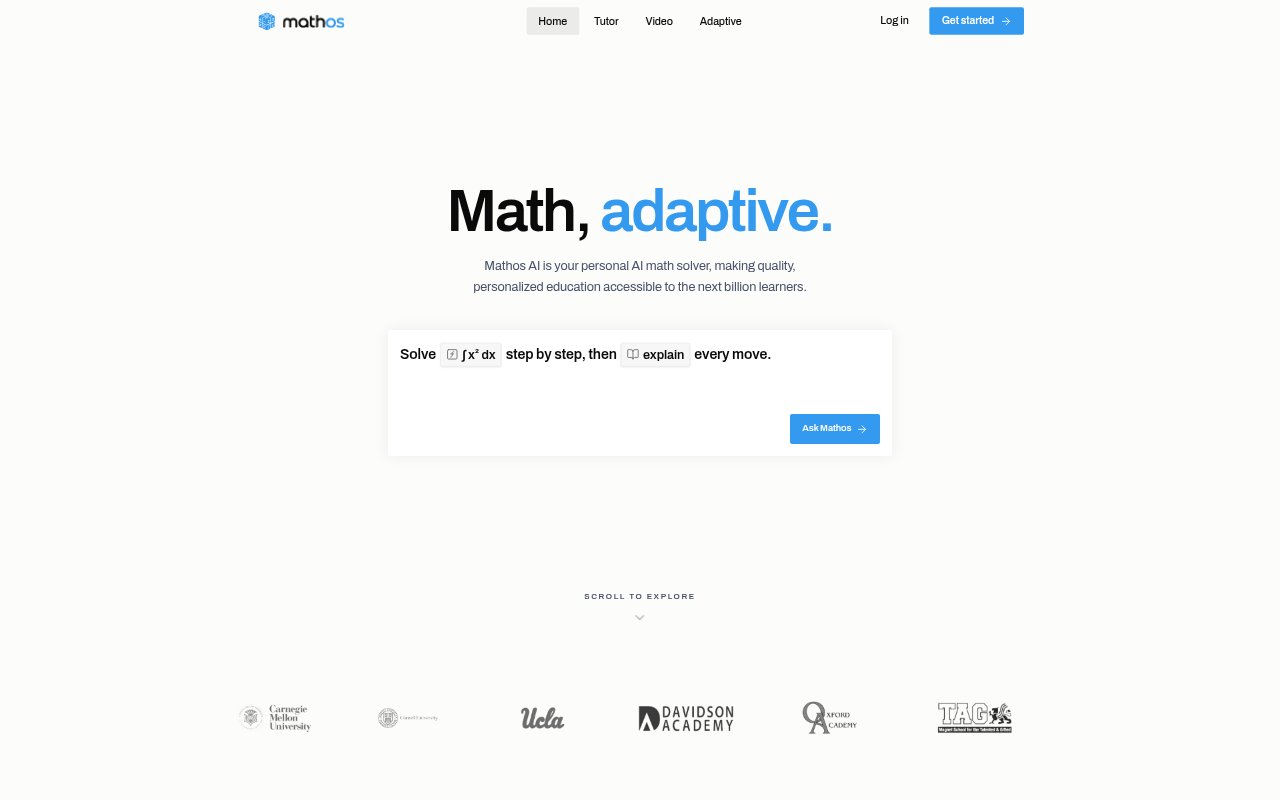
What is Mathos AI?
Mathos AI is a math solver and AI tutor for students working on topics from algebra and calculus to physics and engineering. It can explain a problem step by step, give a hint or a full solution, and adapt its coaching to where a learner gets stuck. The tool also turns questions into video lessons and study materials, with options for working from images and PDF homework.
Mathos AI Features:
Step-by-Step Solutions: Enter a math question and choose between a single nudge and a full worked solution that breaks the problem into steps.
Adaptive Tutoring: The tutor tracks a learner's work, identifies mistakes and weak points, and responds with coaching aimed at the missing prerequisite.
Image and PDF Input: Submit problems using image input or PDF homework tools, rather than having to type every question.
Math Video Lessons: Turn a problem or concept into a narrated, animated explainer, then edit elements such as numbers and diagrams and re-solve the lesson.
Quizzes and Flashcards: Convert a solution into a quiz or flashcard deck for continued practice and review.
Graphing Tools: Use a graph calculator and auto-drawn graphs to work with visual representations of math problems.
Mathos AI Benefits:
Learn at Your Pace: Students can work through explanations on demand, without needing to fit questions into a scheduled tutoring session.
Address Knowledge Gaps: Targeting the reasoning or prerequisite behind a mistake can help learners build understanding instead of repeating an easier version of the same problem.
Review More Effectively: Turning explanations into practice materials gives learners another way to revisit concepts after solving a question.
Make Concepts Visible: Animated explanations and graphing can make multi-step reasoning easier to follow than a written answer alone.
Get Frequent Support: Students can seek help across their daily problem set without relying on a limited number of human tutoring sessions.
Use Cases:
Check Homework Steps: Work through an algebra or calculus homework problem and use hints to find where the reasoning went off track.
Study From a Photo: Submit a picture of a math question when copying symbols and equations into a prompt would be inconvenient.
Review a PDF: Use the PDF homework helper to get support while working through a document of assigned problems.
Practice for Exams: Create quizzes or flashcards from worked solutions to review concepts covered in class or on an upcoming exam.
Teach a Difficult Concept: Generate an animated explanation of a math topic for a student who needs to see how its steps and diagrams fit together.