

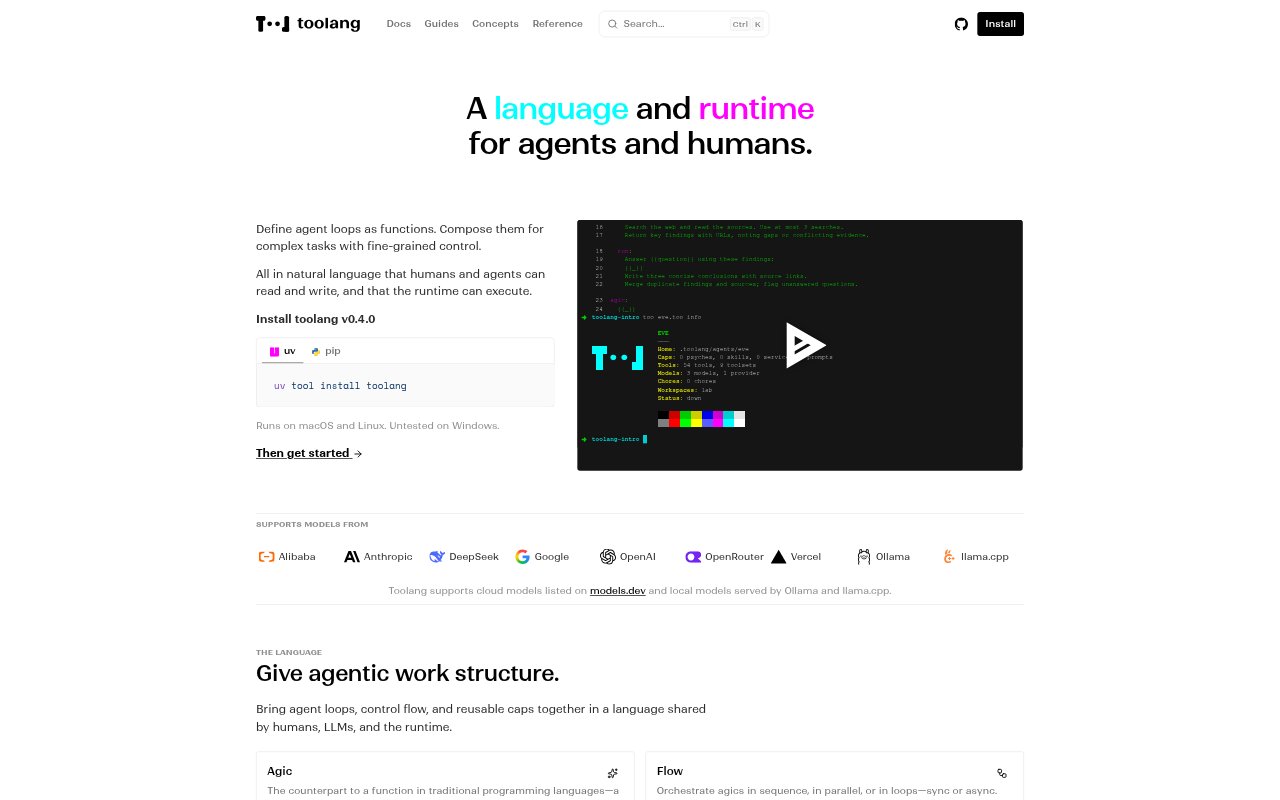
What is Toolang?
Toolang is a language and runtime for building and running agents, aimed at people who want to define agent behavior in a format that both humans and agents can read and write. Its plain-text .too programs describe reusable agent loops and how those loops are composed into larger tasks. The runtime executes them on a computer or in a sandbox, with support for cloud models and local models served by Ollama or llama.cpp.
Toolang Features:
Agent Loops: Define reusable agent loops called agics as functions with structured inputs and outputs, using natural language in a Toolang program.
Flow Control: Compose agics in sequence, in parallel, or in loops, with synchronous or asynchronous execution and explicit steps.
Composable Caps: Extend agents with reusable primitives called caps, including psyches, skills, services, and prompts, added by reference or inline.
Plain Text Programs: Write agent programs as editable, shareable .too files that describe an agent’s core elements in natural language.
Model Support: Use supported cloud models or local models served by Ollama and llama.cpp, with cloud model providers including OpenAI, Anthropic, and Google.
Run Inspection: Execute agents on a computer or in a sandbox, then view active runs and execution history.
Toolang Benefits:
Shared Reference: A format readable by people and agents gives both a common reference for understanding and revising how an agent is defined.
Clearer Workflows: Explicit control flow makes the structure of a multi-step agent task easier to follow when its parts are sequenced or run together.
Reusable Behavior: Reusable loops and composable primitives help teams adapt existing agent behavior instead of defining every part from scratch.
Execution Context: Run visibility and history provide context for reviewing what is active and what has already run.
Flexible Model Setup: Support for cloud and local models lets users choose a model setup that fits their environment.
Use Cases:
Multi-Step Tasks: Define a task that passes work through several agent loops in a set sequence, keeping each step explicit in the program.
Parallel Work: Run separate agent loops in parallel when a task can be divided into concurrent pieces of work.
Repeated Processes: Use loop-based flows for agent tasks that need to repeat a defined sequence of work.
Shareable Scripts: Create an agent script as a .too file that colleagues can read, edit, and share.
Sandbox Runs: Execute an agent in a sandbox when you want to run its program outside the computer’s usual execution context.
Run Review: Check active agent runs and execution history while monitoring work performed by the runtime.