

What is AnkiDecks AI?
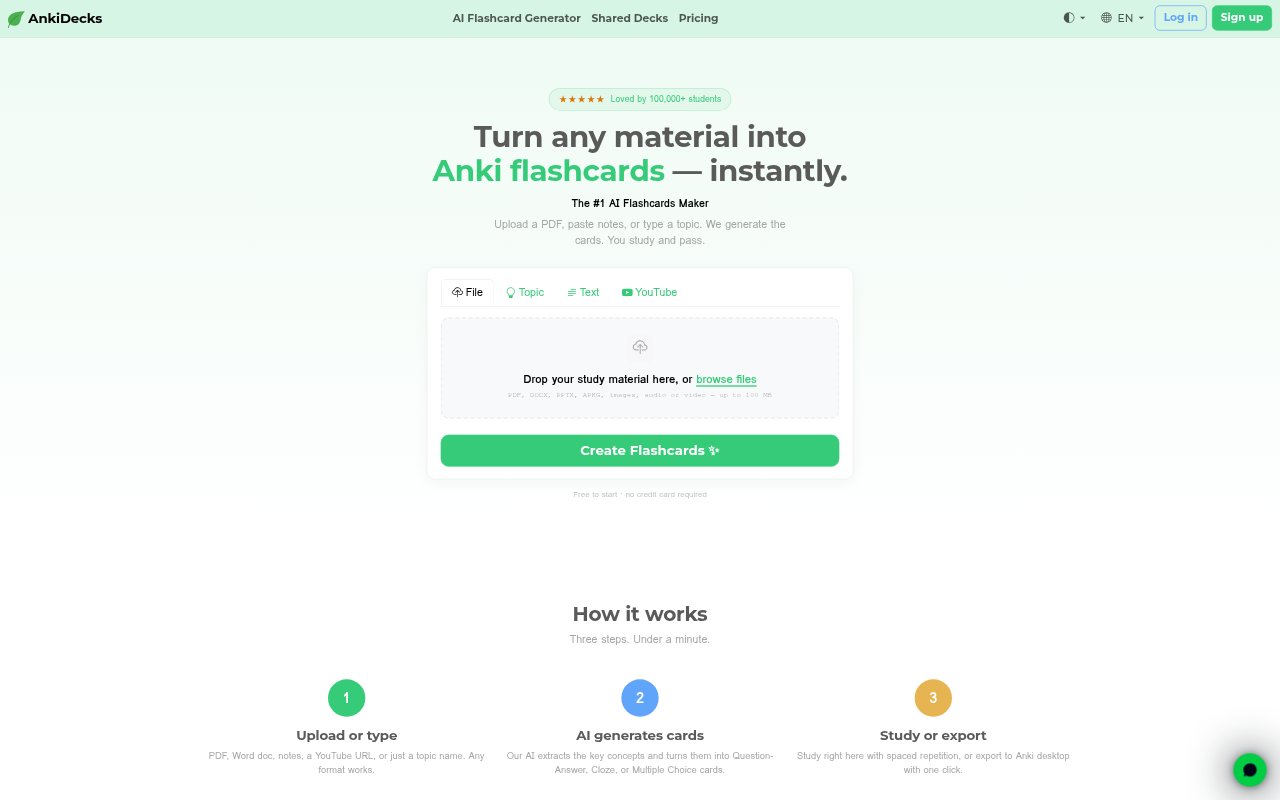
AnkiDecks is a web-based tool for turning study material into flashcards and reviewing them online or in Anki. Students can provide documents, notes, a YouTube video, or a topic, then generate cards in several formats and languages. It also offers shared and ready-made decks, with subjects including anatomy, science, law, history, and languages. A free plan is available for trying card generation, online study, and Anki export.
AnkiDecks AI Features:
File-Based Generation: Generate cards from PDFs, PowerPoint, Word, Excel, EPUB files, images, handwritten notes, pasted text, or a typed topic.
YouTube Transcription: Turn a public YouTube video into cards using automatic transcription in more than 50 languages and timestamped source references.
Card Formats: Create question-and-answer, cloze, or multiple-choice cards from uploaded material or a topic.
Image Occlusion: Have labels detected and hidden in diagrams, maps, charts, or handwritten notes to create image-occlusion cards.
Cross-Language Cards: Upload material in one language and generate flashcards in another, a useful option for language study.
Study and Export: Review cards in a browser with spaced repetition, or export decks as .apkg files for Anki on desktop, Android, or iOS.
Shared Decks: Share decks by link with public, private, or link-only access, and browse decks created by other students.
AnkiDecks AI Benefits:
Less Card Prep: Converting existing material into draft cards reduces the manual work of writing each prompt and answer from scratch.
Flexible Review: Learners can review in a browser or keep using Anki, so generated decks fit different study routines.
Visual Recall: Hiding diagram labels gives learners a way to check recall of spatial details, not just written definitions.
Easier Collaboration: Link sharing lets classmates, tutors, and teachers distribute a deck without asking each person to recreate it.
Quick Source Checks: Timestamped video references make it easier to return to the relevant moment when reviewing a card from a lecture.
Use Cases:
Lecture Revision: Turn lecture slides or notes into review cards before a course exam, rather than composing a deck card by card.
Medical Diagrams: Make image-occlusion cards from anatomy diagrams to practise identifying structures and labels.
Language Practice: Create cards in a target language from notes or material written in another language.
Video Lessons: Build a review deck from a public tutorial, documentary, or recorded lecture on YouTube.
Study Group Decks: Share a deck with classmates so they can clone it, study it, or export it into their own Anki setup.