

What is Inline Help?
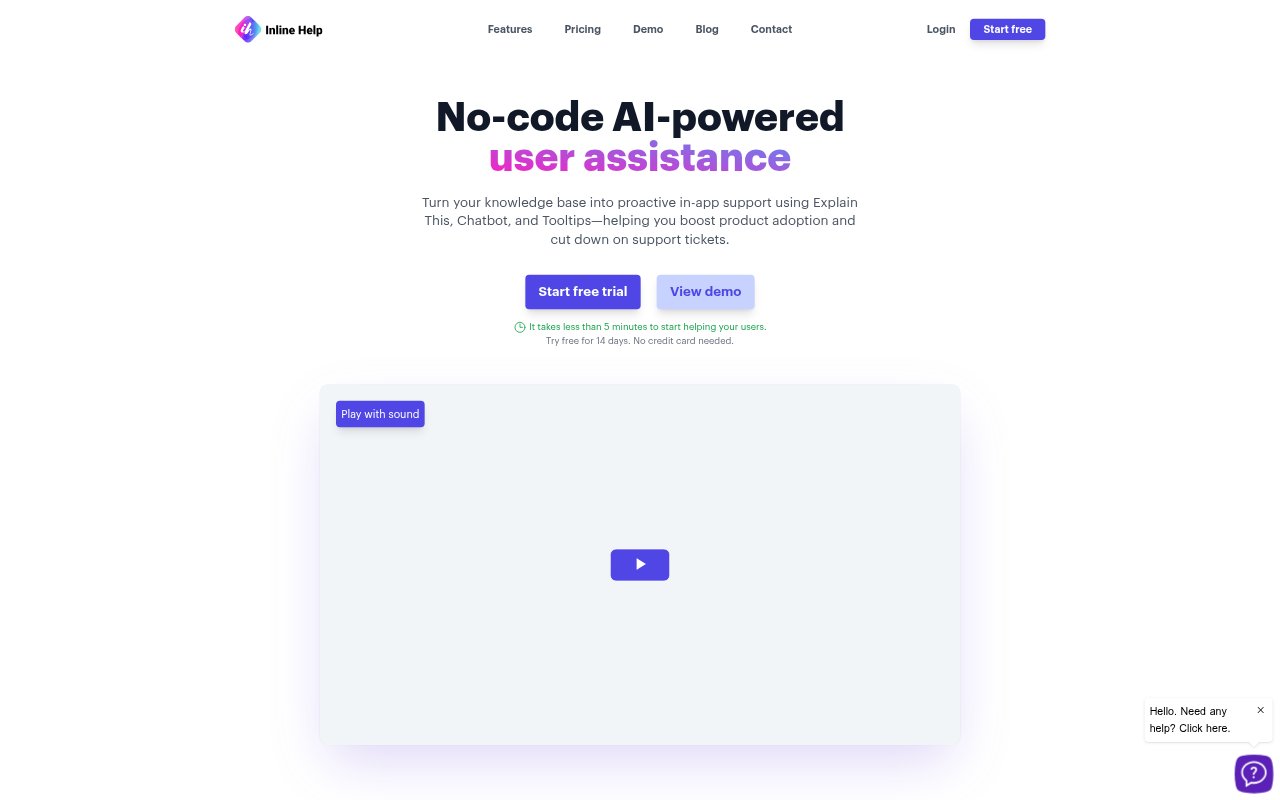
Inline Help is a no-code, AI-powered support layer for businesses that want to answer customer questions inside their website or app. It combines contextual explanations, tooltips, a chatbot, a knowledge base, and issue reporting in an in-app widget. Users can get guidance while using a product, consult relevant help content, or submit a support request without leaving their current experience. Its tools are designed to support customer self-service and reduce the need for manual assistance.
Inline Help Features:
Explain This: Users can tap any part of a website to receive AI-generated insights that explain the selected content in context.
AI Tooltips: No-code, AI-powered tooltips provide users with on-the-spot guidance within an app.
Support Chatbot: The chatbot answers customer questions in real time using information from the business’s knowledge.
Help Widget: A single in-app widget brings together support options including contextual explanations, chatbot assistance, and ticket submission.
Contextual Knowledge: The knowledge base puts a business’s repository within reach and tailors information to the user’s current context.
Ticket Form: Users can report an issue directly inside the app, without navigating away to submit a support request.
Language Support: AI support is available in English, German, French, Spanish, Italian, Portuguese, and Japanese.
Inline Help Benefits:
More Self-Service: Customers can find explanations and help content on their own, making it easier to resolve questions without contacting support.
Reduced Support Work: Automated chatbot responses can handle customer questions and reduce the amount of manual support work required.
Faster Guidance: Putting explanations and answers inside the product helps users get assistance at the point where they need it.
Smoother Product Use: Contextual help lets users clarify unfamiliar content without having to leave the experience to search elsewhere.
Broader Reach: Support in seven languages gives businesses a way to assist customers who use English, German, French, Spanish, Italian, Portuguese, or Japanese.
Use Cases:
New User Onboarding: Offer explanations and tooltips to customers learning how to navigate an app or understand its features.
In-App Questions: Let users ask about a page or product detail and get contextual guidance without leaving the website or app.
Routine Support: Use the chatbot and knowledge base to answer recurring customer questions through self-service rather than manual replies.
Issue Reporting: Give customers a direct way to submit a support request while they are still using the product.
Multilingual Help: Provide in-app answers and assistance for customers who need support in one of the seven available languages.