

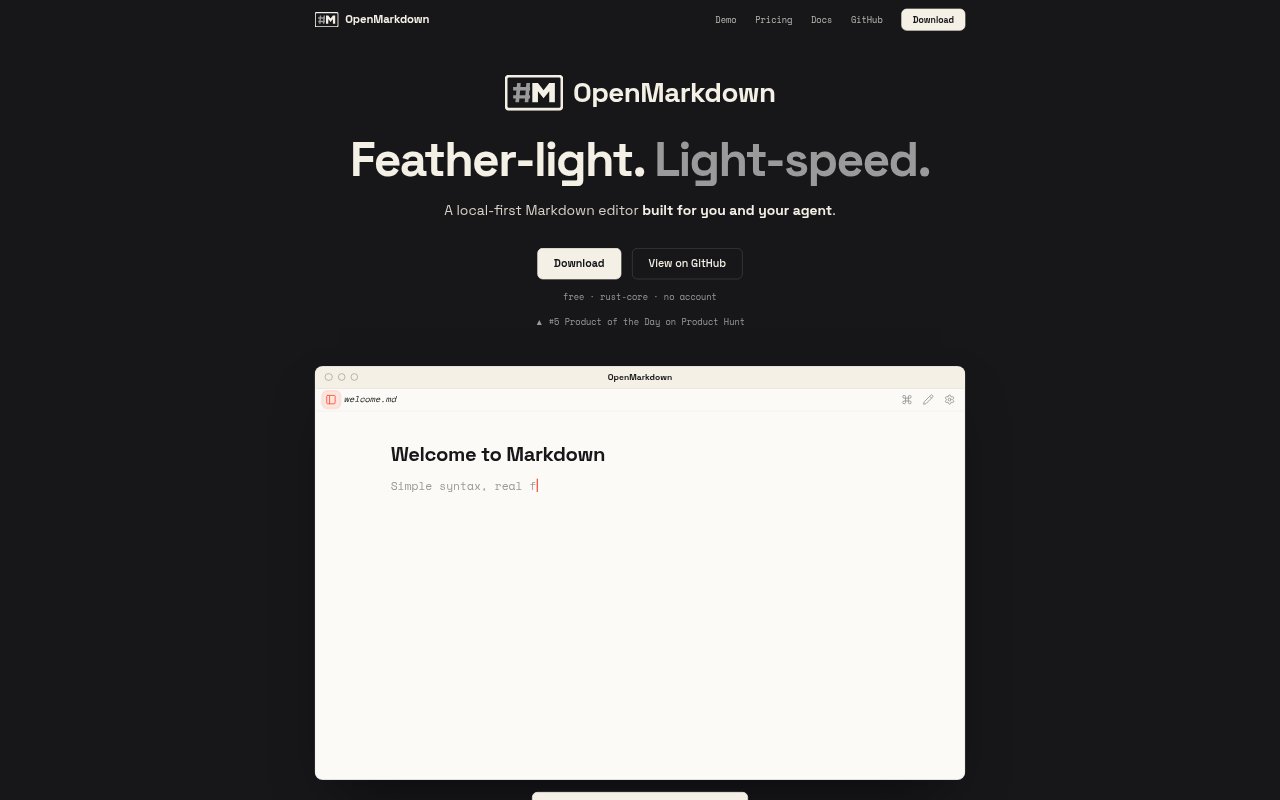
What is OpenMarkdown?
OpenMarkdown is a local-first Markdown editor for people who want to keep notes, drafts, project plans, and other writing as plain files on their own devices. It works alongside an agent you already use, with that agent running in a terminal tab in the sidebar and working on the same file. OpenMarkdown does not include its own AI, account, or cloud service.
OpenMarkdown Features:
Local Markdown Files: Notes stay as plain Markdown files on disk, with no database, and opening or closing a file does not reformat its contents.
Agent Sidebar: Run an installed agent in a terminal tab in the sidebar, where it can read, find, and write in the note you are viewing.
Selected Passage Editing: Select text and ask your agent to rework that passage in place, without moving it into a separate chat box.
Heading-Level Drafting: Ask your agent to draft under a heading so it changes that section while leaving the rest of the note untouched.
Three Reading Modes: Cycle between live preview, plain source, and a clean reading view with a single key.
Command Palette: Use the keyboard palette to jump to headings, find files with fuzzy search, or run commands.
Safe File Handling: Autosave after a pause, send deleted files to the system Trash, and restore tabs, folder, and cursor after a crash.
OpenMarkdown Benefits:
Portable Notes: Keeping knowledge in plain files makes it available outside the editor and means it remains yours if you change agents.
Focused Revisions: Changing only a selected passage or section helps preserve surrounding writing and reduces cleanup after an edit.
Fewer Context Switches: Working with an agent beside the note keeps the text and the conversation in one workspace.
Quick Navigation: Keyboard access to headings, files, and commands helps you get around without stepping through menus or a file tree.
Private Local Work: With no account, cloud, or telemetry, notes remain on the same disk where you and your agent work on them.
Use Cases:
Daily Note Taking: Capture a quick thought in a daily note, then ask an agent to help develop it without moving it into another app.
Project Planning: Keep launch dates, release notes, and open decisions together in a Markdown plan that you and an agent can update.
Draft Revision: Select a paragraph in an article or document and ask an agent to revise it in place while retaining the rest of the draft.
Research Organization: Maintain a personal wiki or reading notes as local files and use an agent to locate a relevant note or heading.
Agent Prompts: Write a longer prompt as a document in the editor, then hand the finished text to your existing agent.