

What is PhoneUse?
PhoneUse gives AI agents access to cloud Android phones and real mobile devices so they can work inside apps, not just browsers. Agents can control phones through MCP, an API, or a CLI, with support for clients including Claude, Cursor, Codex, and Windsurf. It is aimed at teams building mobile automations, running app tests, or handling workflows that need a real phone, such as receiving SMS verification codes or using apps without web versions.
PhoneUse Features:
Cloud and Real Phones: Choose virtual Android devices or physical phones, and switch between them using the same API with a device parameter.
Agent Connections: Connect through an MCP server, API, or CLI, with compatibility for clients including Claude, Cursor, Codex, and Windsurf.
Screen and Touch Control: Agents can read screens, tap, type, swipe, and open apps through a set of phone-control tools.
SMS and Verification: Real phones use carrier SIMs so agents can receive SMS messages and read verification codes in Messages.
Persistent Cloud Devices: Cloud Android phones can keep apps and logins between runs and boot in about four seconds.
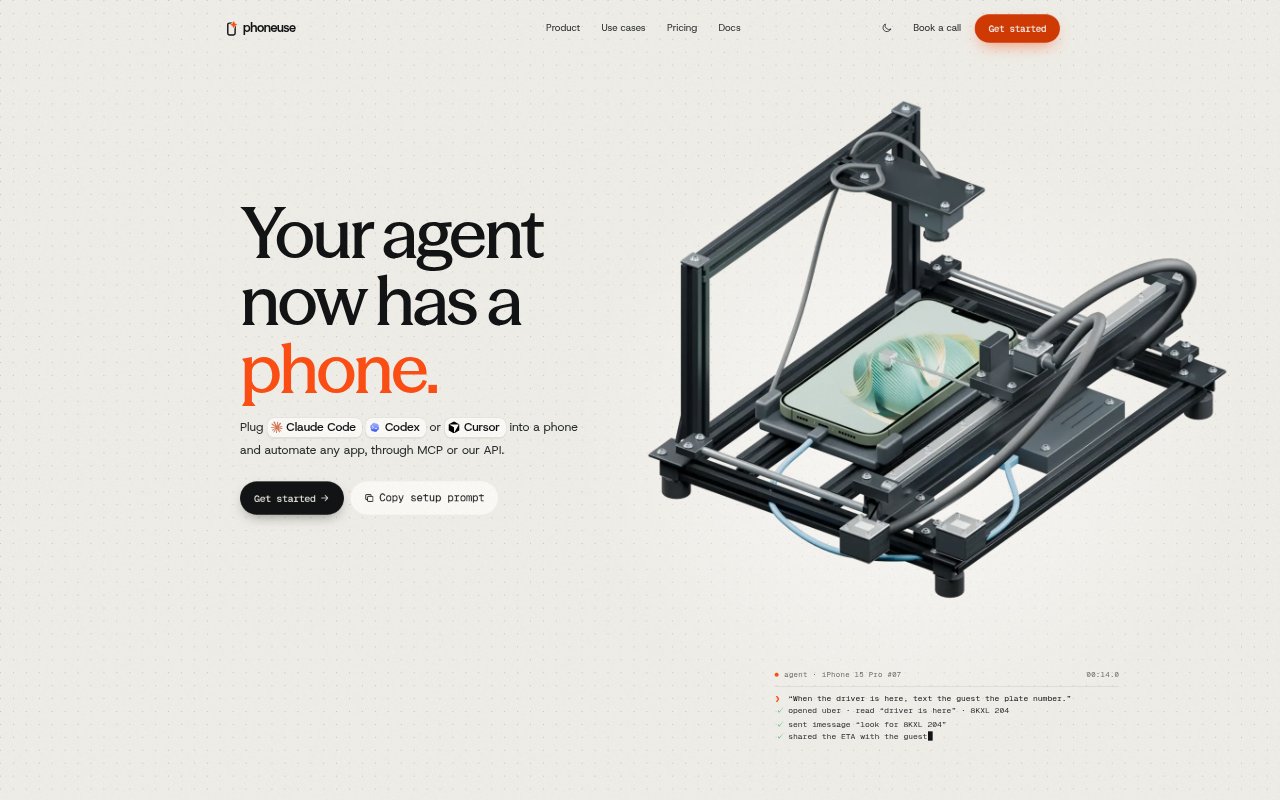
Physical Device Automation: Retail phones are operated with a robot stylus, without a jailbreak, root access, or a helper app.
Parallel Device Testing: Run test suites across hundreds of Android devices and dozens of iOS devices in parallel.
PhoneUse Benefits:
Fewer Mobile Roadblocks: Automations can continue when a task depends on a native app, instead of stopping at the boundary of a browser.
Flexible App Coverage: Teams can use cloud devices for ordinary runs and move blocked workflows to real phones without rebuilding around a different interface.
Less Device Setup: Cloud phones and multiple connection options let teams start agent workflows without plugging in and configuring their own hardware.
Repeatable QA Runs: Running suites across many devices helps teams check mobile flows on a broader range of phones at once.
Uninterrupted Login Flows: Access to real SMS verification codes helps agents complete sign-ins that would otherwise require a person to retrieve a text.
Use Cases:
Social Account Management: Post a photo to an Instagram story, tag someone, or reply to comments on a Reel through the mobile app.
Order Status Updates: Monitor an order in a mobile app and text a customer when it ships.
App-Based Ordering: Reorder a usual meal from a delivery service that has no web version for an agent to use.
SMS Login Automation: Sign in to a service by receiving its verification code on a real phone and reading it from Messages.
Mobile Checkout QA: Run checkout tests across a device fleet to check how the flow behaves on different phones.
Agent Evaluation: Create clean Android phone environments for evaluating an agent before deploying its mobile workflow.