
What is SiteGPT?
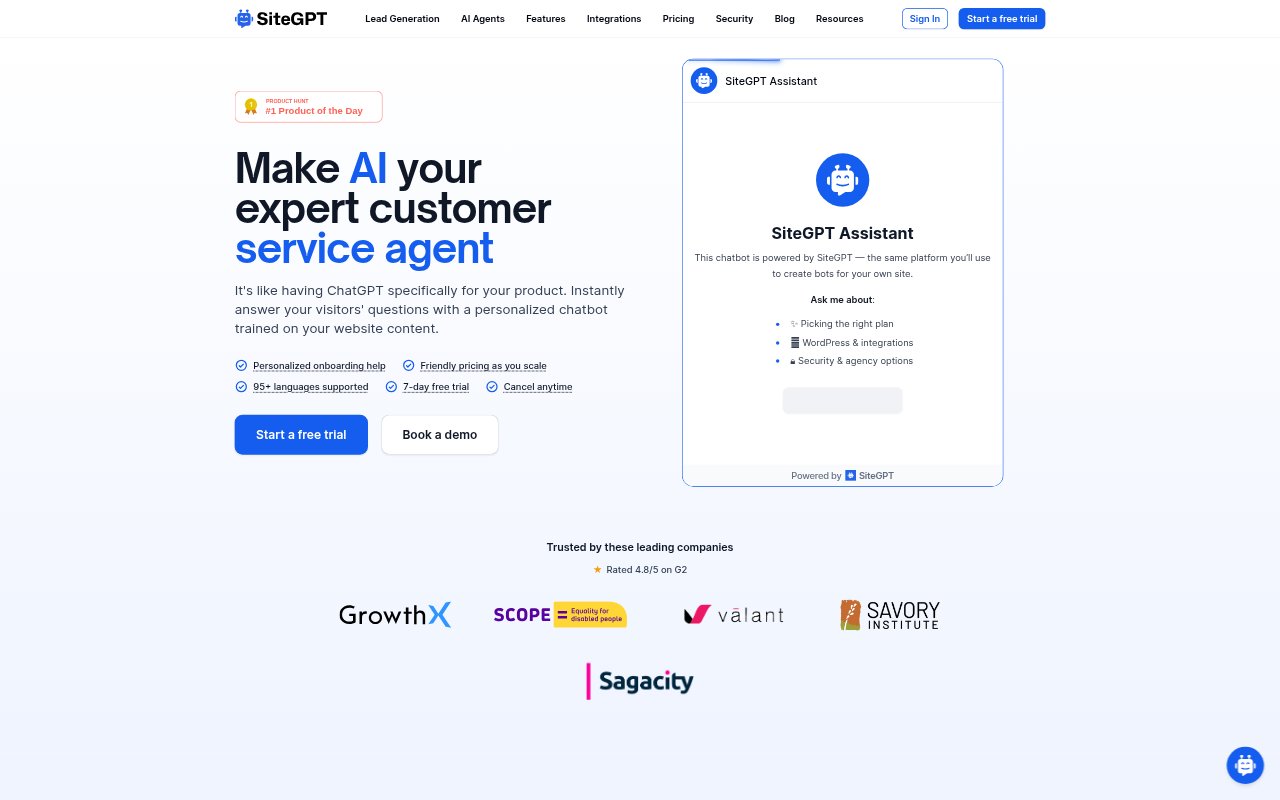
SiteGPT lets businesses create AI chatbots that answer visitors using information from their own websites, documents, and other connected sources. Teams can add a bot to a marketing site, app, or help center, or use it in supported customer communication channels. It is aimed at businesses that want to handle common customer questions automatically while keeping a route to human support for conversations that need it.
SiteGPT Features:
Knowledge Sources: Train a chatbot with website pages, sitemap links, YouTube videos, uploaded documents, raw text, or sources such as Notion, Google Drive, Dropbox, OneDrive, Box, and GitHub.
Scheduled Refresh: Keep connected content current with automatic monthly, weekly, or daily syncing depending on the plan, or refresh the chatbot manually.
Model Selection: Choose between GPT-4.1-mini, which prioritizes speed, and GPT-4.1, which prioritizes depth and accuracy, and switch models when needed.
Site Customization: Embed a chatbot on websites, in apps, or in help centers, then tailor its appearance with custom logos and colors.
Human Escalation: Let visitors move a conversation to a live agent, with support integrations including Crisp, Slack, Freshdesk Messaging, and Zendesk.
Chat Insights: Review conversation history, daily trends, engagement funnels, common topics, and questions the chatbot could not answer.
Lead Capture: Collect contact details from interested visitors and offer quick prompts to help them begin a conversation.
SiteGPT Benefits:
Faster Answers: Visitors can get responses to common questions at any time without waiting for a support agent to become available.
More Team Focus: Automating routine inquiries gives support staff more room to handle complex issues and other higher-level work.
Fewer Knowledge Gaps: Unanswered questions and topic trends help teams spot missing or unclear information in their support content.
Broader Reach: Support across 95 languages lets businesses serve visitors who prefer to ask questions in different languages.
Useful Handoffs: Human escalation means customers can get personal help when an automated response is not enough.
Use Cases:
Product Support: Answer recurring questions about a product using its help pages, documentation, and other training content.
Website Assistance: Add a chatbot to a marketing site so visitors can ask about a business's services or find relevant information.
Help Center Coverage: Provide self-service answers in a help center and send conversations that need attention to a live agent.
Support Channels: Respond to customer questions through connected tools such as Slack, Crisp, Freshdesk Messaging, or Zendesk.
Lead Follow-Up: Capture details from prospective customers who ask questions on a site and may want a follow-up.