

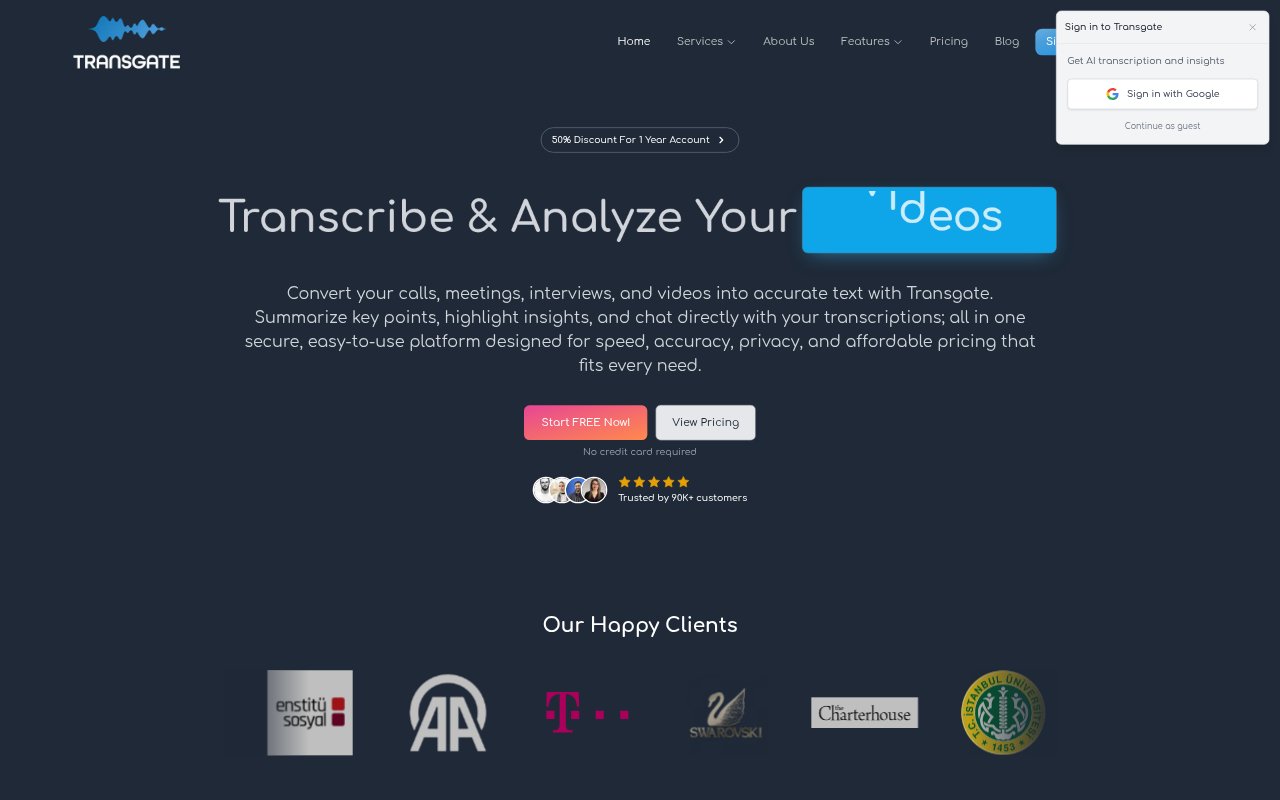
What is Transgate?
Transgate is a web-based tool for transcribing and translating audio and video, with additional tools for summarizing and exploring recordings. It is aimed at people and teams who work with meetings, interviews, lectures, calls, podcasts, and other recorded material, including researchers, businesses, educators, healthcare professionals, and legal teams. Users upload a file, choose a language or translation target, then review and export the results.
Transgate Features:
Audio And Video Transcription: Transgate converts uploaded recordings into text and supports more than 50 languages, with the service reporting accuracy above 98%.
Audio And Video Translation: Users can translate audio and video content into a selected target language, with hours usable for either transcription or translation on paid packages.
AI Summaries: The tool generates shareable summaries of recordings, including key points, decisions, and action items.
Smart Highlights: Automatic highlights surface important moments and takeaways from meetings, audio, and video.
Transcript Chat: Users can ask questions about transcripts to find information about speakers, topics, decisions, and next steps.
Editable Exports: Transcripts can be reviewed and edited before users export or share them in supported formats.
Speaker Identification: Research workflows can separate and label speakers, with the tool describing support for recordings with 10 or more participants.
Transgate Benefits:
Less Manual Work: Automated transcription reduces time spent typing out recordings, leaving more room for analysis, preparation, or other work.
Easier Follow-Up: Summaries and extracted action items help meeting participants see what needs attention after a conversation.
Faster Retrieval: Chatting with a transcript gives users another way to locate details without scrolling through a long document.
Flexible Spending: Pay-as-you-go hours suit occasional projects, while monthly packages provide set transcription or translation hours.
Clearer Attribution: Speaker labels help users connect statements to participants when reviewing interviews or group discussions.
Use Cases:
Meeting Follow-Up: Teams can turn recurring meetings, client calls, or board discussions into transcripts, summaries, and action items.
Research Interviews: Researchers can transcribe qualitative interviews and focus groups, then review participant statements during analysis.
Lecture Review: Students and educators can convert recorded lectures into text and use transcript chat to revisit topics.
Podcast Production: Podcast producers and content creators can create transcripts and highlights from audio or video recordings.
Legal Records: Law firms and legal departments can transcribe recorded conversations for review and reference.