

What is Uncensored AI API?
Uncensored AI API provides browser-based chat and an API for applications using uncensored and abliterated DeepSeek and GLM models. It is aimed at developers who want to connect an existing OpenAI-compatible client or build model access into a product. Accounts use prepaid credits, with model choice, token usage and charges available to review. The service also offers browser chat for trying models without first connecting an application.
Uncensored AI API Features:
Model Access: Choose from an approved catalog of uncensored and abliterated DeepSeek and GLM models for chat or API requests.
OpenAI-Compatible API: Connect an existing OpenAI client by changing its base URL, adding an API key and selecting an approved model ID.
Streaming and Tools: API requests support streaming chat completions and tool calling through the OpenAI-compatible endpoint.
Browser Chat: Chat with available models in a browser, with the option to save chat history in that browser.
Spending Controls: Use prepaid credits, set API key spending limits and restrict keys to an allowlist of models.
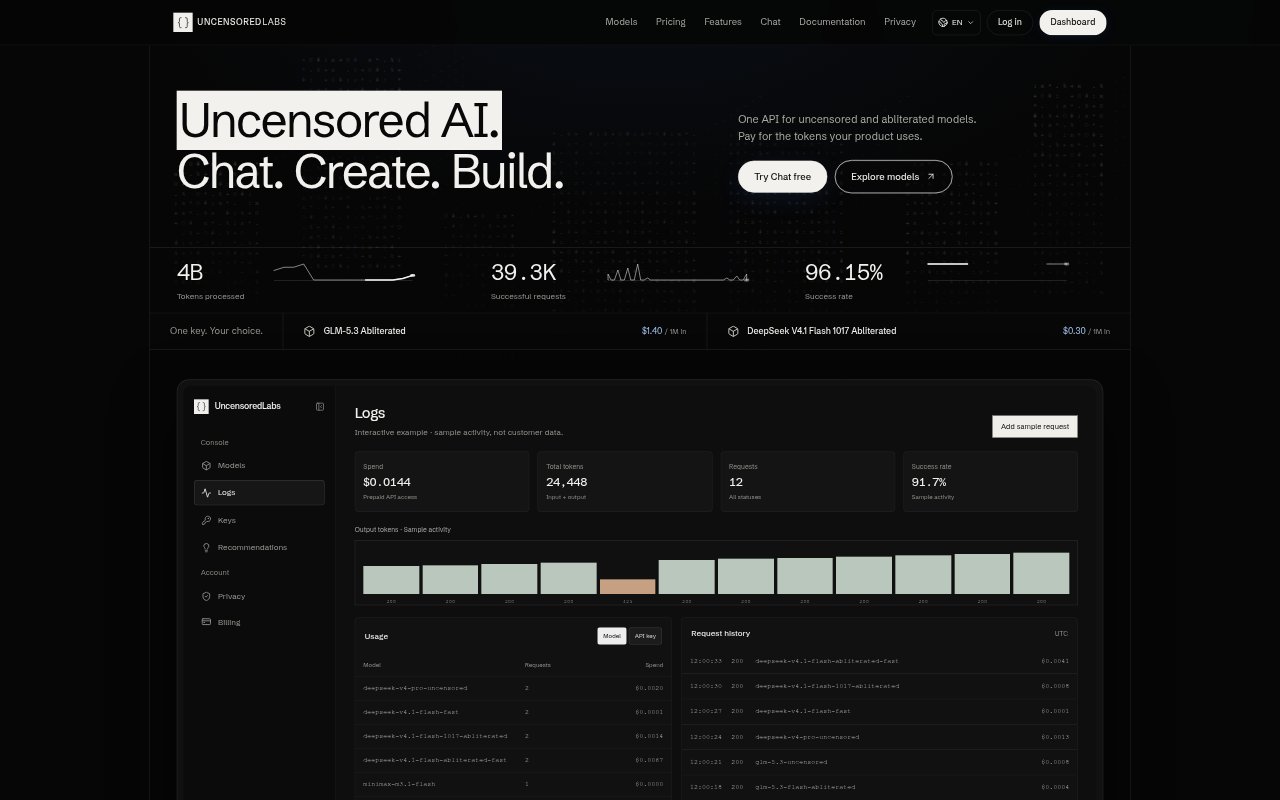
Request Accounting: Review usage and charges for each request, with prices snapshotted per request and final charges based on verified usage.
Uncensored AI API Benefits:
Budget Visibility: Request-level token and charge details make it easier to understand where API spending goes and keep it within a set limit.
No Auto-Renewal: One-time credit purchases and packages without automatic renewal help teams avoid an ongoing subscription commitment.
Flexible Model Choice: Published rates and model details let developers compare options before deciding which model fits their cost and context needs.
Less Client Rework: Keeping an OpenAI-compatible client means teams can try the service without replacing their existing SDK integration.
Content Privacy: Prompts and responses are not stored on the application servers or used for training, though the inference provider's retention policy still applies.
Use Cases:
Add Model Access: A developer can connect an existing application to uncensored or abliterated models by configuring its OpenAI client for the service.
Evaluate Models: A product team can compare model context details, capabilities and token rates before selecting an option for an application.
Prototype in Chat: A creator or developer can try prompts in browser chat before deciding whether to build the model into a product.
Security Research: Researchers can explore model behavior using security-research and model-evaluation prompts in chat or through the API.
Manage API Spend: A business can cap a key's spending and review request charges while testing or operating an application that uses model APIs.