

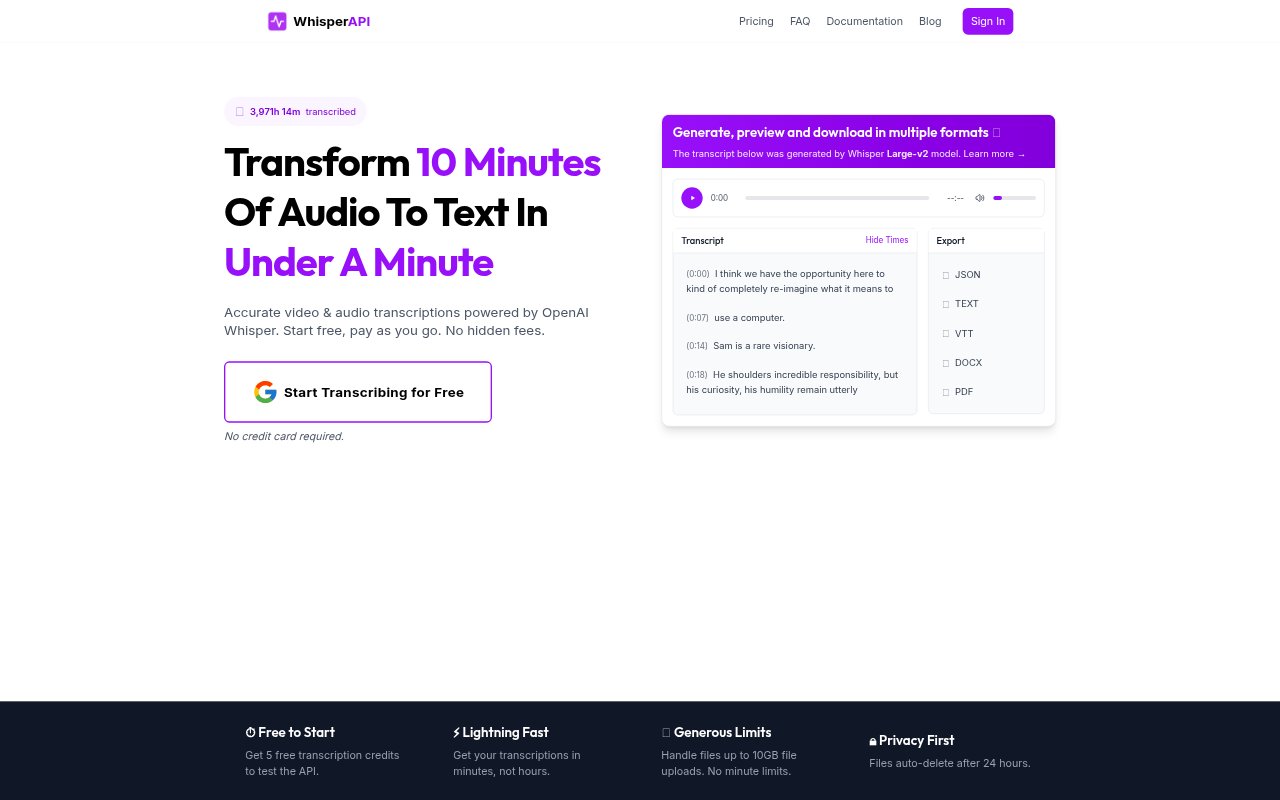
What is WhisperAPI?
WhisperAPI turns audio and video files into text using a self-hosted version of the Whisper speech recognition model. It serves both developers who want an API for a transcription pipeline and people who prefer to upload files in a browser dashboard. Users can choose between models with different speed and accuracy trade-offs, and the service supports more than 98 languages with automatic language detection. Transcriptions can be downloaded in multiple formats, and the service uses pay-as-you-go credits rather than a monthly subscription.
WhisperAPI Features:
Audio and Video: Transcribe audio and video through the same service, using common formats such as MP3, WAV, MP4 and M4A.
Large File Support: Pro subscribers can upload files up to 10GB, and the service places no limit on transcription duration.
Language Detection: The service automatically detects the spoken language and supports more than 98 languages, including English, Spanish, French, German, Chinese and Japanese.
Model Selection: Choose between Whisper model sizes, with smaller models favoring faster processing and larger models intended for greater accuracy.
API and Dashboard: Developers can use API endpoints, accept direct uploads or remote URLs, and adjust model parameters, while browser users can upload files through a drag-and-drop dashboard.
Transcript Handling: Track transcription progress in the dashboard, manage past transcripts in one place and download results in multiple formats.
File Retention: Uploaded audio and video files are automatically deleted after 24 hours, while transcript text remains in the account.
WhisperAPI Benefits:
Less Manual Work: Automated transcription turns spoken material into searchable text without requiring someone to type the recording word for word.
Faster Turnaround: Processing designed to return results in minutes can help teams move from recordings to usable text sooner.
Flexible Trade-Offs: Selecting a model size lets users balance processing speed against the accuracy they need for a particular recording.
Cost Visibility: The dashboard shows the credit cost before a transcription is confirmed, making it easier to assess usage before processing.
Flexible Spending: Credits do not expire and there is no monthly subscription, so users can purchase transcription capacity for occasional or ongoing needs.
Use Cases:
Interview Transcripts: Turn recorded interviews into text that reporters, researchers or content teams can review and search.
Video Captions Drafts: Create a text transcript from a video as a starting point for preparing captions or reviewing spoken content.
Multilingual Recordings: Transcribe audio in supported languages when the recording language is not known in advance, using automatic detection.
Production Pipelines: Add transcription to a developer workflow that accepts file uploads or remote audio and video URLs through the API.
Long Recordings: Process extended audio or video recordings without a duration limit, including larger files with a Pro subscription.