

What is Wiyomi?
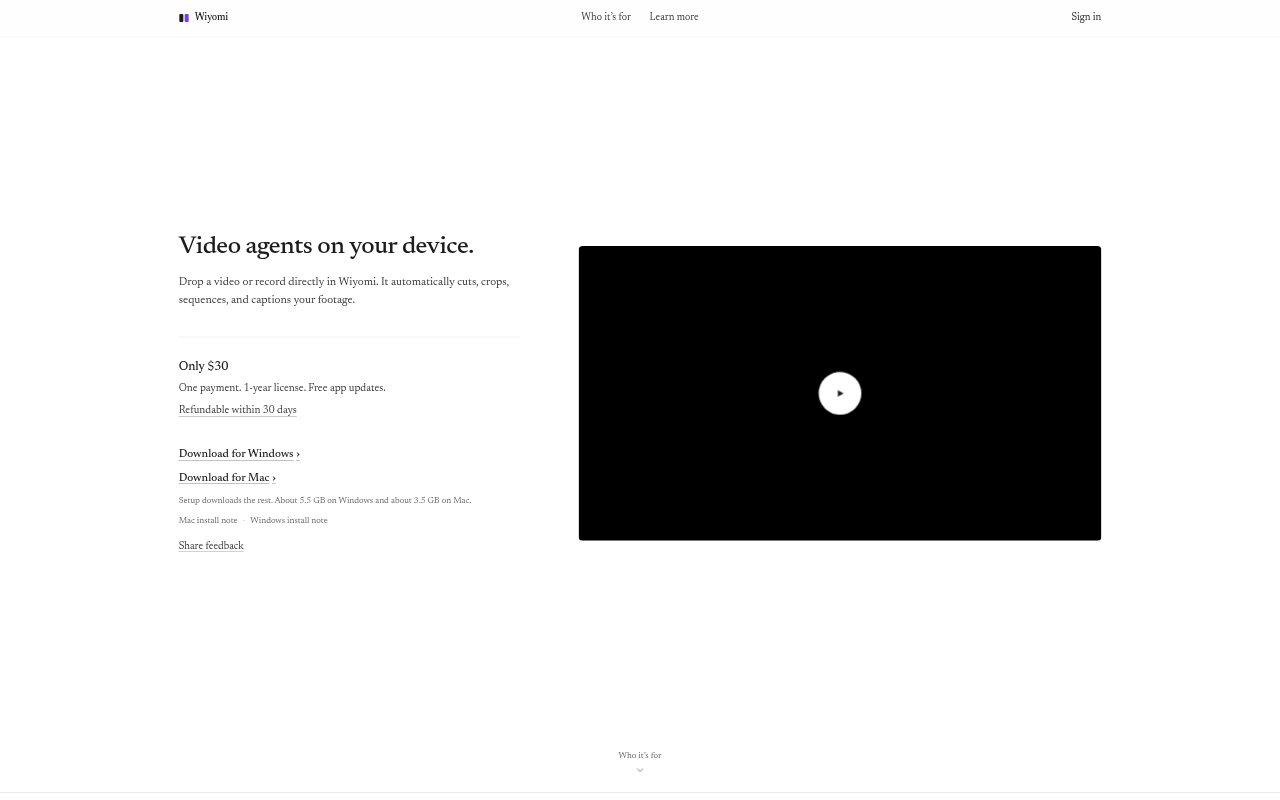
Wiyomi is an on-device video editing agent for people who need to turn recordings into ready-to-post clips. You can drop in existing footage or record in the app, then have it cut pauses, reframe around a speaker, and add captions. Its editing workflow also lets you adjust subtitles, framing, and caption appearance before exporting. The one-year license costs $30, includes free app updates, and comes with a one-month refund window.
Wiyomi Features:
Automatic Editing: Wiyomi cuts pauses from footage, crops and sequences the material, and adds captions in a single video-making step.
Video Reframing: Choose a frame for the intended posting destination, including vertical cuts suited to short-form publishing.
Speaker Tracking: Face tracking keeps the active speaker in frame, and you can switch to another face when the conversation changes speakers.
Subtitle Editing: Edit words in Studio while the timeline and preview stay synchronized, so you can check corrections against the clip.
Caption Styling: Change the appearance of captions after a cut is made, without running the video-making step again.
Export Controls: Set the output resolution, bitrate, and file format before saving the finished video.
Wiyomi Benefits:
Less Manual Trimming: Automatic pause removal reduces time spent scrubbing through a long recording to find and cut quiet gaps.
Quicker Social Clips: Turning a talk or demo into a vertical, captioned cut makes recorded material easier to prepare for short-form feeds.
Local Processing: On-device editing lets you work with footage without sending it through a cloud-based workflow.
Fewer Caption Steps: Captions are added during the initial cut, reducing the separate work needed to prepare a clip for review.
Easier Corrections: Synchronized subtitle edits and adjustable caption styles help polish wording and presentation without rebuilding the cut.
Use Cases:
Talk Repurposing: Turn a recorded talk into vertical clips with pauses removed, speaker framing applied, and captions ready for posting.
Demo Publishing: Prepare a product demonstration recording as a shorter, captioned video for sharing on a feed.
Interview Clips: Create clips from a conversation and switch the tracked face when the other interview participant begins speaking.
Solo Videos: Record directly in Wiyomi, then use face tracking and captions to prepare a face-to-camera video for publishing.
Backlog Editing: Work through unedited recordings stored on a drive by cutting dead air and shaping each video into a short clip.