

What is A2Flow?
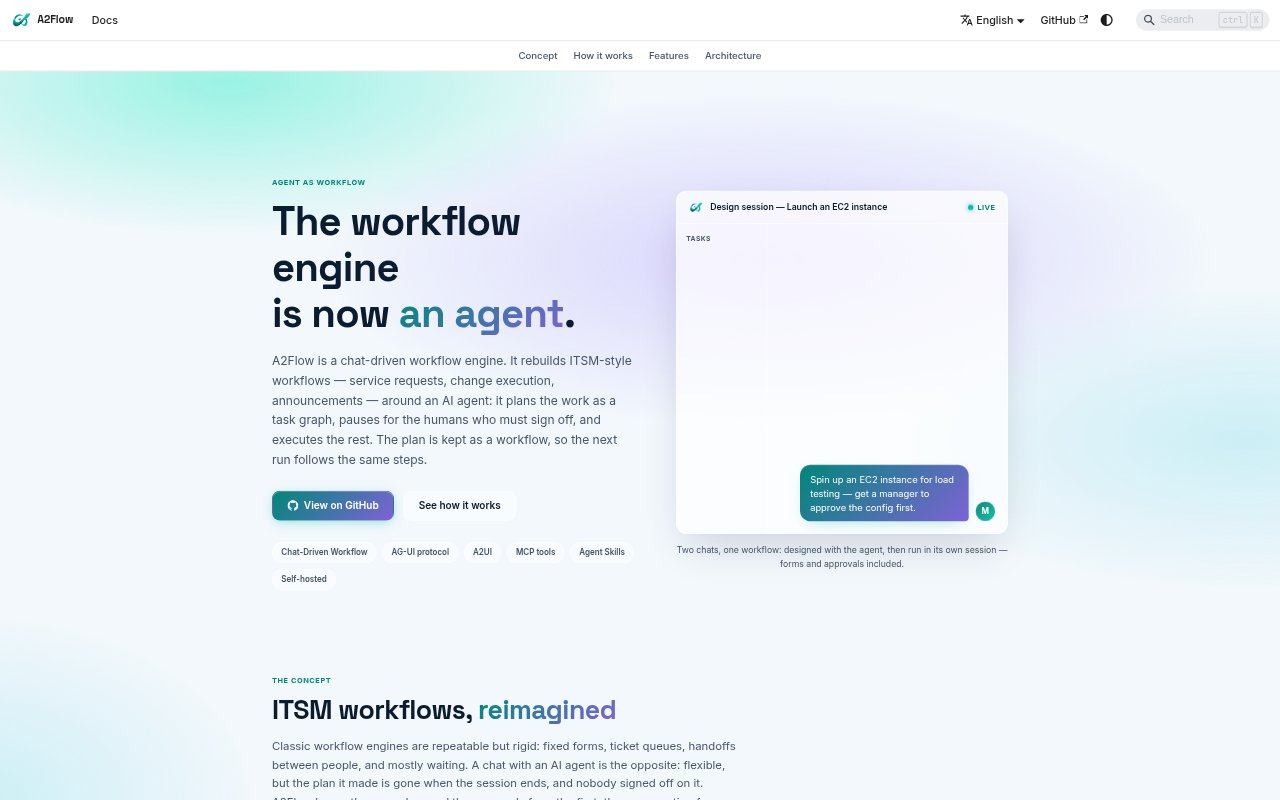
A2Flow is a chat-driven workflow engine for teams that want AI agents to handle repeatable operational procedures without removing human oversight. It turns a request and an Agent Skill into a task graph, then runs the published workflow in a shared conversation where applicants, approvers, and the agent can follow progress. The product is aimed at ITSM-style work such as service requests, change execution, and announcements.
A2Flow Features:
Task Graph Planning: In a design session, the agent reads an Agent Skill and turns a prompt into task templates with explicit dependencies, checking the graph for cycles.
Reusable Workflows: A published task graph becomes a workflow that can be run again, with dependencies enforced and progress shown in a sortable table or graph.
Approval Gates: A designated approver can approve, reject, or return a workflow design or a tool call that changes something, with the run pausing for a decision.
Task-Scoped Tools: The agent binds MCP tools to tasks during planning, and each task can call only its assigned tools when the workflow runs.
Chat Forms: The agent asks questions through forms and renders buttons and cards inside the workflow conversation, with user selections passed back into the run.
Approval Records: Approval records retain who made the decision, their comment, and when it happened, and can be browsed in the admin console.
Model Configuration: A2Flow uses Gemini by default and supports OpenAI and Anthropic models through LiteLLM, with provider selection controlled by an environment variable.
A2Flow Benefits:
Consistent Procedures: Teams can run the same approved sequence of steps across repeated requests instead of relying on an agent to recreate a plan in every new chat.
Human Oversight: People retain control over workflow publication and consequential tool calls, helping prevent an agent from proceeding without the required sign-off.
Shared Visibility: Applicants, approvers, and the agent can follow the work in one conversation, reducing the need to chase status across separate handoffs.
Clear Decisions: Recorded approver identities, comments, and timestamps make it easier to review who authorized a step and when.
Less Repeated Setup: Once a procedure is published, teams can reuse its task graph rather than repeatedly defining the same sequence from scratch.
Use Cases:
Service Requests: Set up a repeatable request process in which an applicant answers the agent’s questions, an approver signs off where needed, and tasks run in dependency order.
Change Execution: Coordinate a change procedure that pauses for an authorized person before a tool call makes a change, then continues through the remaining workflow steps.
Announcement Workflows: Turn an announcement procedure into a published workflow with defined tasks, human sign-off points, and progress visible to participants in chat.
Operational Approvals: Route a workflow that includes consequential tool calls to a designated approver who can decide in the conversation before execution proceeds.
Repeatable Team Tasks: Capture a team procedure as an Agent Skill and use its published task graph for subsequent runs that follow the same dependencies.