

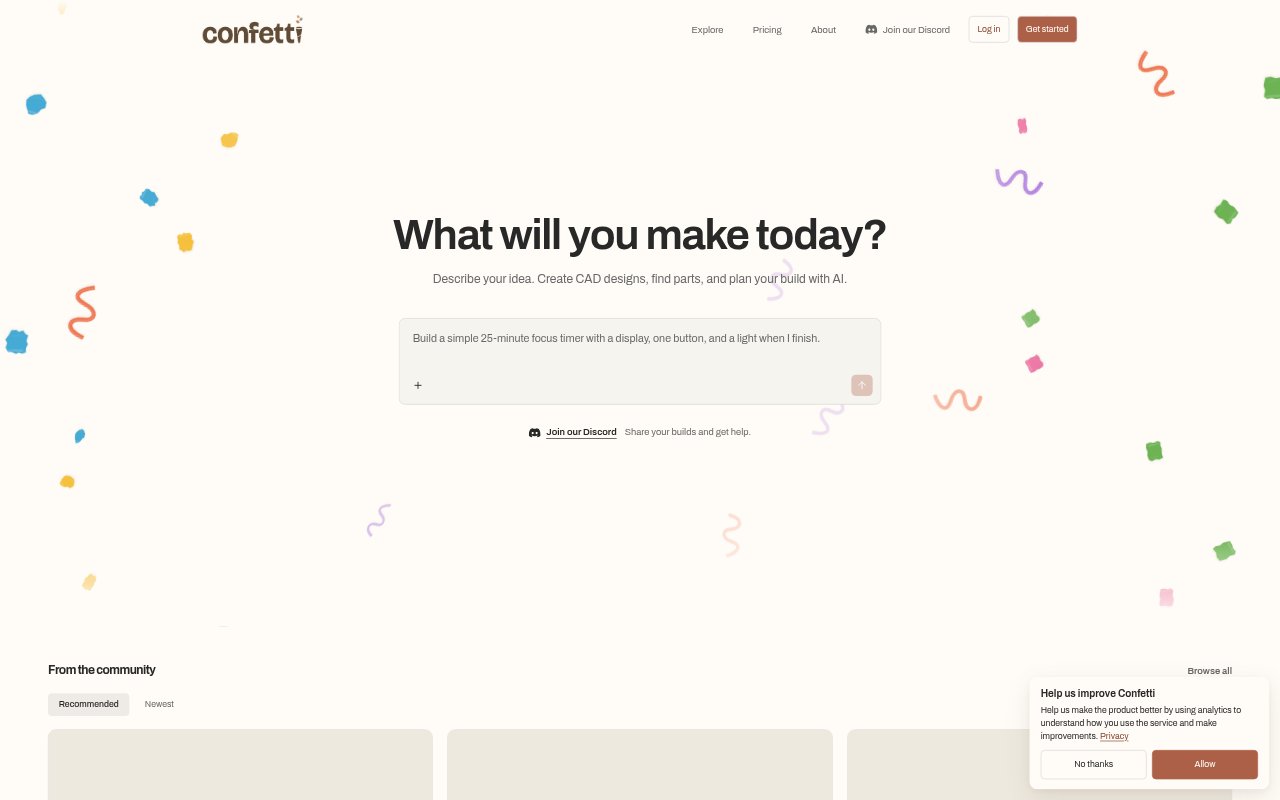
What is Confetti?
Confetti turns plain-English ideas for physical objects into CAD designs and materials for planning and making them. It is aimed at people who want to design items such as desk accessories, organizers, brackets, or electronics enclosures, whether they are starting from scratch or adapting a public project. Users can review the generated files, request changes, and receive project-specific build materials, with formats and services depending on the design.
Confetti Features:
Plain-English Design: Describe an object, its dimensions, how it should work, and any parts it must fit, then Confetti creates a proposed design.
Project Briefs: Confetti can ask follow-up questions and prepare a build brief for approval before starting construction of the design.
Reference Inputs: Attach images and files to give the project additional context alongside the written description and requirements.
Versioned Revisions: Request design changes in the workspace, then review saved versions, restore earlier work, and download the project files.
Fabrication Deliverables: Depending on the project, downloads can include STEP or STL files, editable CAD source, parts plans, and build instructions.
Parts and Printing: For supported projects, Confetti can provide printing quotes and ordering options, while some components use separate seller checkouts.
Project Sharing: Keep signed-in projects and delivered files private by default, or publish a design for the community to browse and remix.
Confetti Benefits:
Lower CAD Barrier: People can begin shaping a physical product from a written idea instead of needing to start by drawing every component themselves.
Clearer Requirements: Reviewing a proposed brief before construction gives users a chance to confirm key dimensions, functions, and parts before design work proceeds.
Manageable Iteration: Saved versions make it easier to compare revisions and return to an earlier design when a change does not suit the project.
Build Preparation: Having design files, parts information, and assembly guidance together can help users move from a digital concept toward a physical build.
Spending Control: AI design work uses credits, and there are no automatic overage charges, so users can choose whether to wait or purchase more credits.
Use Cases:
Desk Accessories: Create a desk item around a particular footprint or a feature that suits the way a home or office workspace is arranged.
Custom Organizers: Design an organizer sized for particular objects, storage spaces, or components that need to be kept together.
Mounting Brackets: Plan a bracket around the objects and dimensions it needs to connect, then inspect the resulting CAD files before fabrication.
Electronics Enclosures: Develop a housing for an electronics project, specifying the parts it needs to fit and checking which deliverables the project includes.
Remix Public Designs: Browse a public project as a starting point, adapt it to new dimensions or requirements, and review the saved design versions.