

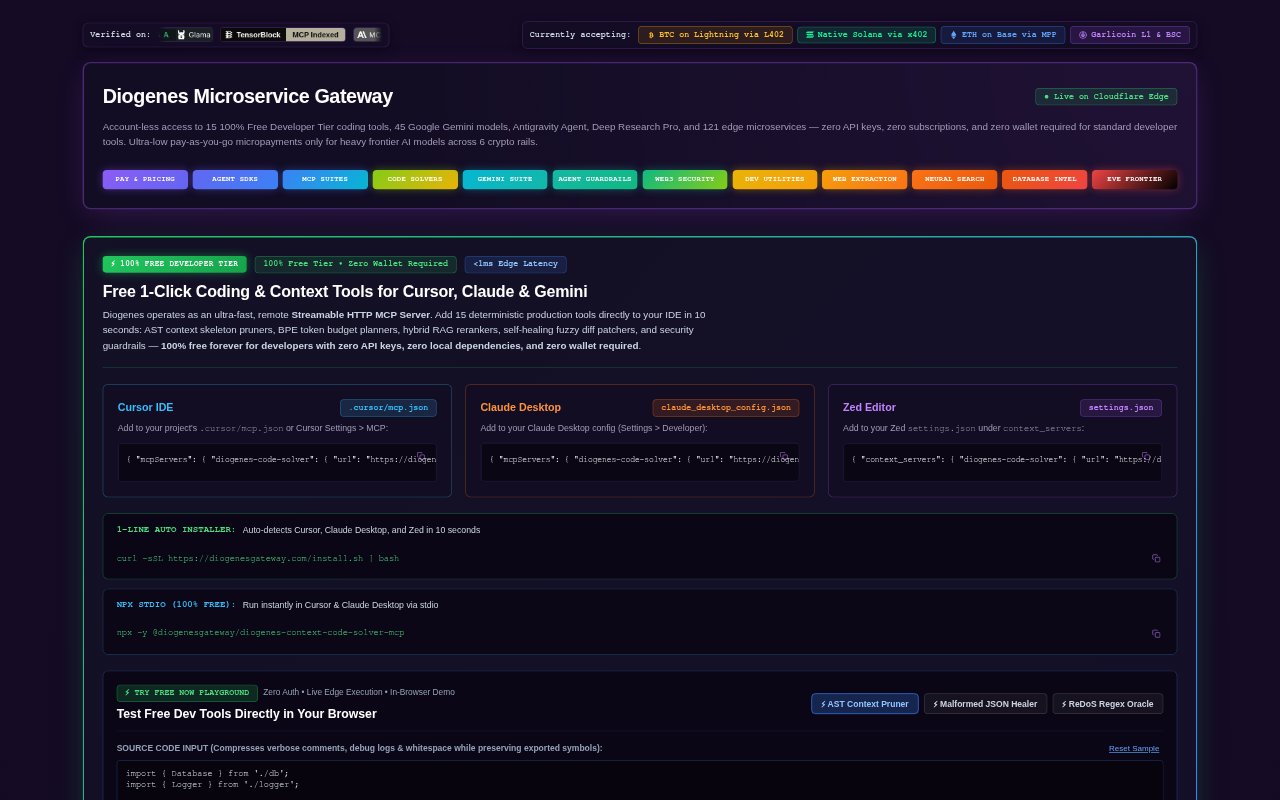
What is Diogenes?
Diogenes is a remote MCP gateway that connects AI assistants and development tools to a collection of coding utilities, AI models, agents, and domain-specific microservices. Developers can connect through clients such as Cursor, Claude Desktop, Zed, Windsurf, or Antigravity, choosing a focused package or the full gateway. Standard developer tools are available without an API key or wallet, while some frontier AI requests use pay-per-request micropayments.
Diogenes Features:
Scoped MCP Packages: The gateway offers nine modular packages with 12 to 15 tools each, covering areas including coding, agent security, research, databases, web extraction, and Web3.
Developer Utilities: Its free developer tools include AST context pruning, token budget planning, hybrid search reranking, fuzzy diff patching, dependency analysis, and stack-trace diagnosis.
Gemini and Agents: A dedicated package provides account-less access to 45 Google Gemini models and agents or tools including Deep Research Pro, Computer Use, Nano Banana Pro, Veo, and Lyria.
Agent Guardrails: Security tools include command-injection checks, SQL validation, a Python sandbox, MCP manifest audits, PII redaction, SSRF protection, and output screening.
Research and Web Tools: Research tools support neural search, grounded research dossiers, claim verification, citation generation, and source ranking, while web tools extract readable articles, metadata, tables, and links.
Payment Options: Production requests can use Lightning, Solana, Base, Garlicoin, or prepaid GRLC session credit, and the gateway offers demo testing for its microservices.
Diogenes Benefits:
Smaller Context: Connecting only the package relevant to a task helps keep unrelated tools out of an assistant’s context.
Lower Setup Burden: Developers can try standard coding tools without first creating API credentials, installing local dependencies, or setting up a wallet.
More Controlled Spending: Pay-per-request access lets teams use paid frontier models without committing to a recurring subscription.
Fewer Manual Checks: Built-in validation and security checks can catch common code, data, or agent risks before they reach later steps in a workflow.
Easier Tool Selection: A range of focused packages makes it easier to match an assistant’s connected tools to the work at hand.
Use Cases:
IDE Code Assistance: Use context pruning, token planning, symbol analysis, and patching tools while working on a codebase in a supported MCP client.
Agent Security Review: Add checks for command injection, unsafe SQL, exposed personal information, or suspicious outbound requests to an agent workflow.
Grounded Research: Compile a research dossier, verify factual claims, rank sources, and produce citations when preparing a brief or background report.
Web Content Extraction: Turn pages into readable text, retrieve structured metadata, or convert HTML tables into usable data for a research task.
Database Work: Draft SQL from natural-language requests, inspect query plans, compare schema changes, or check queries for injection risks.