

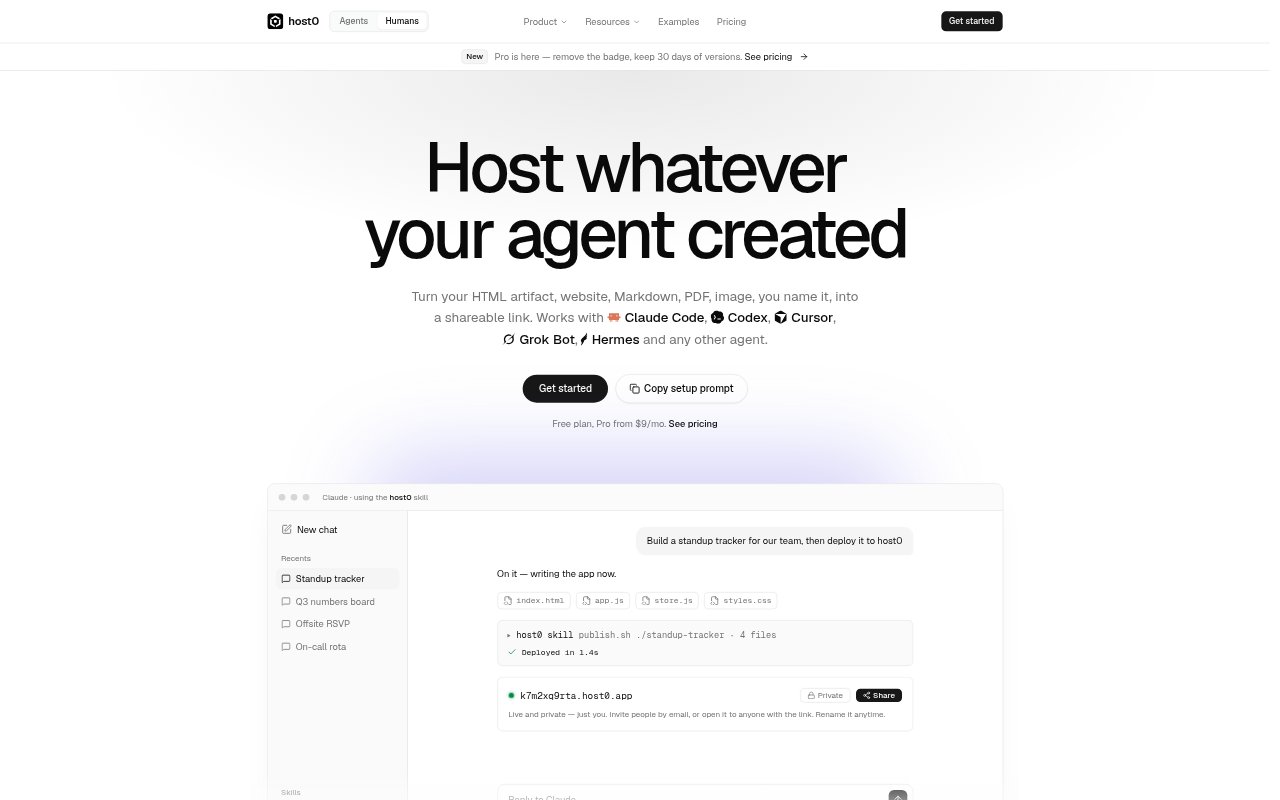
What is host0?
host0 hosts pages, websites, team apps and files created by AI agents, turning them into shareable links. It works with agents such as Claude Code, Codex and Cursor through a deploy skill, and can also be used directly in a browser to publish a file. The service is for people who want to put an agent-built project online without setting up a repository or build pipeline, as well as anyone who needs a link for a file.
host0 Features:
Agent Deployment: Install the host0 skill so an agent can publish a project from a conversation, after you approve sign-in through a browser link.
File Hosting: Publish HTML, websites, Markdown, PDFs, images and video as links, with a file or folder becoming a URL.
Access Controls: Keep an app private, invite people by email, share it with anyone who has the link, or make it public on the web.
Shared Database: Declare collections in h0.json so people with access to an app can read and write the same records.
Visit Analytics: Pro and Team plans show visitors, page views, referrers and countries without cookies or an analytics script.
Version History: Pro and Team plans keep 30 days of publish history, letting you restore an earlier version without changing shared data.
host0 Benefits:
Less Setup: People can share an agent-built project without taking on a separate repository, build pipeline or hosting configuration.
Controlled Access: A project can stay limited to its creator while it is being prepared, then be opened to a chosen audience.
Quick Sharing: A link gives teammates or outside viewers a direct way to reach a project without requiring them to join a workspace.
Clearer Reach: Visit details help publishers understand whether people are opening their apps and which pages or sources bring them there.
Safer Changes: Earlier publishes provide a way to recover from an unwanted update while preserving the data people have added.
Use Cases:
Team Trackers: Ask an agent to make a standup tracker, sprint board or on-call rota, then share it with the people who need to use it.
Client Preview: Publish a website or app for a client to review through a private link before making it public on the web.
Document Sharing: Turn a PDF, Markdown file or image into a link when recipients need to view it in a browser.
Internal Tools: Build a lightweight team app, such as an RSVP form or shared status board, with records accessible to its invited users.
Public Projects: Put an agent-created page or site on the web when it needs to be publicly accessible and discoverable by search engines.