
What is Kilasec?
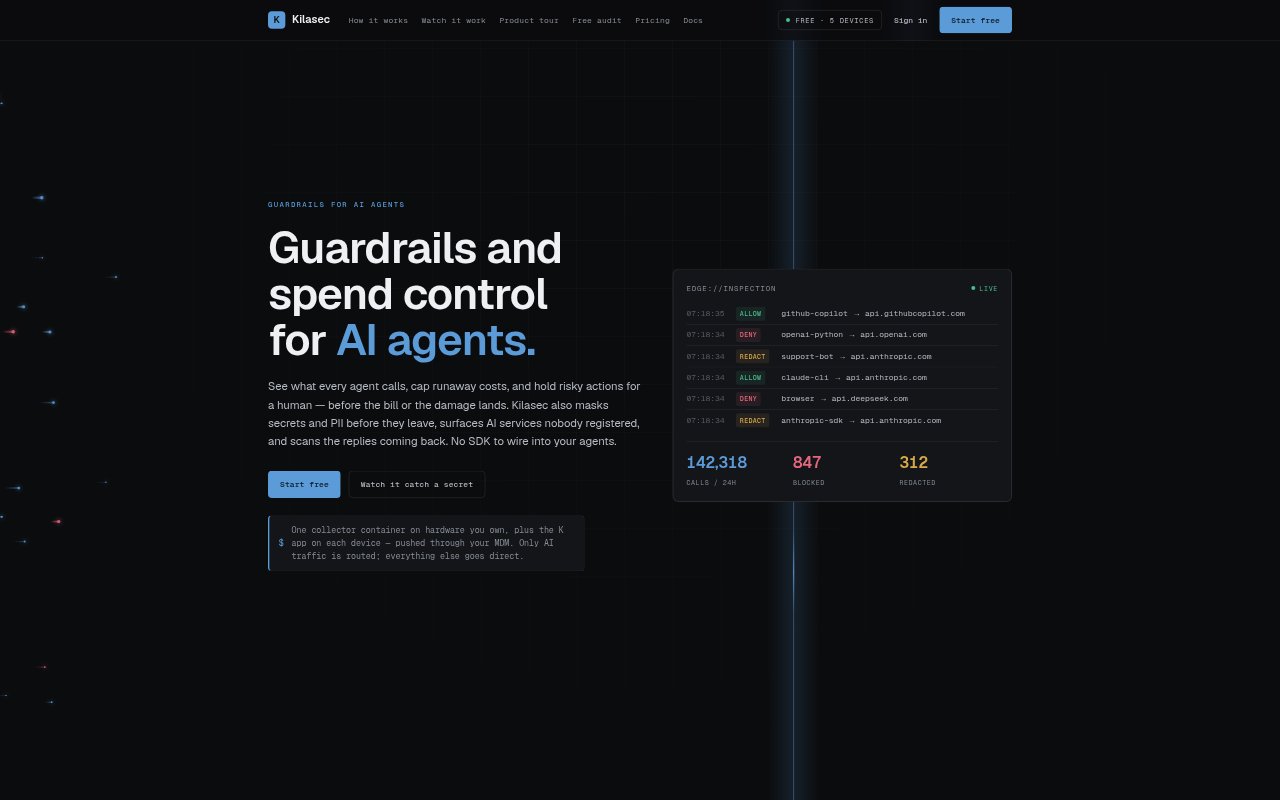
Kilasec is a network-layer control point for organizations using AI agents and model services. Its device app routes AI traffic to a collector running on hardware the organization owns, where policies can inspect requests and replies. Administrators can allow, block, mask, hold or cap spend on calls, while a console records decisions without receiving prompt or reply content. It is designed for teams that want visibility and controls without adding an SDK to their agents.
Kilasec Features:
Inline Traffic Policies: The collector inspects AI requests and applies allow, mask, block, human-review or spend-cap policies before sending a verdict.
AI Service Discovery: Kilasec classifies calls to OpenAI, Anthropic, Copilot, Gemini, Bedrock, Ollama and more than 30 other endpoints, including unnamed services.
Data and Reply Scanning: It masks secrets, credentials, customer PII and card numbers in outgoing requests, then checks model replies for dangerous commands and package-install suggestions.
User Identity Mapping: Requests can be associated with users and directory groups using Active Directory sync, domain-controller mapping or CSV, so policies can target groups.
Local Content Processing: Prompts and replies stay on the organization's network, request bodies are not written to disk, and the cloud receives redacted decision details.
Audit History: Administrators can review and export blocked requests and admin changes, with 30 days of event history on Free and up to seven years on paid plans.
Device Deployment: The K app routes only AI calls, supports zero-touch macOS deployment through MDM, and installs with enrollment on Windows.
Kilasec Benefits:
Lower Exposure: Sensitive information can be stopped or masked before it reaches an AI provider, while reply checks help catch risky content returning to the network.
More Predictable Spend: Spend caps and human review for selected calls can prevent unattended agent activity from continuing without an operator's approval.
Clearer Oversight: A record of decisions, destinations, users and costs helps administrators understand how AI is being used without sending conversation content to the cloud.
Fewer Agent Changes: Because enforcement sits between devices and model APIs, teams can add controls without rewriting agents or wiring an SDK into each one.
Consistent Controls: Group-based policies and routing that follows users off-network make it easier to apply the same rules across teams and locations.
Use Cases:
Protect Engineering Prompts: An engineering team can mask an access key pasted into a coding assistant prompt before the credential leaves its network.
Handle Support Transcripts: A support organization can prevent customer SSNs and card numbers in transcripts from being sent in requests to an AI agent.
Control Evaluation Loops: A QA team can cap model spend or require approval when an evaluation agent repeatedly runs tests against a costly model.
Review Coding Replies: Security staff can hold a coding-agent reply that suggests a suspicious package install or contains a dangerous shell command.
Find Unregistered AI: IT teams can inspect existing DNS, proxy or packet-capture logs to identify AI services people are using without registration.